

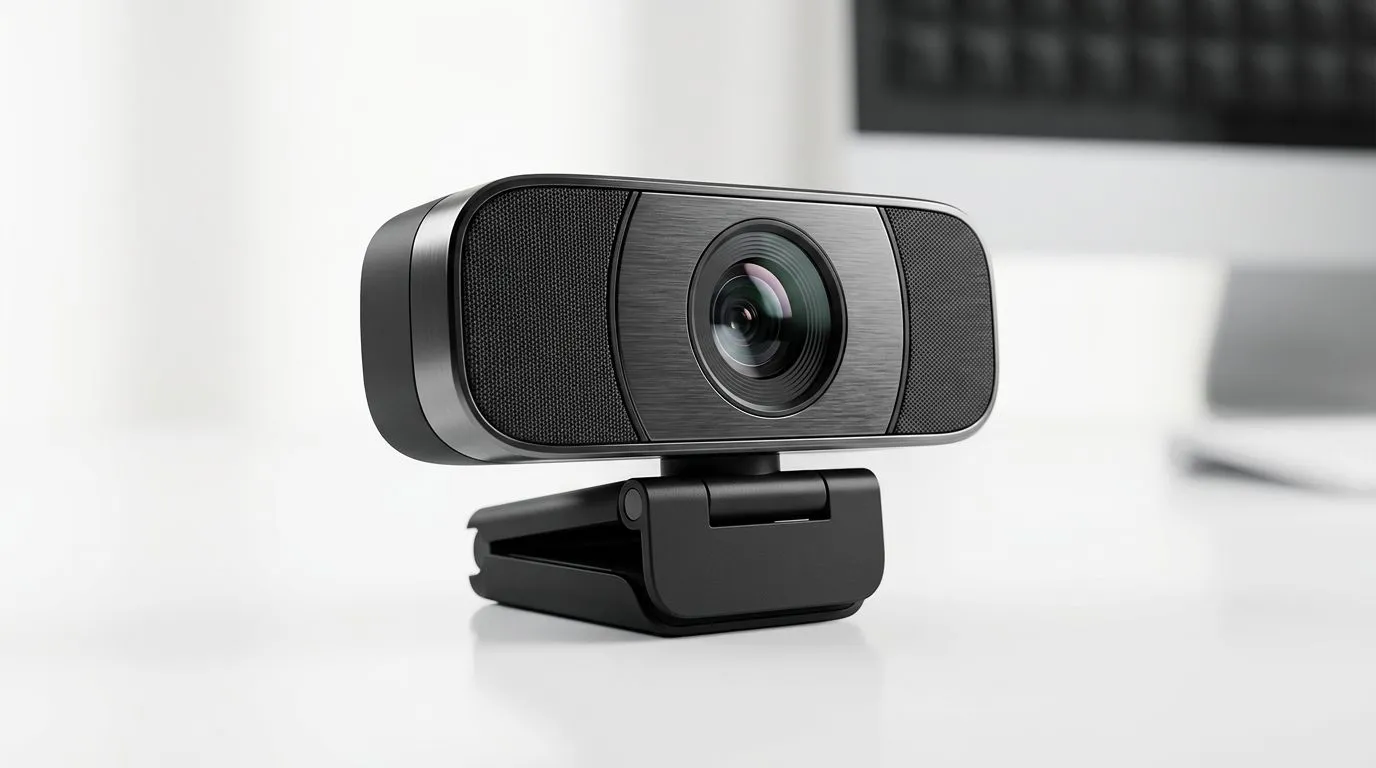
Webcam Dual Noise-Reducing Mics vs. Dedicated Microphone for Streaming: Which Sounds Better?
If your mates can hear you but you still sound “muted”... you’re not alone. In SA, loadshedding, noisy streets, and cheap headsets all team up to wreck stream audio. The good news? You don’t need a broadcast studio to sound crisp. The real question is whether a webcam with dual noise-reducing mics is enough... or if a dedicated microphone will unlock that clean, confident voice your audience actually stays for. 🎧✨
In this Deep Dives guide, we’ll compare both options, then help you pick what fits your budget, room noise, and streaming goals.
Webcam Dual Noise-Reducing Mics: Pros, Limits, and What to Listen For 🎥
Webcams with dual noise-reducing microphones can be great for “get started fast” streaming. When the mic picks up your voice clearly, background noise gets reduced enough that casual viewers don’t feel like they’re listening through a tin can.
But here’s the limitation: most built-in webcam mics are designed for a typical desk setup. If your room is loud, you’re too far from the webcam, or you’re speaking from an angle, the noise reduction can’t magically invent a perfect signal. You often end up with audio that’s:
- quieter overall (voice gets dull)
- a bit “swishy” (background noise reduction artefacts)
- less consistent across distance
Quick checks before you buy
Before you commit, scan the product details and reviews for things like mic description, clarity notes, and whether the webcam is marketed for “streaming” or “video calling” only. If the spec sheet feels vague, trust your ears once you test it.
You can also browse Evetech webcam options here:
If you want to keep it budget-friendly, filter by price:
- https://www.evetech.co.za/PC-Components/buy-webcams-145.aspx?max-price=1000
- https://www.evetech.co.za/PC-Components/buy-webcams-145.aspx?max-price=2000
When dual mics are enough
Dual noise-reducing webcam mics are usually a solid match when:
- you’re close to the camera (roughly 20 to 40 cm)
- your room noise is moderate
- you stream casually and don’t need studio-level consistency
And if you’re upgrading from a laptop mic... any decent webcam will feel like a win.
Dedicated Microphone for Streaming: Why It Usually Wins 🎙️⚡
A dedicated microphone focuses on one job: capturing your voice cleanly. Unlike a webcam, it’s not sharing space with a tiny sensor, an auto-focus assembly, and a general video-calling mic design.
That means you typically get:
- better voice pickup (especially at stable distances)
- more consistent sound across games, Discord, and switching scenes
- options for directionality (so less room noise leaks in)
If you’re serious about streaming or you’ve ever had someone say “your voice is gone again”… a dedicated mic is the more reliable route.
You can explore webcam options too, but for higher-end webcam bundles:
Now, that doesn’t mean webcam mics are “bad”. It means mic performance is more predictable with a dedicated device.
What to prioritise (so you don’t waste money)
Instead of hunting for “the loudest mic”, aim for intelligibility:
- Distance consistency: Put the mic where it stays the same every time.
- Background control: Reduce noise where possible (fan direction, window placement).
- Settings sanity: Don’t rely on maximum noise reduction only.
Productivity Pro Tip ✨
A simple upgrade for better audio is to treat your setup like a sound booth without buying new furniture. Move your mic (or webcam) closer to your mouth, face towards it, and angle it slightly down so it captures your voice instead of room noise. Even with webcam dual noise-reducing mics, this one change often improves clarity more than cranking up software filters.
How to Choose in South Africa: Budget, Room Noise, and Your Stream Style 🇿🇦
Let’s translate this into a practical decision.
Choose a webcam dual-mic if…
- you want to go live quickly
- you’re streaming in a quieter room
- you’re mostly on voice during chill gameplay, ranked, or co-op
- your budget is tight and you’d rather spend on a better GPU or monitor
Choose a dedicated microphone if…
- your room has background noise (TV, neighbours, street noise)
- you stream often, and consistency matters
- you run longer sessions where small issues get noticed
- you want to sound professional without constantly fiddling with settings
The “middle path” strategy
If you’re not ready for a full mic setup yet, start with the webcam. Test audio for a full session, then upgrade based on what you actually hear. That beats buying blindly.
And if you do upgrade, don’t forget that your best results come from both hardware and placement. Software can help, but it can’t fully fix a bad distance or a noisy room.
Final Take: Webcam dual noise-reducing mics vs. dedicated microphones 🎧
Webcam Dual Noise-Reducing Mics vs. Dedicated Microphone for Streaming comes down to predictability. Dual webcam mics are excellent for starting and for simpler setups. A dedicated microphone is the safer long-term investment when your environment is messy or your stream needs consistent clarity.
If you’re choosing today, be honest about your room noise. If it’s distracting, you’ll hear it in your stream… and your viewers will notice faster than you think.
Ready to Find Your Perfect Match? The Mac vs Windows debate is complex, but for maximum power, choice, and value in South Africa, Windows is hard to beat. Explore our massive range of laptop specials and find the perfect machine to conquer your world.











