

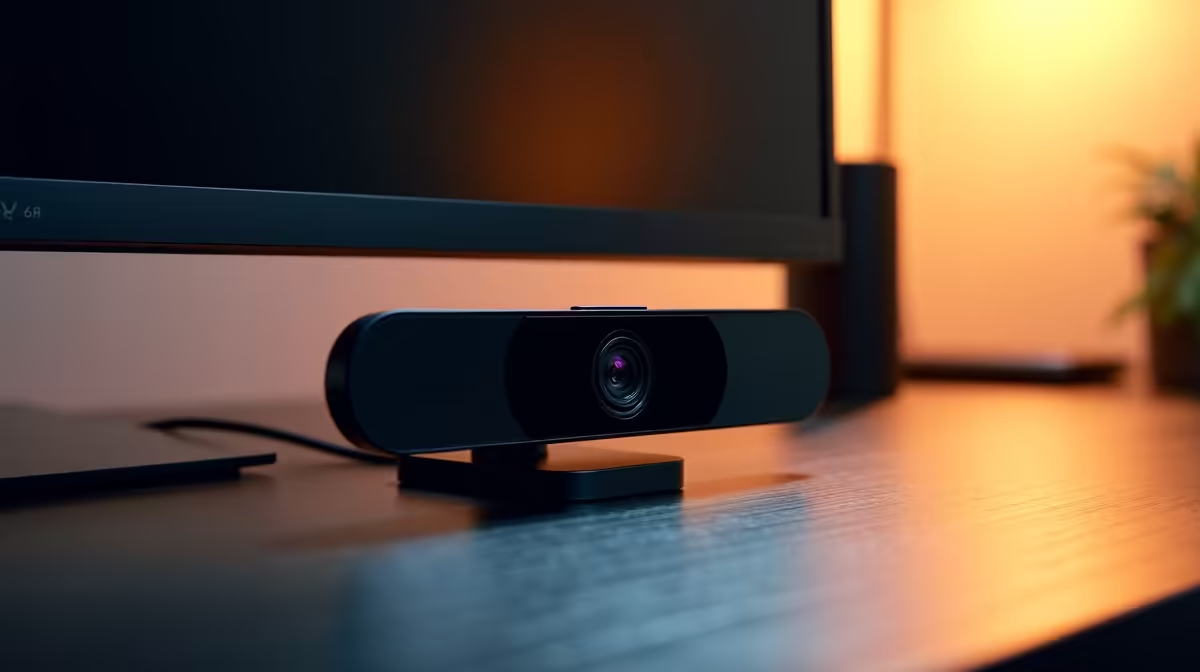
That little piece of tape over your webcam… we’ve all been there. In today's world of hybrid work, video calls are constant, but so is that nagging feeling about privacy. 👀 What if there was a cleaner, more professional solution? Finding the best webcam privacy shutter for office screens in South Africa is simpler than you think, and the answer might just be built into your next upgrade.
Why a Simple Shutter Isn't the Full Picture
Stick-on webcam covers are a quick fix, but they come with drawbacks. They can look unprofessional, leave sticky residue on your screen, and sometimes even damage the bezel. More importantly, they only block video. Your microphone is still active, leaving you partially exposed.
Instead of patching an old setup, modern solutions integrate privacy from the ground up. The best approach is often found in the design of modern PC monitors themselves, offering a seamless and secure experience.
The All-in-One Answer: Monitors with Built-in Privacy 🛡️
The ultimate webcam privacy shutter is one you can't lose or forget to use… because it's part of the monitor. Many new office and productivity screens feature integrated pop-up webcams. When you don't need it, the camera physically retracts into the monitor's frame, completely disconnecting it. No software hack can turn it on.
This feature provides a few key benefits:
- Total Peace of Mind: A physical disconnection is the only 100% guarantee that you're not on camera.
- A Cleaner Desk: Fewer cables and peripherals mean a more organised, minimalist workspace.
- Guaranteed Quality: The built-in camera is designed to work perfectly with the screen, ensuring crisp video for your Teams or Zoom calls.
You'll find these elegant solutions across a wide range of displays, from sleek curved monitors that enhance immersion to high-performance displays. In fact, due to the rise of streaming, you can even find this feature on some of our gaming monitors.
Pro Tip: Check for Windows Hello
Many integrated webcams also support Windows Hello facial recognition. This allows you to log in to your PC instantly and securely just by sitting in front of it. It’s a massive convenience and security boost in one!
What to Look For in a Privacy-First Monitor
When you're ready to upgrade, keep an eye out for more than just the camera. The goal is to find a complete package that optimises your entire workflow.
Key Features for a Secure Office Screen:
- Pop-Up Webcam: This is non-negotiable for true hardware-level privacy.
- Screen Resolution: Don't settle for a grainy webcam feed. Look for monitors that deliver excellent visuals, like these crystal-clear 4K monitors, which make every detail sharp for both work and play.
- Portability and Flexibility: For professionals on the move in South Africa, privacy is paramount. Compact portable monitors with these features ensure your mobile office is as secure as your main one. ✨
Thinking about the whole ecosystem, from the screen to the peripherals, is key. You can further enhance your setup with other useful monitor accessories like monitor arms for better ergonomics or screen cleaning kits to keep your view pristine.
Ready to ditch the tape for good and embrace a smarter, more secure way to work? 🚀
Upgrade Your Workspace and Your Peace of Mind A monitor with a built-in privacy webcam is the cleanest, most secure solution for any professional. Explore Evetech's best PC monitor deals and find the perfect screen to protect your privacy and boost your productivity.











