

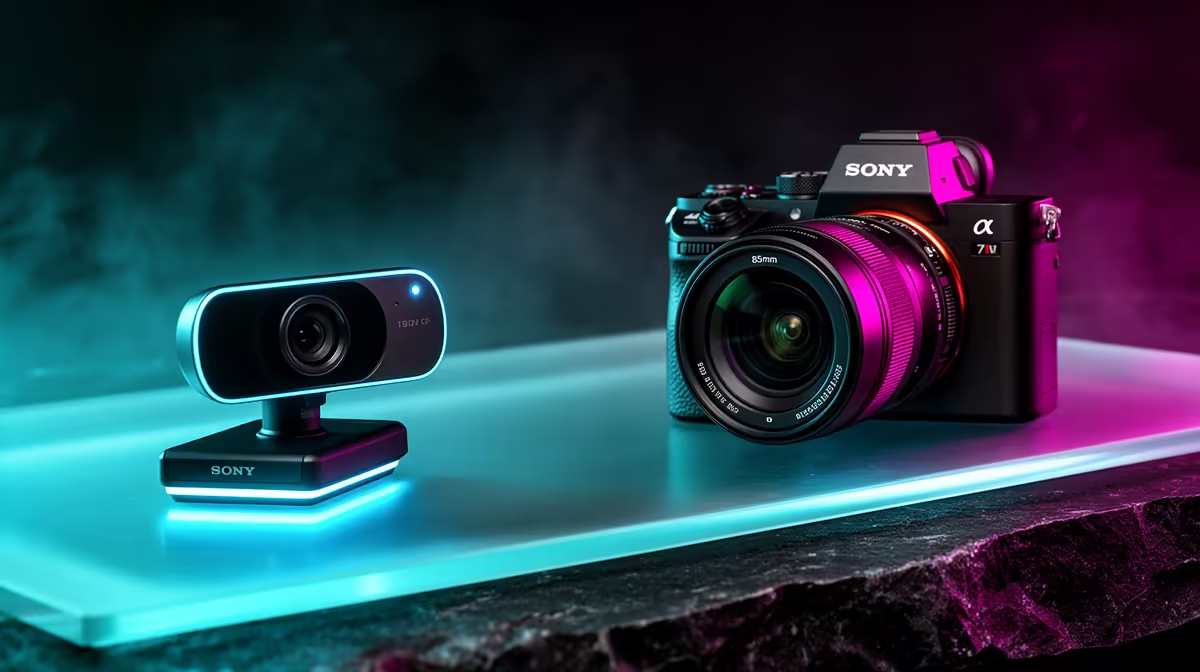
Is your stream looking a bit... loadshedding-chic? We've all been there. The sun goes down, the room gets dim, and suddenly your face on Discord or Twitch looks like a grainy potato. You deserve better, and so do your viewers. The secret isn't just cranking up the brightness. It's about finding webcams that shine in low light, turning your murky gameplay cave into a professional-looking studio. Let's fix that. 🎥
Why Most Webcams Struggle in the Dark
Ever wondered why your expensive smartphone takes brilliant night photos, but your webcam gives up the ghost? It comes down to two things: hardware and software. Most standard webcams have tiny image sensors and lenses that physically can't gather enough light. When light is scarce, the camera's software tries to compensate by digitally boosting the signal, which creates that ugly, grainy "noise."
A dedicated low light webcam is built differently. It uses a larger sensor and a "faster" lens (meaning a lower aperture number, like f/2.0) to capture more natural light. This means less digital guesswork and a much cleaner, clearer picture of you, even during a midnight raid or late-night study session.
Finding a Webcam That Shines in Low Light
When you're browsing for an upgrade, the spec sheet can be confusing. Megapixels aren't the whole story. Instead, look for these key features that signal superior webcam performance in low light:
Key Features to Look For:
- Large Sensor Size: Often listed in inches (e.g., 1/2.8-inch). Bigger is always better for collecting light.
- Low Aperture (f-stop): Look for a number like f/2.0 or lower. This lets more light hit the sensor.
- Glass Lens: A high-quality glass lens provides better clarity and light transmission than a plastic one.
- HDR (High Dynamic Range): This feature helps balance the bright parts of your screen with the shadows on your face, preventing you from looking like a silhouette.
Many modern streaming cameras from top-tier brands are specifically designed to tackle these challenges. Investing in quality gear from brands like CORSAIR can make a massive difference to your video quality right out of the box.
Quick Lighting Hack 💡
Position your main light source (a lamp or monitor) slightly above your eyeline and off to one side. This is called a "key light," and it creates flattering, soft shadows instead of the harsh "interrogation room" look you get from an overhead ceiling light.
Pro Tip: Your Lighting is Half the Battle
Even the best webcam for dark rooms needs some light to work with. You don't need a full Hollywood setup, but a little strategic lighting goes a long, long way. A simple ring light or a couple of adjustable LED panels can completely transform your video quality for a surprisingly low cost.
The goal is to light yourself, not the room behind you. This creates separation and helps your webcam's autofocus lock onto you. Smart lighting options, like those from Cololight, can even add a splash of dynamic colour to your background, making your stream look polished and professional. A good lighting setup is one of the most impactful upgrades you can make.
You can find a fantastic selection of streaming essentials under R6000, including lights and webcams that will get the job done beautifully.
Ready to Banish the Grain for Good? Stop letting bad lighting hold your stream back. A great webcam is the cornerstone of a professional setup, ensuring you always look your best. Explore our full range of streaming essentials and show your audience the quality they deserve.











