

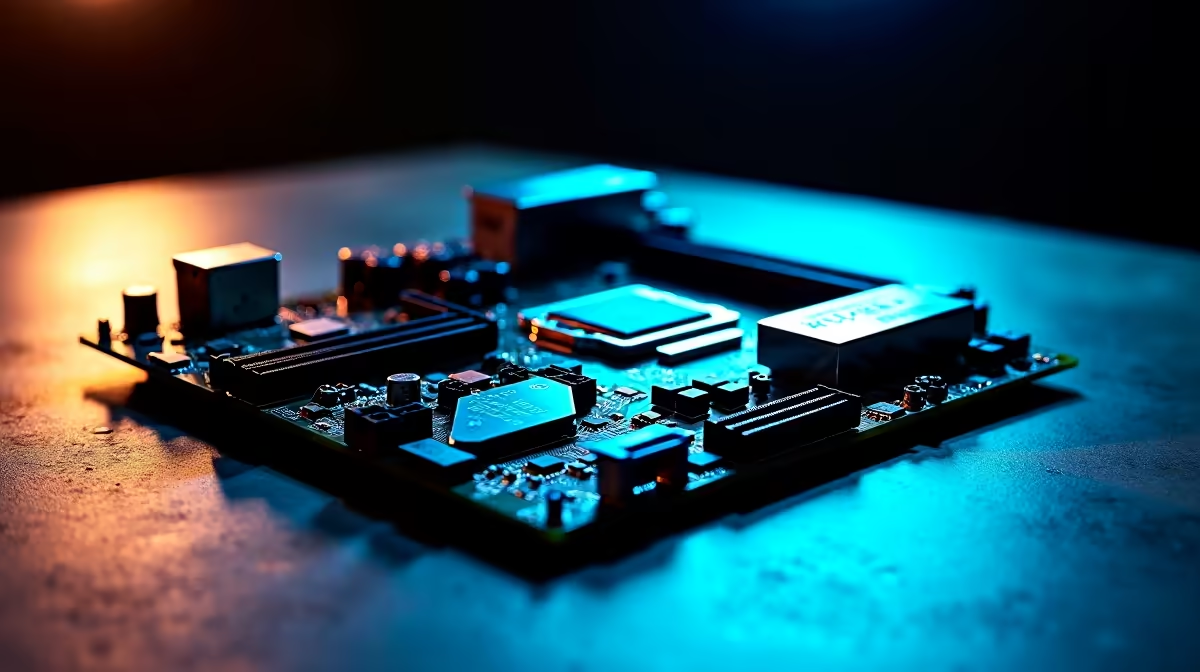
Load shedding might kill your lights... but a weak motherboard will kill your ranked match. When building a new rig, many South African gamers obsess over graphics cards. They completely ignore the board. Then they wonder why their system crashes under load. Let us decode the jargon. Here is what 14+2+1 80A DrMOS power stages actually mean for Ryzen CPU stability.
Decoding the 14+2+1 VRM Math 🔧
Motherboard spec sheets look like complex algebra. The numbers simply represent power delivery phases. The first number (14) is dedicated entirely to the processor cores. The second number (2) feeds the SoC... which handles your high-speed memory kits. The final number (1) manages auxiliary power.
More phases mean the workload is shared. Think of it like a multi-lane highway in Johannesburg. More lanes mean less traffic congestion. This translates directly to smoother power delivery. If you want to push the latest desktop processors to their limits, you need those extra lanes.
What is an 80A DrMOS? ⚡
DrMOS stands for Driver and MOSFET module. Older boards used separate chips for these functions. Combining them into a single DrMOS chip increases efficiency and reduces heat.
The 80A part indicates the amperage each stage can handle. A 14-phase system with 80A stages can theoretically deliver a massive 1120 Amps to your processor. You will never actually use that much power. The real benefit is thermal headroom. Because the components are barely breaking a sweat, they run incredibly cool.
This thermal efficiency is exactly what 14+2+1 80A DrMOS power stages actually mean for Ryzen CPU stability. AMD processors use Precision Boost Overdrive to maximise clock speeds. If your power delivery gets too hot, the CPU drops its speed to protect itself.
Cooling Pro Tip 🌬️
Always ensure your case has excellent airflow over the VRM heatsinks. Even the best DrMOS power stages need fresh air to maintain optimal Ryzen CPU stability during heavy summer gaming sessions.
Real-World Stability in South Africa
South African summers are brutal on PC components. When ambient temperatures hit 35 degrees, cheap motherboards struggle. A robust power design keeps your system stable during those sweaty December gaming marathons.
This is why premium high-end motherboards feature these advanced VRM setups. They provide clean and consistent voltage. This prevents random blue screens when your processor suddenly demands more power.
Is the Investment Worth Your ZAR? 🚀
Pairing a powerful Ryzen 9 with a budget board is a terrible idea. You will bottleneck your expensive hardware. Investing in a solid power layout ensures you get every ounce of performance you paid for.
If you are building a rig from scratch, look closely at the power stages. You can often find fantastic pre-built options with great motherboards in our best gaming PC deals.
Upgrading your core components does not have to drain your wallet. Keep an eye on our latest component specials to find premium boards at excellent ZAR prices.
Ready to Build Your Dream Ryzen Rig? A stable system starts with a solid foundation. If you want maximum performance and rock-solid reliability in South Africa, you need the right motherboard. Explore our massive range of AMD motherboards and find the perfect match to conquer your world.











