

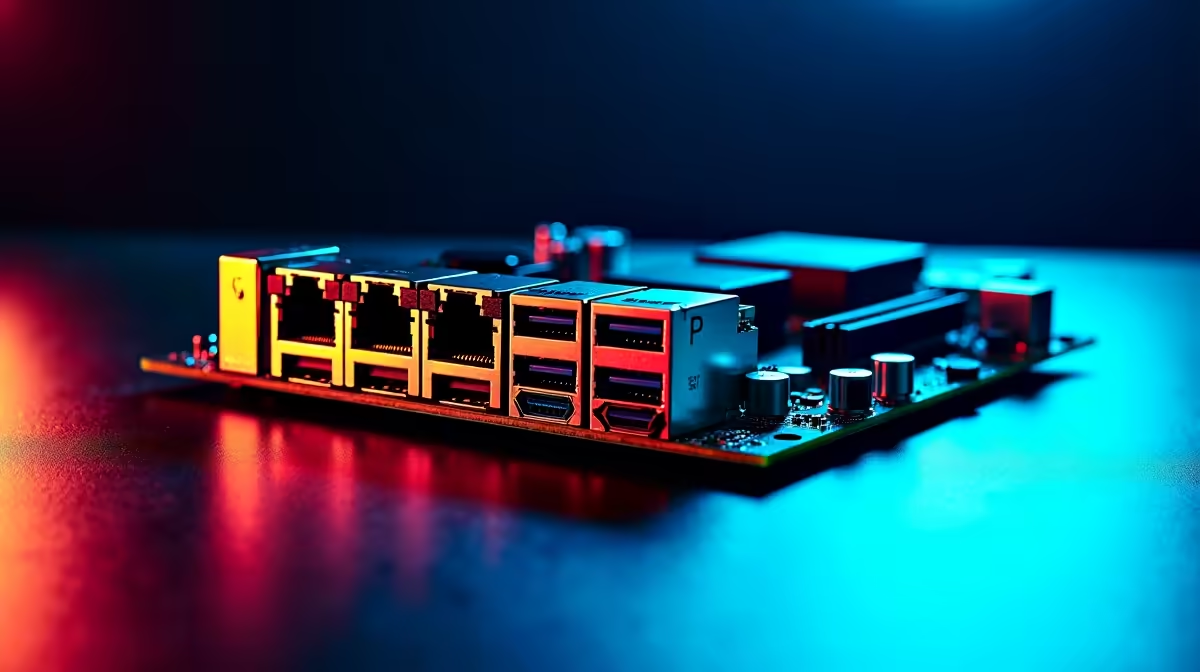
You just finished a massive 4K video project. Now comes the worst part... watching a progress bar crawl for hours while copying files to your NAS. In the South African creative industry, time is money. If you are tired of waiting, you might be wondering what does dual 10G LAN actually do on a creator motherboard for video editing and large file transfers? Let us find out.
Breaking Down the Speed Barrier 🚀
Standard gigabit ethernet caps out around 125 MB/s. That is painfully slow when moving hundreds of gigabytes of raw footage. A single 10G LAN port pushes that limit to a blistering 1250 MB/s.
When you upgrade to creator motherboards equipped with this technology, you can edit high-bitrate video directly off your network attached storage. No more copying files to your local NVMe drive first. You can finally say goodbye to generating low-resolution proxy files just to scrub through your timeline.
Why Two Ports? Large File Transfers Explained
Having one 10G port is great... but having two is where the real magic happens. Dual 10G LAN allows you to connect one port directly to your high-speed NAS for seamless video editing, while the second port handles your fibre internet connection.
Alternatively, you can combine both ports using link aggregation for a massive 20G pipeline. If you prefer Team Blue, many top-tier ASUS Intel motherboards feature this robust networking setup to keep your creative workflow completely uninterrupted.
Balancing Your System for Maximum Output ⚡
Network speed is only one piece of the puzzle. To truly benefit from dual 10G LAN during large file transfers, the rest of your rig needs to keep up. Fast storage and ample RAM are absolutely critical. If your system is starved for memory, even a 20G network link will bottleneck. Pairing your setup with high-speed memory kits ensures your timeline stays buttery smooth.
For those running Ryzen processors, exploring ASUS AMD motherboards with dual 10G capabilities offers incredible multi-core performance alongside elite networking. It is the ultimate combination for 3D rendering and heavy timeline scrubbing.
Networking Pro Tip 🔧
To get the full 10G speed between your PC and your NAS, make sure you are using CAT6A or CAT7 ethernet cables. Standard CAT5e cables will physically throttle your expensive hardware and ruin your transfer speeds!
Is the Investment Worth Your Rands?
Upgrading your workstation is a serious investment. A proper creator board can set you back several thousand ZAR... but the hours saved in transfer times pay for the hardware within months. Time spent staring at loading bars is time you could spend taking on new clients.
Whether you are building a custom workstation from scratch or hunting for the best gaming PC deals that can double as heavy-duty editing powerhouses, prioritising your network bandwidth is a highly profitable move for any local creator.
Ready to Supercharge Your Workflow? Waiting for file transfers is a thing of the past. If you want to maximise your productivity and build the ultimate editing rig in South Africa, we have you covered. Explore our massive range of premium motherboards and find the perfect foundation for your next workstation.











