

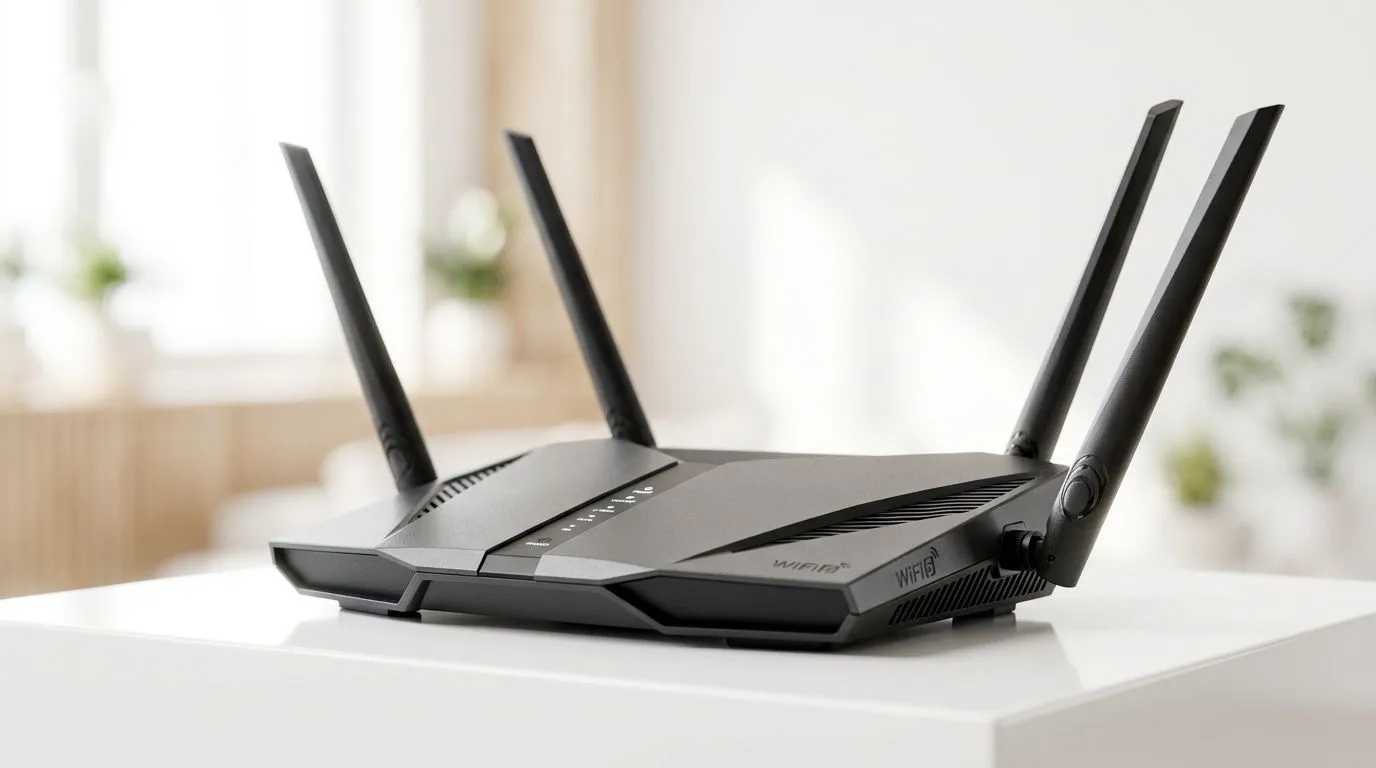
Understanding OFDMA and Your Wireless Network
If you’ve ever felt your ping spike during a crucial clutch moment in a Valorant match or watched your 4K stream buffer while someone else in the house is on a Zoom call, you know the pain of network congestion. In South Africa, where fibre connectivity is becoming the gold standard, the bottleneck is often your router. This is where OFDMA—Orthogonal Frequency Division Multiple Access—steps in to revolutionise how your data travels. It is the secret sauce behind modern Wi-Fi 6 performance. 🚀
How OFDMA Transforms Your Connection
Think of your old Wi-Fi as a single-lane road where only one car can pass at a time. Even if the car is small, the lane remains occupied until it reaches its destination. OFDMA changes the game by dividing that road into multiple sub-channels, allowing the router to serve multiple devices simultaneously. Instead of waiting in a single queue, your PC, smartphone, and smart TV get their own dedicated "lane" for data packets.
For local gamers, this means lower latency and a more stable connection during peak hours. If your current hardware is struggling to keep up, you might want to browse our latest wireless networking gear to see how far tech has come.
Optimising Your Setup for Competitive Play
To truly benefit from OFDMA, both your router and your device must support Wi-Fi 6. If your desktop is still running on an older standard, upgrading is the most cost-effective way to see an immediate improvement in stability. You can easily buy wireless adapters that plug directly into your PCIe slot or USB port to unlock these speeds.
Gaming Pro Tip ⚡
Always prioritize a wired Ethernet connection for competitive gaming if possible. However, if you must go wireless, ensure your router is placed in an elevated, central location away from thick walls or large metal objects to reduce signal interference.
Choosing the Right Hardware
Not all routers are built for the demands of a modern South African household. When you buy wireless routers, look for "AX" branding, which indicates Wi-Fi 6 compatibility. If you live in a larger home where signals struggle to reach the back bedroom, consider investing in wireless range extenders to maintain that OFDMA efficiency across the entire floor plan. ✨
For those lucky enough to have direct-to-home fibre, your choice of fibre routers is equally important. Pairing a high-performance fibre router with a Wi-Fi 6 capable setup ensures that every cent you spend on your monthly line rental is actually being utilised by your devices. 🔧
Ready to Upgrade Your Connection? Don't let lag dictate your gaming performance. Whether you are looking for a high-end router or a simple adapter upgrade, we have the hardware you need to stay ahead of the competition. Explore our full range of networking components here and experience the power of a stable, high-speed connection.











