

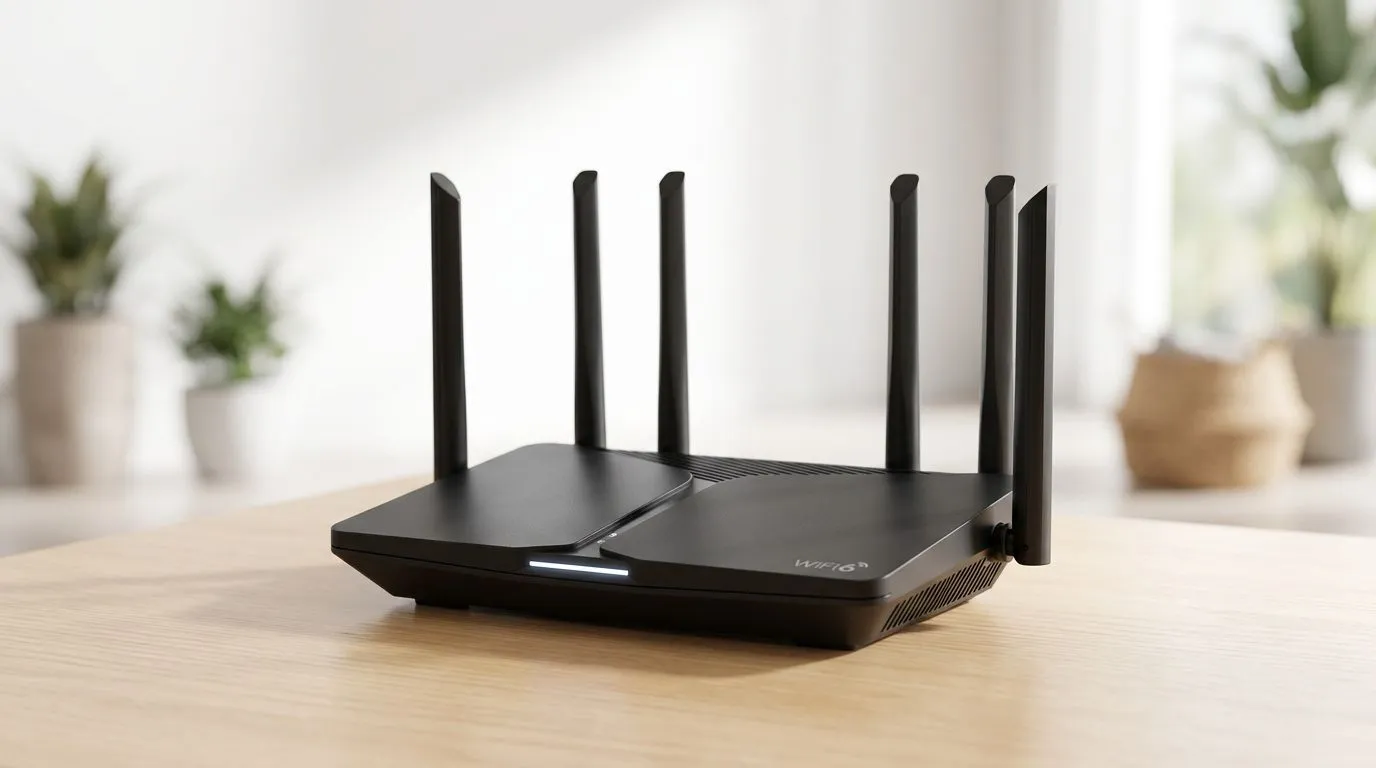
WiFi 6 in plain language for South African homes 🚀
If your Wi-Fi drops in the evenings when everyone streams, games, and video-calls... you’re not imagining it. South African homes pack more devices than ever: consoles, phones, smart TVs, tablets, and Wi-Fi cameras. WiFi 6 (also called 802.11ax) is built to handle that crowded air more efficiently.
But what does it mean for your gaming ping, your streaming quality, and your monthly data life? Let’s break it down without the marketing fluff.
What Is WiFi 6? A guide for South African homes (the core idea) ✨
What is WiFi 6? It’s the latest major Wi-Fi generation (before Wi‑Fi 7). The big goal is simple: serve more devices at the same time, with better efficiency.
In real terms, WiFi 6 helps by:
- Reducing “air congestion” when many devices connect.
- Improving performance in busy homes (apartments, townhouses, close neighbourhoods).
- Supporting faster speeds when your device and router both support WiFi 6.
WiFi 6 also comes with features designed to share radio time more fairly between devices. That’s useful in South Africa where homes often have multiple people online at once, especially during evenings.
Key WiFi 6 benefits for gaming and streaming 🎮⚡
If you game online, WiFi matters because it impacts how quickly your device can send and receive data.
WiFi 6 tends to feel better when:
- Multiple people are active simultaneously (party chats + streaming + downloads).
- Your home has more than one Wi‑Fi client running at once.
- You’re using modern devices that support WiFi 6.
Important reality check: WiFi won’t magically create low latency if your ISP connection is the bottleneck. But it can reduce the extra “network noise” caused by congestion.
How to tell if your devices support WiFi 6
Look for labels like “Wi‑Fi 6”, “802.11ax”, or the product’s wireless specs. If your router is WiFi 6 but your laptop/console is WiFi 5, you’re limited by the older client.
Coverage and upgrades: routers, adapters, and range extenders 🔧
The performance you experience comes from a system, not a single spec sheet. Router placement, device adapters, and whether you need extra coverage all matter.
For many SA homes, a better router can fix the root problem. If your signal fades in certain rooms, you may also need to think about:
- A Wi‑Fi 6 (or newer) router placed centrally.
- A Wi‑Fi adapter upgrade in your PC or console-compatible device.
- Careful use of a range extender only when you really need it (and ideally where it can still “hear” the main router strongly).
If you want to compare wireless gear options, start with Evetech’s wireless networking essentials and pick from the right category for your setup:
- Browse wireless networking options here: https://www.evetech.co.za/components/wireless-networking-136.aspx
- If you’re upgrading a PC connection, you’ll likely want to look at wireless adapters: https://www.evetech.co.za/PC-Components/buy-wireless-adapters-139.aspx
- For router upgrades, use this guide: https://www.evetech.co.za/PC-Components/buy-wireless-routers-138.aspx
- If your home layout is challenging, check wireless range extenders: https://www.evetech.co.za/PC-Components/wireless-range-extenders-140.aspx
Router placement micro-story (and why it matters)
A friend in Pretoria told me their WiFi “felt worse every year”. They blamed the ISP. Then they moved the router from a closed TV cabinet to an open shelf near the middle of the house. The difference was immediate. Same internet plan, better signal paths… less re-transmission… smoother gaming.
WiFi 6 setup tips that actually improve day-to-day performance ✅
Here are practical steps you can do today:
- Use the 5 GHz band (or Wi‑Fi 6 capable settings) for gaming. 2.4 GHz often travels farther, but it’s more crowded.
- Place the router higher and away from thick walls. Concrete and plaster with metal fixtures can be brutal.
- Avoid “double NAT” surprises and stick to one main router. If you add extenders or additional routers, confirm the setup so you don’t create extra network layers.
- Update firmware when possible. Fixes can improve stability and feature behaviour over time.
- Use Ethernet when you can. If you game seriously, a wired connection is still the most consistent.
Productivity Pro Tip 🔧
On a Windows gaming PC, connect your router temporarily via Ethernet for one test run, then switch back to WiFi. If performance drops a lot on WiFi, it’s usually placement or signal strength. Use that result to decide whether you should upgrade your wireless adapter or reposition your router before buying extra hardware.
WiFi 6 vs fibre routers: different jobs for different budgets 🌍
South Africans often juggle two upgrade paths:
- Upgrading Wi‑Fi inside the home (routers, adapters, coverage).
- Upgrading what happens at the fibre handover (fibre routers and network gear).
If you’re on fibre, your fibre router setup still affects how well your home network runs. Evetech has options that can help you get the right fibre setup for your household needs, including: https://www.evetech.co.za/PC-Components/fibre-routers-259.aspx
The best approach is to match your upgrades to the real bottleneck. If your Wi‑Fi is weak in bedrooms and offices, the problem is local wireless. If speeds are slow everywhere even near the router, the issue might be your broader connection or routing setup.
What Is WiFi 6? Choosing the right gear for a real SA home 🚀
To choose well, answer these:
- How many devices are online at the same time?
- Where do you suffer most: living room, bedrooms, or the far end of the property?
- Are you upgrading only your router, or also adapters in PCs and consoles?
Then shop the categories that match your needs:
- Wireless networking basics: https://www.evetech.co.za/components/wireless-networking-136.aspx
- Wireless adapters for your devices: https://www.evetech.co.za/PC-Components/buy-wireless-adapters-139.aspx
- Wireless routers for the main hub: https://www.evetech.co.za/PC-Components/buy-wireless-routers-138.aspx
- Range extenders when you truly need extra reach: https://www.evetech.co.za/PC-Components/wireless-range-extenders-140.aspx
- Fibre router options for your connection edge: https://www.evetech.co.za/PC-Components/fibre-routers-259.aspx
Once you’ve got the right mix, you’ll notice fewer stutters during late-night raids and smoother downloads during load-shedding recovery downtime.
Ready to Find Your Perfect Match? The Mac vs Windows debate is complex, but for maximum power, choice, and value in South Africa, Windows is hard to beat. Explore our massive range of laptop specials and find the perfect machine to conquer your world.











