

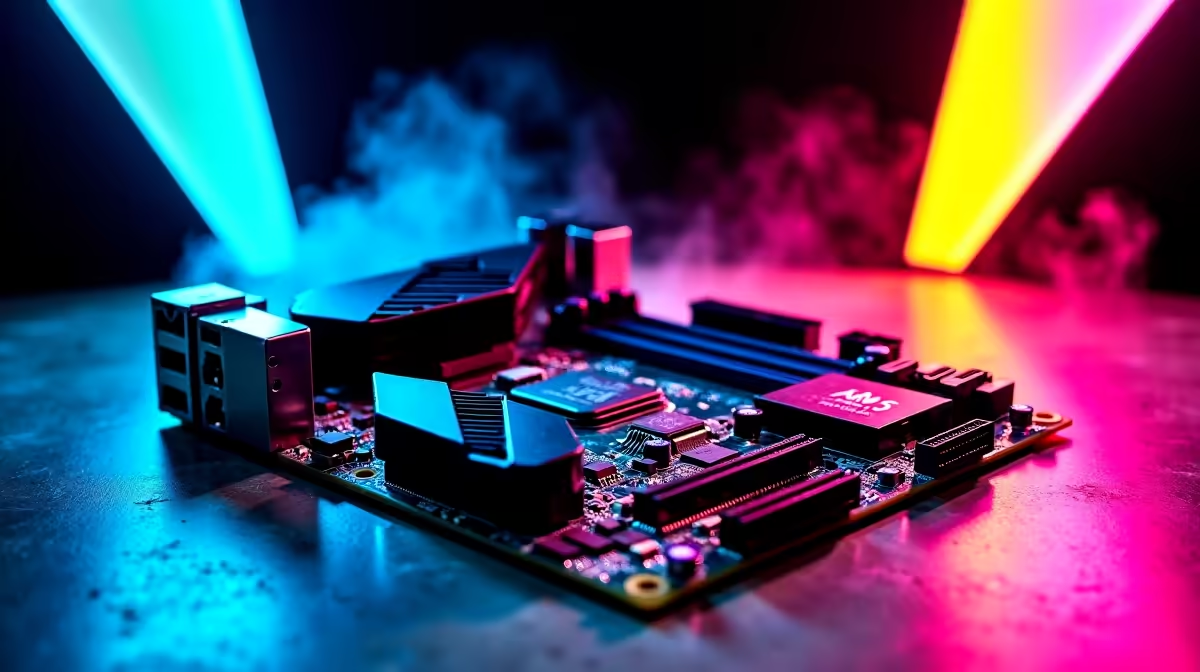
Building a custom rig in South Africa right now feels like navigating a minefield of tech jargon. With ZAR budgets constantly under pressure, you cannot afford to waste money on specs you will not use. So, what should South African PC builders prioritise first: DDR5 support, PCIe 5.0 or more storage slots? Let us break down exactly where your hard-earned Rands should go for maximum performance and longevity. 🚀
Why DDR5 Support is No Longer Optional
When planning a modern system, memory speed dictates how fast your CPU can process data. A year ago, sticking with older DDR4 memory made financial sense for local buyers. Today, prices have stabilised beautifully across the market.
If you are eyeing a current-generation processor from Intel or AMD, stepping up to DDR5 is a brilliant move. It offers significantly higher bandwidth... meaning smoother framerates in heavy open-world titles. You can easily find high-speed RAM upgrades and memory kits fitting comfortably within a standard R20,000 budget. Investing here ensures your CPU never waits for data.
The Truth About PCIe 5.0 for Local Gamers
Next up is the highly debated PCIe 5.0 standard. It sounds incredibly fast on paper... and it absolutely is. However, modern graphics cards barely saturate the older PCIe 4.0 bandwidth right now.
While it offers peace of mind, paying a massive premium today might not yield immediate visual benefits. Instead of overspending on bleeding-edge connectivity that sits idle, look for reliable motherboards offering solid power delivery. A stable board will serve you much better during intense gaming sessions. ⚡
Why More Storage Slots Should Be Your True Priority
Here is the harsh reality for South African gamers... downloading a massive 150GB game on local fibre takes serious time. You do not want to delete your favourite multiplayer titles just to make room for a new release.
Having three or four M.2 NVMe slots is arguably the most practical feature you can buy today. This allows you to add cheaper 1TB or 2TB drives later as your library inevitably grows. Browsing through our best gaming PC deals, you will notice popular pre-built rigs always prioritise ample storage expansion. 🔧
Build Planning Pro Tip ✨
Always check the PCIe lane distribution before buying a board. Sometimes populating the third M.2 slot disables SATA ports or drops your GPU to x8 speed. Read the manual online first to ensure you get full performance from all your components.
Making the Final Call on Your ZAR Budget
Deciding between DDR5, PCIe 5.0, or extra NVMe slots comes down to daily usage. Prioritise DDR5 for overall system responsiveness and longevity. Next, secure a board with plenty of M.2 storage slots to hold those massive modern games.
Finally, treat PCIe 5.0 as a nice bonus rather than a strict requirement for your current build. By allocating your budget wisely, you can build a powerhouse without breaking the bank. Check out the latest tech specials and promotions to stretch your budget even further and maximise your hardware value.
Ready to Build Your Dream Rig? Navigating component compatibility is complex, but getting the best value in South Africa does not have to be. Explore our massive range of custom PCs and components and find the perfect hardware to conquer your next gaming adventure.











