

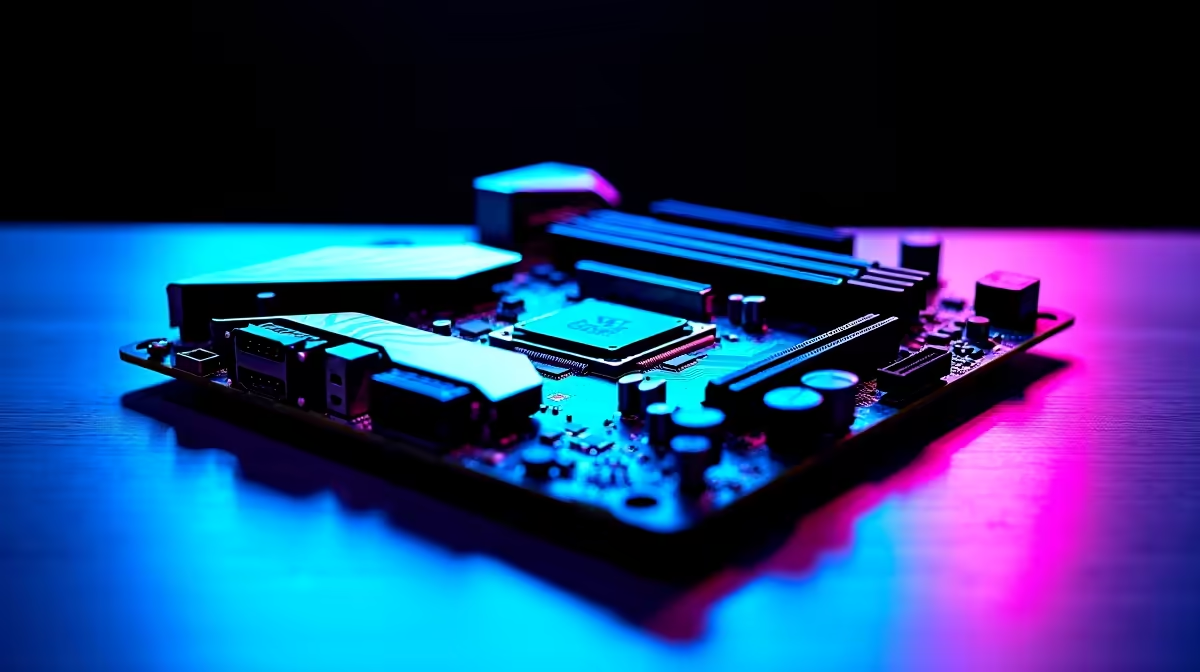
Picking the right foundation for your PC can be stressful. You want high frame rates... but you also need to stretch your ZAR. So, which motherboard features matter most for gaming, streaming, and multitasking builds? Whether you are battling load shedding or pushing ranks, your motherboard dictates your system's true potential. Every component connects back to this single piece of hardware. Let us break down exactly what you need.
Essential Specs for Pure Gaming 🚀
When building a rig strictly for gaming, power delivery is absolutely crucial. Look closely at the VRM setup. Better voltage regulator modules keep your processor cool and stable during intense sessions. You also need the right socket for your chosen CPU. If you prefer Team Blue, you will want to browse top-tier ASUS Intel motherboards to ensure peak performance.
Additionally, check the PCIe slots. A PCIe 4.0 or 5.0 slot ensures your graphics card has maximum bandwidth. This prevents annoying bottlenecks. If you want to explore all your options, you can easily buy motherboards that fit your exact budget and spec requirements. Always double-check compatibility before you checkout.
Mastering Streaming and Multitasking Builds ✨
Streaming while gaming demands serious multitasking power. Your motherboard needs to handle multiple heavy processes without breaking a sweat. If you are leaning towards Ryzen processors for their multi-core dominance, pairing them with reliable ASUS AMD motherboards is a very smart move.
Next, consider your memory support carefully. High-quality streaming requires serious RAM capacity. Ensure your board supports high frequencies and features four DIMM slots. This allows you to upgrade easily later on. You can find excellent memory kits to populate those slots and keep your streams completely stutter-free.
Storage speed also matters for content creators. Look for boards with multiple M.2 NVMe slots. Fast storage drastically reduces game load times and speeds up video rendering.
Do not forget about networking capabilities. South African internet can be unpredictable. A motherboard with built-in Wi-Fi 6 and a stable 2.5Gb Ethernet port is vital. A reliable wired connection prevents lag spikes during crucial matches. It also ensures your stream does not drop frames.
Connectivity Pro Tip 🔧
When building a streaming PC, always check the rear I O panel before buying. You will need at least six USB ports to comfortably connect your mouse, keyboard, high-quality microphone, webcam, and external audio interface without relying on messy USB hubs.
Skipping the Stress with Pre-Built Options
Not everyone has the time to match motherboard sockets with CPU generations. Sometimes you just want to plug in and play. If you want to skip the technical research entirely, you can grab one of the best gaming PC deals available in South Africa right now. These setups come with expertly paired motherboards and components... saving you precious time and money.
However, if you are building from scratch, remember that your motherboard is your PC's central nervous system. Do not cheap out on it. A solid board ensures your gaming, streaming, and multitasking builds run flawlessly for years.
Ready to Build Your Dream Rig? Finding the perfect motherboard does not have to drain your wallet. Whether you are upgrading your current setup or starting fresh, we have the hardware you need at the best prices in ZAR. Explore our massive range of PC components and start building today.











