

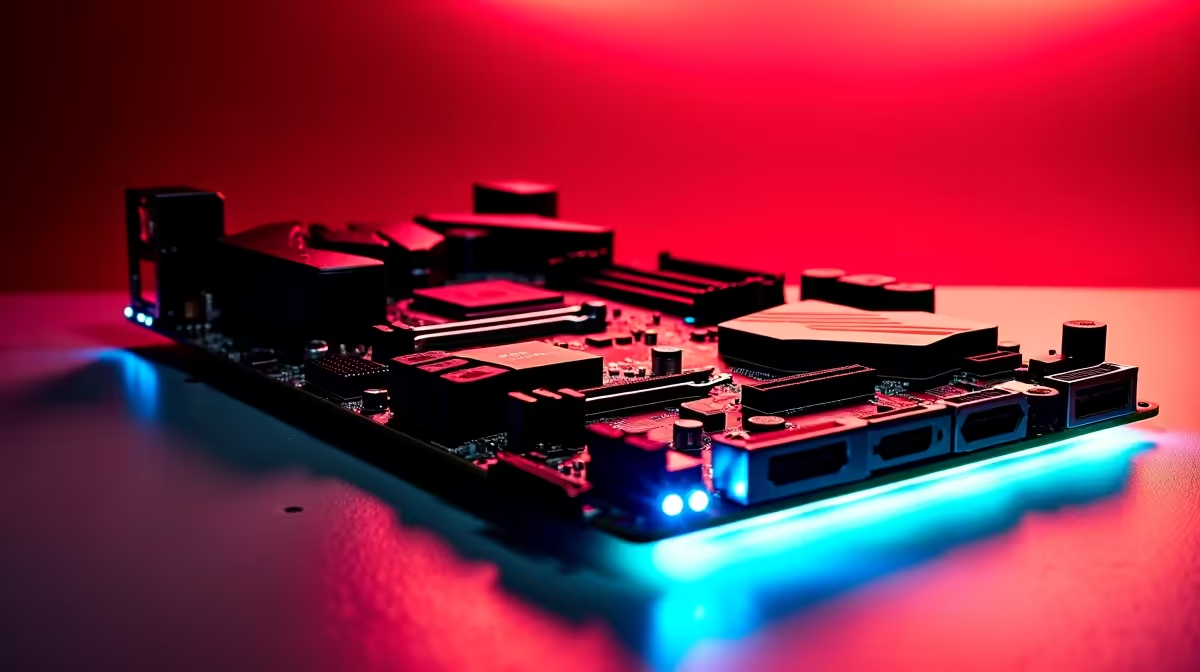
Load shedding is finally suspended... you power on your rig... and wait. Nothing kills the gaming vibe faster than staring at a blank loading screen. Meanwhile... your squad is already dropping into the map. A standard hard drive just will not cut it anymore. That is exactly why dual M.2 slots matter when choosing a motherboard for faster boot and load times.
The Magic of NVMe Storage 🚀
NVMe drives plug directly into your board. They bypass clunky old cables to deliver raw, unfiltered speed. Older SATA SSDs max out at around 550MB/s. A modern Gen 4 NVMe drive easily pushes past 7000MB/s. That is a massive leap in performance.
But why should you settle for just one slot? Modern gaming and heavy multitasking demand massive space and bandwidth. When you browse the latest motherboards, looking for that second M.2 slot is crucial. It gives you the freedom to separate your operating system from your massive game library.
Split Your Workload for Smoother Gaming
Think about how your PC operates. If Windows is running background updates on your primary drive, your game performance might stutter. By keeping Windows on drive A and your games on drive B, you split the workload efficiently.
Content creators also benefit hugely from this setup. You can keep your video editing software on your boot drive. Then... use the second drive as a dedicated scratch disk. This stops your timeline from lagging while scrubbing through heavy 4K footage.
This setup is vital if you run a high-end system. For instance, pairing a top-tier processor with premium ASUS Intel motherboards ensures excellent PCIe lane distribution. Your OS stays snappy... and your games load instantly.
Storage Setup Pro Tip ⚡
Always install your primary boot drive in the top M.2 slot closest to the CPU. This slot usually connects directly to the processor rather than the chipset, giving you the absolute lowest latency for faster boot times.
Future-Proofing Your SA Gaming Rig 🔧
Modern titles easily chew through 150GB of space. A single 1TB drive fills up incredibly fast these days. Having a second M.2 slot means you can easily drop in another NVMe drive next year. You will not even need to reinstall Windows.
With tech prices constantly fluctuating in South Africa, buying a smaller drive now makes sense. You can grab a massive 2TB drive later when you have spare ZAR.
Whether you prefer Team Blue or want to build a powerhouse with reliable ASUS AMD motherboards, that extra slot is pure future-proofing. You save thousands of ZAR by simply adding storage instead of replacing your main expensive drive.
Feeding the Beast: Memory Matters
Storage speed is only one piece of the performance puzzle. Fast NVMe drives work hand-in-hand with system memory. They stream high-resolution textures into your game instantly.
If you are upgrading your board for dual M.2 support, make sure you also grab high-speed memory kits to prevent bottlenecks. The combination of dual NVMe SSDs and fast RAM makes loading screens practically vanish.
Skip the Build Hassle
Not keen on building it yourself? We completely understand. Sourcing individual parts takes time and research. You can skip the hassle and grab a rig that is already optimised for speed.
Just check out our best gaming PC deals to find pre-built systems featuring dual M.2 configurations right out of the box. You get all the speed with none of the stress.
Ready to Supercharge Your PC? Staring at loading screens is a thing of the past. For maximum speed, massive storage, and unbeatable value in South Africa, dual M.2 setups are essential. Explore our massive range of motherboards and find the perfect foundation to conquer your favourite games.











