

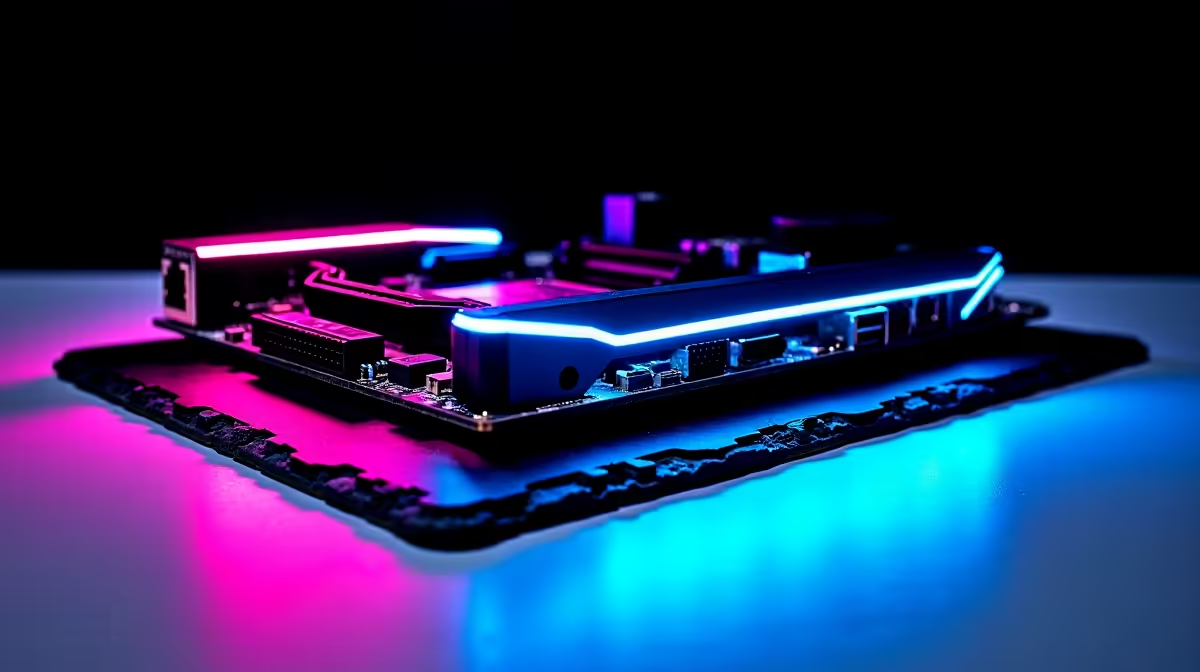
South African gamers know the deep frustration of a dropped connection during a crucial ranked match. When your fibre finally comes back online after load shedding, you need maximum speed and absolute stability. That is exactly why Wi-Fi 6E, Realtek 2.5Gb Ethernet and Dual M.2 matter more in South Africa than most buyers think. Let us explore why these specific specifications are vital for your next custom rig.
Why Wi-Fi 6E and Realtek 2.5Gb Ethernet Matter ⚡
Modern South African homes are packed with smart TVs and mobile devices fighting for bandwidth. If you rely on older wireless standards, your latency will inevitably spike. Wi-Fi 6E opens up a brand new 6GHz band. This means significantly less interference from your neighbour's router. It guarantees a much more stable connection for competitive gaming.
For wired setups, Realtek 2.5Gb Ethernet pushes data much faster than standard gigabit ports. When you are hunting for the best gaming PC deals, checking the motherboard for these networking features is crucial. They ensure your setup is fully prepared for the fastest local fibre packages available today.
The Hidden Value of High-Speed Networking 🚀
Many buyers focus entirely on the graphics card and processor. They often forget how data actually moves through their system. A bottleneck in your network connection can ruin the experience of an expensive graphics card. High-speed networking ensures your game updates download in minutes rather than hours. This is especially important when you only have a short window of power before the next blackout.
Dual M.2 Slots for Massive Game Libraries 🔧
Modern AAA games easily consume well over 100GB of space. A single drive fills up incredibly fast with just a few heavy titles. Having Dual M.2 slots on your motherboard means you can easily drop in a second NVMe SSD later. You will not have to reinstall Windows or clone your primary drive.
Whether you are building a desktop or browsing premium gaming laptops, having that extra M.2 slot gives you immense peace of mind. It allows you to store massive game libraries without sacrificing those lightning-fast load times.
Storage Pro Tip ⚡
Always install your operating system and most-played competitive games on your primary Gen4 M.2 slot. Use the secondary slot for your broader game library and media files to optimise overall system responsiveness.
Investing Smartly for Long-Term Value
Upgrading your tech in South Africa requires careful financial planning. Every ZAR you spend needs to deliver tangible performance. Choosing hardware with advanced networking and storage expansion ensures your system will remain relevant for years. You will not need to buy expensive expansion cards or replace your motherboard anytime soon.
If you keep a close eye on the latest tech specials, you can often find systems with these premium features at excellent price points. It is all about spending your budget where it actually impacts your daily gaming experience.
Ready to Future-Proof Your Setup? Don't let slow networking or limited storage hold you back. Upgrading to a system with modern connectivity and expansion options gives you the ultimate edge. Explore our massive range of PC components and build a rig that dominates the South African gaming scene.











