

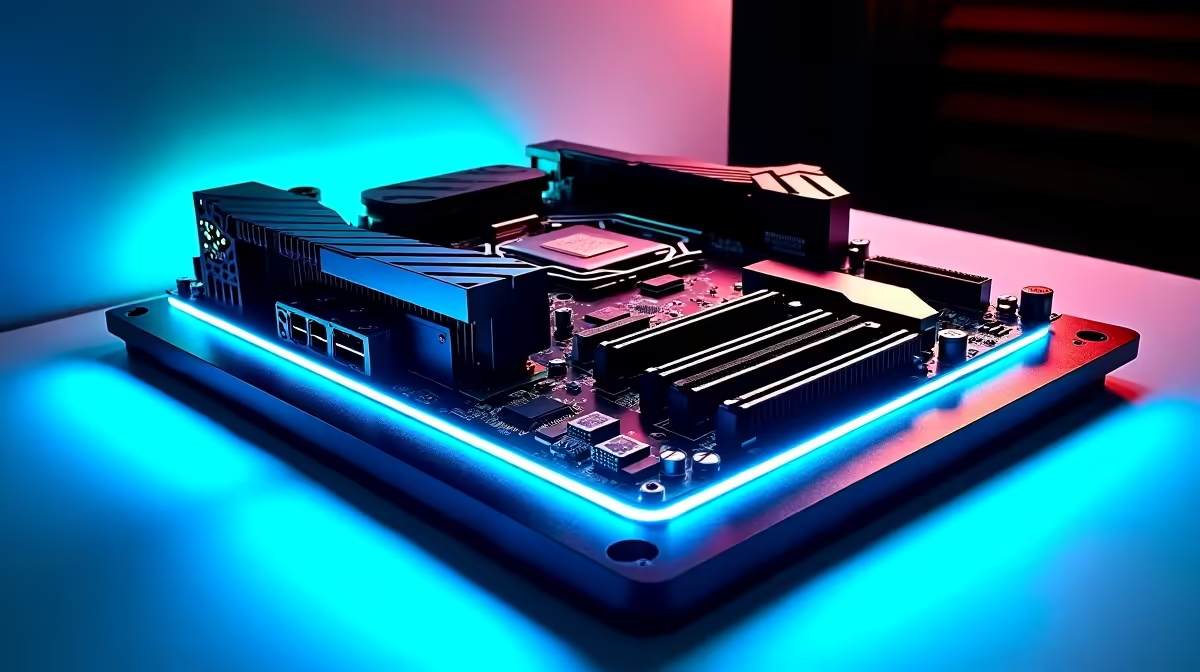
Upgrading to AMD's latest platform is exciting... until you boot up in the middle of a South African summer and see your CPU temps hit 95°C. Don't panic. If your AM5 build runs hot, it is functioning exactly as intended. However, understanding how VRM design and airflow can improve stability will help you squeeze every drop of performance out of your rig without melting your components.
The Science Behind Why Your AM5 Build Runs Hot
Unlike older generations, Ryzen 7000 and 8000 series processors are engineered to aggressively boost their clock speeds until they reach their thermal limit of 95°C. It feels alarming to see those numbers on your monitoring software, but the silicon is literally built to handle it.
The CPU constantly checks its temperature and power limits, pushing frequencies higher until it hits a wall. Still, running at the thermal ceiling constantly means you might be leaving valuable performance on the table. If your cooling solution or motherboard cannot keep up, those boost clocks will drop rapidly. To truly optimise your system and keep your frame rates high, you need to look at the foundation of your build.
How VRM Design and Airflow Can Improve Stability
The Voltage Regulator Module (VRM) on your motherboard is responsible for taking the 12V power from your power supply and stepping it down to the exact voltage your CPU needs. When pushing high-end AM5 chips, cheap VRMs overheat quickly. This causes your system to throttle power delivery... or worse, crash entirely.
Investing in quality motherboards with robust VRM heatsinks is crucial for long-term reliability. Brands like ASUS engineer their power delivery systems specifically to handle extreme thermal loads. Whether you are looking at premium ASUS AMD motherboards to tame your Ryzen chip, or even comparing them to the robust thermal armour found on ASUS Intel motherboards, a solid VRM layout ensures your processor gets clean power without cooking the board. 🔧
Mastering Case Airflow for South African Summers
Even the best VRMs will struggle if your PC case feels like a closed oven. Good airflow is simply non-negotiable when ambient room temperatures climb above 30°C. You need a chassis with a mesh front panel and high static pressure fans to push cool air directly over your motherboard components.
Setting up a proper push-pull configuration prevents hot air from getting trapped around your CPU socket. If balancing intake and exhaust fans sounds like too much sweaty work, you can always grab one of our pre-built best gaming PC deals. These systems are already airflow-optimised for local conditions, saving you thousands of ZAR on extra fans while guaranteeing peak thermal performance right out of the box. 🌬️
Don't Forget Your Memory Temperatures
The AM5 platform exclusively uses DDR5 RAM. These new modules are incredibly fast, but they also draw more power and generate their own heat. Poor airflow around the CPU socket can easily cause your memory to overheat, leading to random blue screens during intense gaming sessions.
Pairing a high-airflow case with premium memory kits that feature thick aluminium heat spreaders will keep your temperatures low and your system perfectly stable. 🚀
BIOS Tweaking Pro Tip ⚡
You can lower your AM5 temperatures significantly without losing performance by using AMD's Precision Boost Overdrive (PBO). Head into your BIOS and set a negative Curve Optimizer offset of -15 to -30. This undervolts the CPU, dropping temps by up to 10°C while keeping your boost clocks maxed out!
Ready to Build a Cooler, Faster Rig? Taming an AM5 processor is easy when you have the right components. Whether you need a high-end motherboard with massive VRM heatsinks or a fully built airflow monster, we have you covered. Explore our massive range of PC components and start building your ultimate gaming machine today.











