

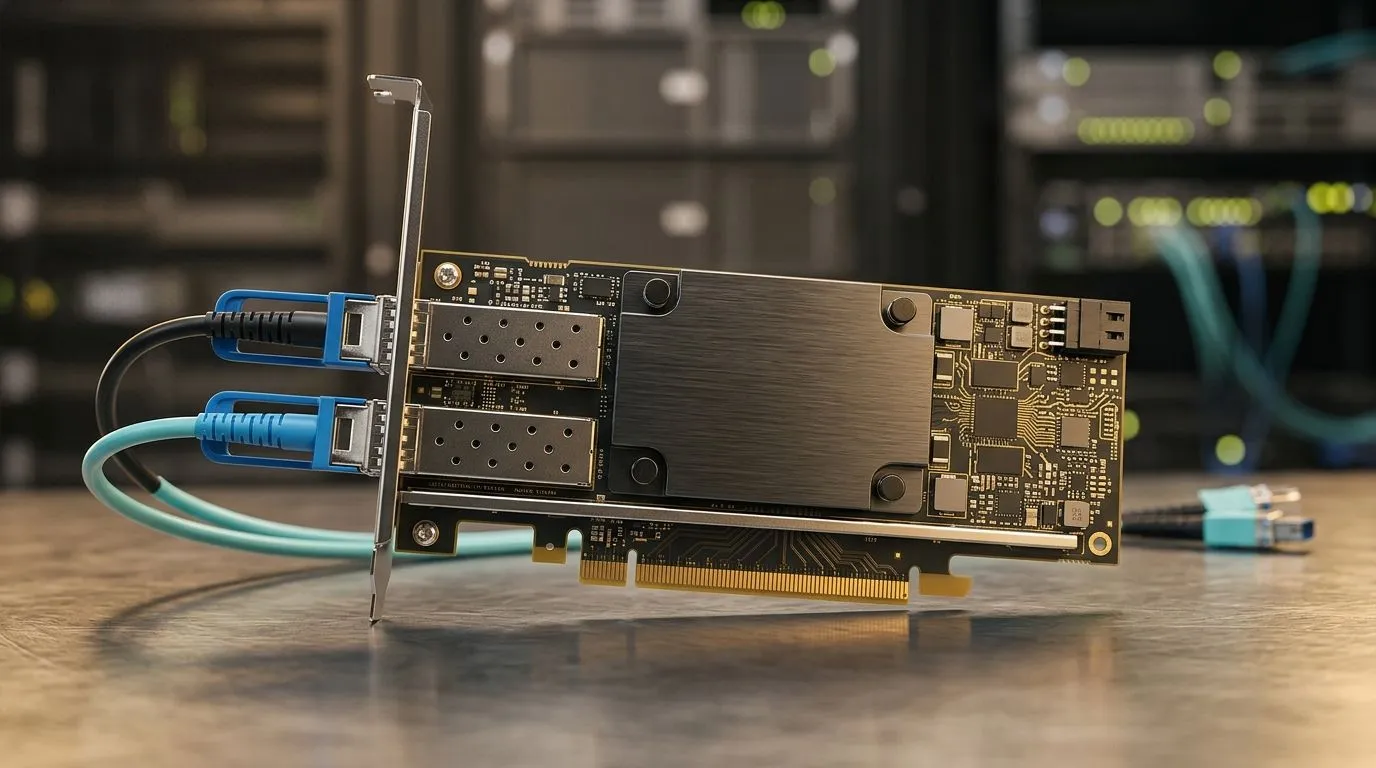
Wi‑Fi 7 for AI Workstations: Fix Latency and Boost Throughput for SA power users
South African gamers and creators know the pain… you’re mid‑rank, a render is due, and the Wi‑Fi decides to lag. If your AI workstation is suffering latency spikes or uploads crawl at the worst time, you’re not imagining it. Wi‑Fi 7 for AI Workstations: Fix Latency and Boost Throughput is exactly where modern home networks start to feel “snappy” again. ⚡
In this Deep Dive, we’ll translate the Wi‑Fi 7 buzz into practical settings you can actually use. Then we’ll point you to compact workstation options from Evetech if you want serious compute without the desk chaos.
What changes with Wi‑Fi 7 (and why latency feels better)
Wi‑Fi 7 (802.11be) is designed for higher speeds and more consistent performance. The biggest real‑world win for workstations is reduced contention. In plain terms: when multiple devices talk at once (phones, consoles, cameras, laptops), Wi‑Fi 7 is built to manage the traffic more efficiently.
That matters for AI workloads because “waiting” hurts:
- model training and fine‑tuning often depend on steady transfers,
- dataset streaming and log uploads suffer when packets stall,
- video conferencing and remote desktops feel jittery when latency spikes.
Many performance improvements rely on pairing a Wi‑Fi 7 router + Wi‑Fi 7 client. If either side is stuck on older Wi‑Fi, you won’t get the full benefit. So yes… it’s worth treating this as an upgrade path, not just a router purchase.
Practical steps to fix latency spikes at home 🔧
Before you blame the workstation, check the common bottlenecks. Your AI box can be fast, but the network still has to behave.
1) Use Ethernet where it matters most
If your workstation is close to the router, Ethernet is still the most reliable option. Wi‑Fi 7 can be excellent, but wired wins for consistency, especially during renders or bulk transfers.
2) Optimise your router placement
Avoid the “Wi‑Fi in a cupboard” setup. Put the router:
- central to your gaming/work zone,
- elevated when possible,
- away from microwaves, large metal objects, and thick walls.
3) Separate networks for your busiest devices
If your router supports it, keep IoT devices on a separate SSID/VLAN. Your AI workstation and gaming devices should not share airtime with smart bulbs and TVs.
Productivity Pro Tip ⚡
On Windows, use the PowerToys FancyZones utility to create custom snap layouts for your windows. It's a lifesaver for managing multiple apps on an ultrawide monitor, letting you organise your timeline, preview window, and asset folders perfectly for video editing.
Throughput you can actually feel: pair hardware wisely 🚀
Even with Wi‑Fi 7, your workstation setup affects how “fast” it feels.
If you’re building or buying a compact AI workstation, consider whether you need:
- lots of local storage for datasets (so you’re not constantly pulling over Wi‑Fi),
- enough CPU/GPU headroom for preprocessing and inference,
- reliable networking (or a plan for Ethernet).
Evetech’s mini PCs are a great way to get workstation‑class performance in a smaller footprint, which helps when space and cooling are tight. You can start with a general mini PC option here:
If you want brand‑focused options, browse categories and picks like:
And if you’re leaning toward Minisforum specifically, go straight to the curated selection:
Looking at alternatives? Ninkear systems can be worth a look too:
Or if you prefer MSI, you’ll find options here:
This is how you avoid the classic trap: buying a fast workstation, then forcing it to rely on a network path that can’t keep up.
The quick checklist before you upgrade 📶
Want fewer “why is it buffering again?” moments?
- Confirm you’ll use Wi‑Fi 7 on both router and device.
- Prioritise Ethernet for the workstation if possible.
- Improve placement and reduce interference.
- Keep smart devices off your gaming/AI SSID if you can.
Do that, and Wi‑Fi 7 for AI Workstations: Fix Latency and Boost Throughput becomes more than a spec line. It turns into smoother remote sessions, faster dataset syncs, and steadier upload speeds.
Ready to Find Your Perfect Match? The Mac vs Windows debate is complex, but for maximum power, choice, and value in South Africa, Windows is hard to beat. Explore our massive range of laptop specials and find the perfect machine to conquer your world.











