

Getting the Most from Your Wide-Angle Webcam Setup
South African gamers and tech enthusiasts, ever caught yourself juggling your webcam angle to fit in your entire gaming rig or streaming background? Whether it’s for casual chats or serious streaming sessions, nailing the best wide-angle webcam positioning can drastically improve your on-screen presence and viewer experience. This isn’t just about fitting more into the frame; it’s about clear, distortion-free videos that capture your vibe perfectly ⚡.
Why Wide-Angle Webcams Demand Unique Positioning
Wide-angle webcams offer a broader field of view, perfect for showcasing your streaming environment or capturing multiple people in a call. But they can introduce lens distortion if positioned too close or at the wrong angle. Finding the ideal spot—whether mounted on your monitor or steadied on a tripod—becomes crucial to maintain crisp image quality and natural proportions.
Positioning Your Webcam on a Monitor
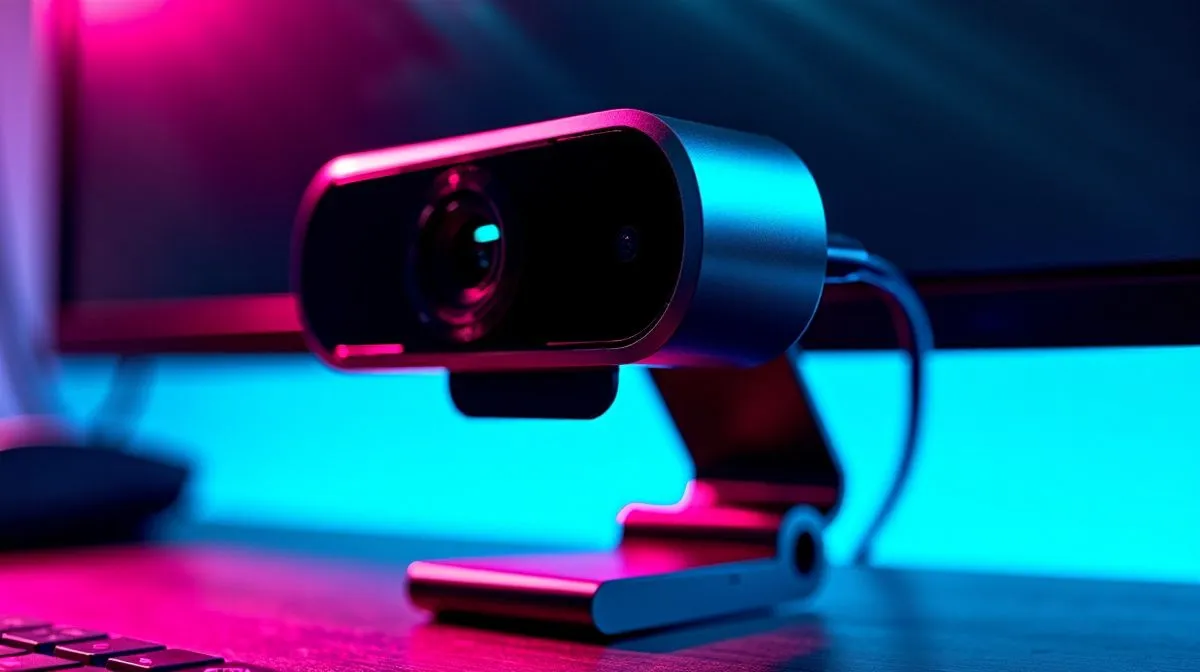
Mounting your wide-angle webcam on a monitor is probably the most straightforward option. Place it slightly above your eye line to avoid awkward upward or downward angles. This height keeps your face well-framed without overstretching your facial features. Most webcams come with adjustable clips to suit various monitor sizes.
If your setup includes a curved or ultra-wide monitor, keep in mind that the webcam’s lens might capture extra screen edges, which could distract your viewers.
Take a look at a wide range of webcams on Evetech, including models under R1,000 that balance wide-angle views with affordability: affordable wide-angle webcams.
Using a Tripod for Flexible Webcam Placement
A tripod offers unbeatable flexibility, especially for wide-angle webcams. Unlike a monitor mount, you can position a tripod anywhere—from desk corners to elevated shelves—allowing you to perfect the shot without compromising comfort.
Tripods also help reduce vibrations, ensuring steadier video quality. If you want premium options with better sensor colours and auto-focus, browse webcams priced around R2,000 to R3,000 on Evetech. These are ideal for streamers demanding higher clarity and depth: mid-range webcams and premium models.
Optimise Your Webcam Angle
Position your webcam about 50-70 cm from your face to reduce lens distortion. Use natural lighting in front of you to avoid harsh shadows and ensure your wide-angle doesn’t make your face appear stretched.
Expert Tips for Sharper Video with Wide-Angle Webcams
- Avoid extreme tilt angles. Tilting your webcam sharply up or down can exaggerate facial features. Keep it as level as possible.
- Control lighting. Wide-angle lenses capture a lot of background, so clutter and poor lighting can distract. A tidy background lit well boosts professionalism.
- Test different mounts. Sometimes a hybrid setup works best – a small tripod placed on your desk alongside the monitor-mounted cam adds flexibility.
- Use software correction. Many webcams come with software that corrects lens distortion—enable this to enhance appearance without moving your gear.
For a comprehensive selection of webcams that blend ease of positioning with superb technical specs, explore the full collection directly here: Evetech webcams selection.
Final Thoughts on Webcam Setup for South African Streamers and Professionals
Getting your wide-angle webcam positioned right isn’t just about tech specs; it’s about understanding your streaming space and your audience. Whether you go for a monitor-mounted setup or tripod flexibility, the key is comfort and image clarity. With the right webcam and careful positioning, your streams and video calls will look crisp and engaging every time 🔧.
Upgrade Your Video Setup Today Take control of your on-screen presence with precision-positioned wide-angle webcams. Shop now at Evetech for performance that leaves lag in the dust.











