

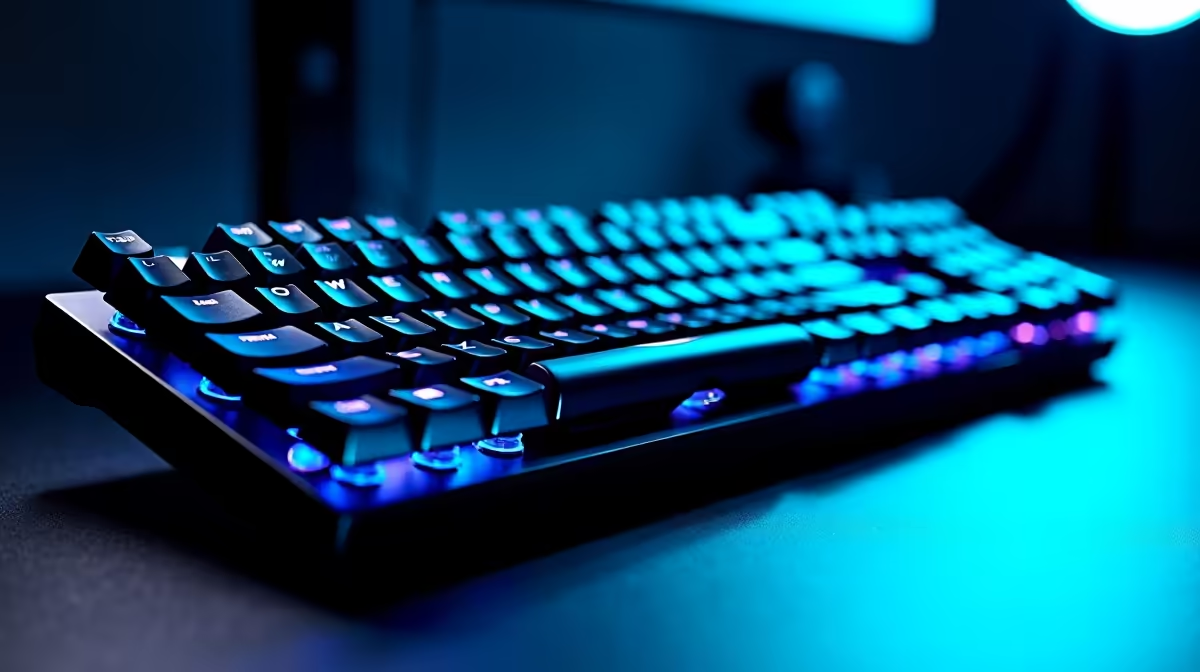
You’ve just unboxed a gorgeous new monitor. The colours are vibrant, the refresh rate is buttery smooth… but there’s a problem. Its massive, V-shaped feet sprawl across your desk like they own the place. Suddenly, your keyboard is awkwardly perched on the edge, and your mouse has less room to roam than a character in a corridor shooter. It’s a classic battle for desk real estate. Let's run a practical wide stand legs: keyboard space test and find a fix.
The Problem with Wide Monitor Feet
Modern monitor design often prioritises a sleek, futuristic look over practicality. The result? Wide-set legs that look great on a showroom floor but create a dead zone right where your keyboard should be. 🖥️ This isn't just about looks; it's about ergonomics.
Forcing your keyboard into an uncomfortable position can lead to wrist strain during long gaming or work sessions. We've seen this issue across the board, from budget panels to premium high-resolution 4K and 5K monitors. The quest for stability has led to designs that actively work against a clean and comfortable setup. A quick look at various PC monitors shows this trend is here to stay, making it crucial to plan ahead.
Our Keyboard Space Test: A Real-World Scenario
So, how bad is it? We simulated a common scenario: a standard 27-inch gaming monitor with wide-set feet on a typical desk.
The Findings 📏
With a full-sized keyboard, the top function keys were constantly bumping against the monitor's frame. Tilting the keyboard for that classic FPS-player angle was nearly impossible without one side lifting off the desk. A tenkeyless (TKL) keyboard offered more breathing room, but the problem remained: the monitor's feet dictated our hand position. This simple keyboard space test proves that stand design is as important as pixel response time, especially for gamers who need flexibility. This issue is even prevalent on many immersive curved monitors, where wide stands are used to support the larger panel.
Measure Twice, Buy Once
Before buying a new monitor, measure the width of your keyboard. Then, check the monitor's spec sheet for the distance between the stand's feet. This simple check can save you a world of ergonomic pain and desk-space frustration.
Reclaiming Your Desk Space: The Ultimate Solutions
Don't despair… you don't have to live with a cramped setup. You have powerful options to take back control of your desk and optimise your gaming performance. ✨
The Champion: VESA Mounts & Monitor Arms
The single best solution is to ditch the included stand entirely. A monitor arm or VESA wall mount is the key to unlocking ultimate freedom. It lifts your screen off the desk, freeing up a massive amount of space underneath for your keyboard, mouse, and other gear. It also allows for perfect height and angle adjustments. You can find a wide variety of excellent monitor accessories that solve this problem permanently.
Smart Shopping: Look for Better Stands
If a monitor arm isn't for you, be a savvy shopper. When browsing our full range of gaming monitors, pay close attention to the base. Many models still use a classic, compact centre-post stand that offers excellent stability without hogging desk space. For multi-monitor setups, adding versatile portable monitors with their own slim stands can also help you design a more efficient workspace.
Upgrade Your View, Not Your Problems Don't let a poorly designed stand compromise your comfort and performance. Find a monitor that fits your desk and your playstyle by checking out our latest deals. Shop the best PC monitor deals at Evetech and build the clean, efficient setup you deserve.











