

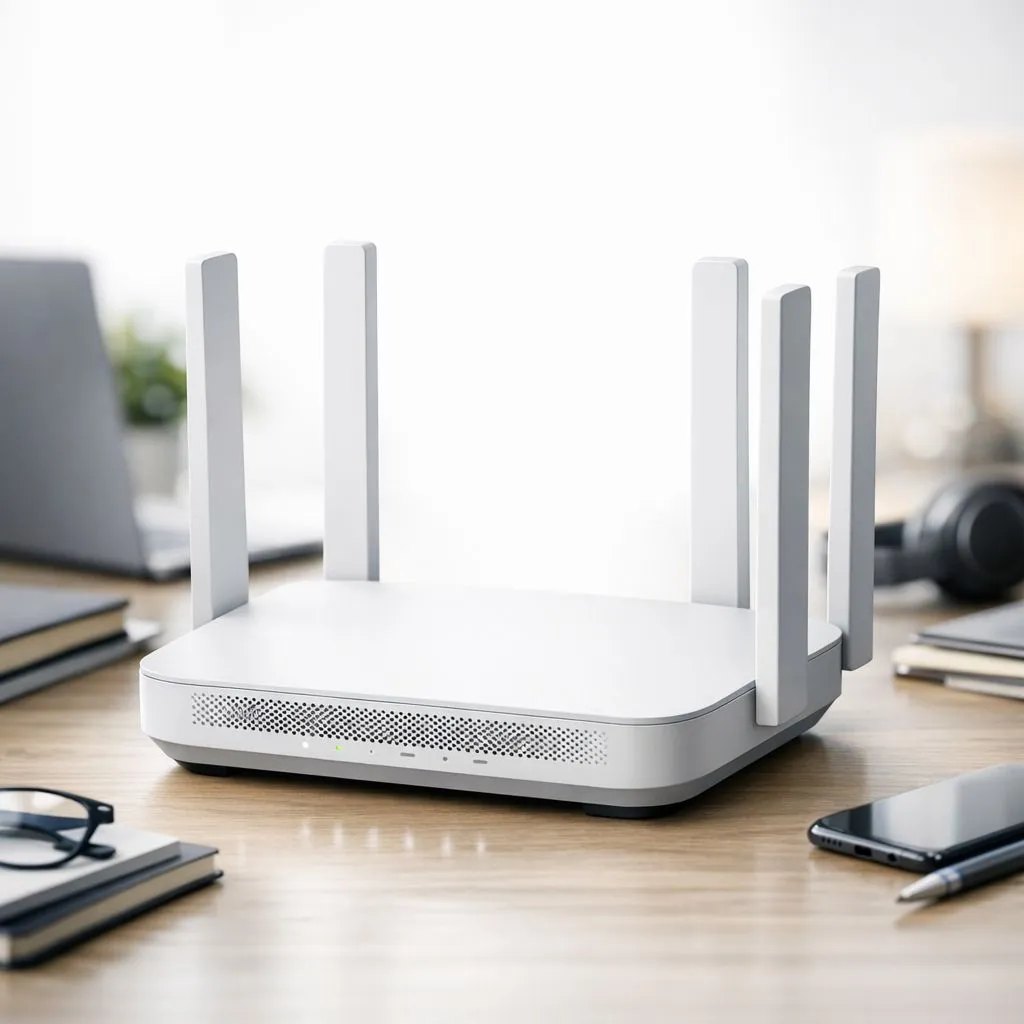
Is your Teams call freezing mid-sentence again? Or is that massive file upload crawling at a snail's pace, making you watch the clock? In South Africa, where a stable connection is everything, these little frustrations can derail an entire workday. It’s time to stop blaming your ISP and look at your home network. The solution for a faster, more reliable home office is here, and it’s called Wi-Fi 6 for remote work. 🚀
So, What Makes Wi-Fi 6 a Must-Have for Your Home Office?
Let's cut through the jargon. Wi-Fi 6 (also known as 802.11ax) is the next evolution of wireless technology. But it’s not just about a bigger speed number. Its real genius lies in how efficiently it handles the modern, device-packed home.
Think of old Wi-Fi as a fleet of delivery vans, where each van could only carry one package to one house at a time. It worked, but it was slow and inefficient, causing traffic jams. Wi-Fi 6 is like a massive, smart delivery truck that can carry packages for multiple houses on the same trip. It plans the most efficient route, dropping everything off in one go.
This efficiency, technically called OFDMA (Orthogonal Frequency Division Multiple Access), is the secret sauce. It means your connection remains stable and fast, even when your laptop, phone, smart TV, and the kids' tablets are all demanding bandwidth simultaneously.
How Wi-Fi 6 Transforms Your Remote Work Experience
Upgrading to a Wi-Fi 6 for remote work setup isn't just a technical tweak; it's a quality-of-life improvement that you'll feel every single day.
Say Goodbye to Glitching Video Calls
With its lower latency and higher capacity, Wi-Fi 6 makes choppy video conferences a thing of the past. Your audio and video stay perfectly in sync, ensuring you come across professionally, whether you're pitching a client or in a team huddle. A stable connection is crucial, and pairing it with a modern machine from our range of Intel laptops on special ensures your hardware never holds you back.
Transfer Huge Files in a Flash ⚡
For creatives, developers, and data analysts, waiting for files to upload or download is wasted time. Wi-Fi 6 dramatically speeds up data throughput, especially over short distances. This means moving large project files from your NAS or the cloud happens in minutes, not hours. Powerful hardware, like one of these Ryzen laptop deals, can process those files faster once they're downloaded.
A Congestion-Free Smart Home
Your work laptop is no longer fighting for bandwidth with Netflix streaming in 4K or your smart home gadgets. Wi-Fi 6 is built to manage dozens of devices without breaking a sweat, creating a truly reliable home office network where every device gets the speed it needs. For those who blend work and play, the low-latency benefits are a massive plus, especially when paired with one of the best gaming laptop deals in SA.
Making the Switch: Your Wi-Fi 6 Checklist 🔧
Ready to build a faster, more reliable home office? Getting started with Wi-Fi 6 is straightforward. You just need to ensure your key hardware is compatible.
- Your Router: This is the heart of your network. You'll need to upgrade to a Wi-Fi 6-certified router to broadcast the new signal.
- Your Devices: Your laptop, smartphone, and other gadgets need to have Wi-Fi 6 chips inside them to connect to the new network and unlock its full potential.
The great news is that most new, quality laptops already include this technology. You can find incredible value in gaming laptops under R20k that are fully equipped for a modern Wi-Fi 6 environment. For ultimate, future-proof performance, top-tier GeForce RTX gaming laptops on special almost always feature the latest and fastest wireless standards.
Quick Check: Do You Have Wi-Fi 6? ✨
On Windows 11, go to Settings > Network & internet > Wi-Fi. Click on your network's "Properties" and scroll down. Look for "Protocol". If it says "Wi-Fi 6 (802.11ax)", you're already on the latest standard! If it shows Wi-Fi 5 (802.11ac) or Wi-Fi 4 (802.11n), it might be time for an upgrade.
Ultimately, embracing Wi-Fi 6 for remote work is about removing friction from your day. It’s an investment in productivity, professionalism, and peace of mind, ensuring your home network is a powerful asset, not a frustrating bottleneck.
Ready for a Rock-Solid Connection? Stop letting a weak connection dictate your workday. A modern laptop with Wi-Fi 6 is the key to a faster, more reliable home office. Explore our massive range of Wi-Fi 6 compatible laptops and build the ultimate remote work setup today.











