

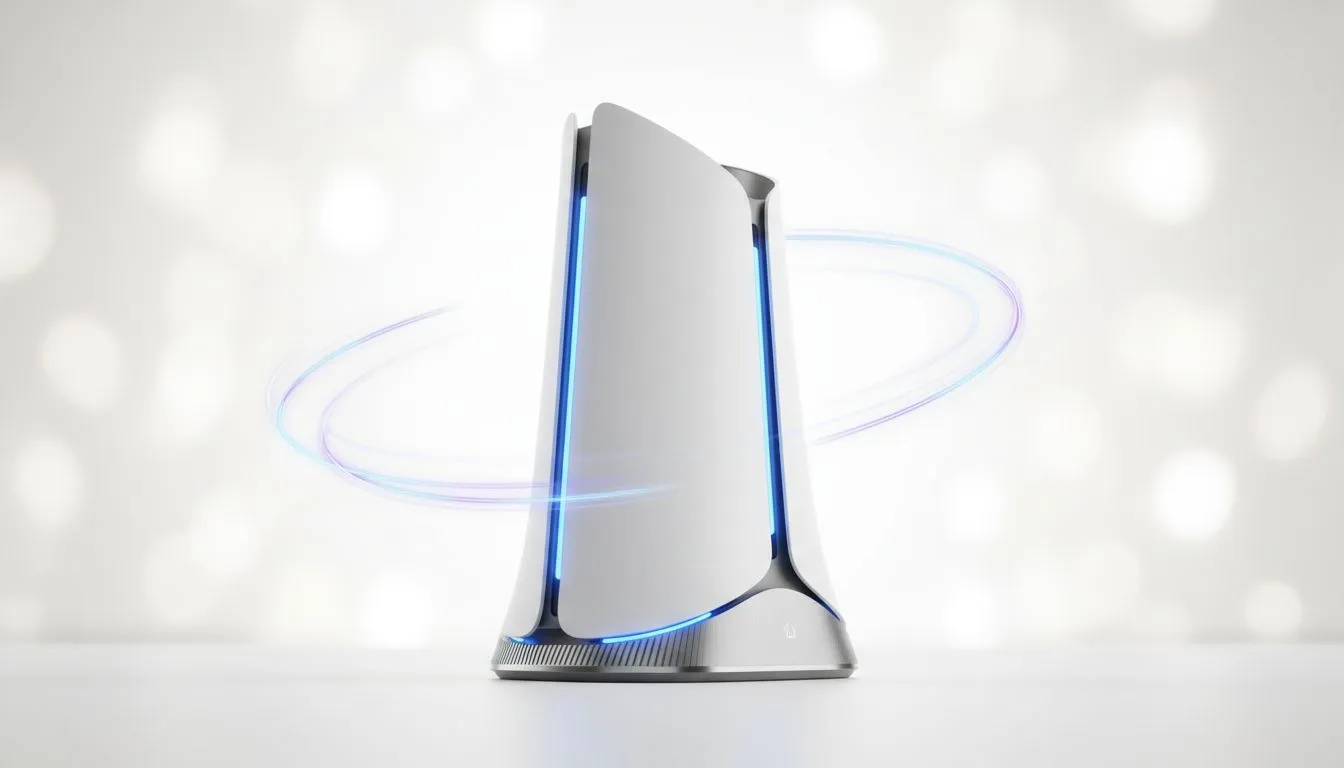
You're in the final circle in Apex Legends. The tension is thick. You line up the perfect shot... and then it happens. A single, dreaded lag spike. Your screen freezes for a fraction of a second, but it's enough. You're back in the lobby, fuming. For too long, South African gamers have blamed everything from local servers to load shedding, but often the real culprit is your own home network. Enter the solution: WiFi 7 MLO.
So, What Exactly is WiFi 7 MLO?
Think of your current WiFi as a single-lane highway. All your data—gaming, streaming, downloads—has to queue up and travel in one line. It works, but when traffic gets heavy, you get jams... or buffering.
WiFi 7 MLO, which stands for Multi-Link Operation, completely changes this. Instead of one lane, it opens up multiple highways (the 2.4GHz, 5GHz, and 6GHz bands) and lets your data travel across all of them at the same time. 🚀
It's not just about splitting the load; it's about intelligently combining the bands to create a single, incredibly fast, and stable connection. This core feature is what makes the latest generation of wireless networking components so powerful.
How MLO Eradicates Lag for Good
The practical benefits of using multiple bands simultaneously are massive, especially for activities that can't tolerate delays. WiFi 7 MLO isn't just a small step up; it's a leap forward in performance.
Unbeatable Speed and Lower Latency
By sending data packets across different frequency bands at once, MLO drastically reduces latency (ping). For gamers, this means your actions are registered almost instantly. That crippling delay between clicking your mouse and firing your weapon becomes a thing of the past. It also means massive game downloads that used to take hours can be done in minutes, thanks to the sheer throughput from combining bands.
Rock-Solid Reliability ✨
Ever had your connection drop because someone started the microwave? That's usually interference on the 2.4GHz band. With WiFi 7's MLO, your connection is far more resilient. If one band becomes congested or suffers from interference, the system instantly and seamlessly relies more heavily on the other, clearer bands. Your game or 4K stream continues without a single stutter. This stability is the true magic of Multi-Link Operation.
Router Placement Pro Tip 📡
Your router's location matters more than you think. For the best signal, place it in a central, elevated position in your home, away from thick concrete walls and other electronics like microwaves or cordless phones. A clear line of sight to your devices is always optimal.
Getting Your Setup Ready for the Future
To unlock the power of WiFi 7 MLO, your entire chain of devices needs to be compatible. It starts with the heart of your network.
First, you'll need one of the cutting-edge wireless routers built on the new standard. But the router is only half the equation. Your PC, laptop, or smartphone also needs to support WiFi 7. For a desktop PC, this is an easy fix; you can simply install one of the new PCIe wireless adapters to get up to speed.
For larger South African homes, thick walls can still be a challenge. While WiFi 7 offers excellent range, strategically placed wireless range extenders that are compatible with the new standard can ensure you have a flawless connection in every single room.
Ready to Banish Lag for Good? WiFi 7 MLO is the future of home networking, delivering the speed and stability you need for competitive gaming and flawless streaming. Upgrading your setup is the first step. Explore our complete range of networking gear and build the ultimate connection.











