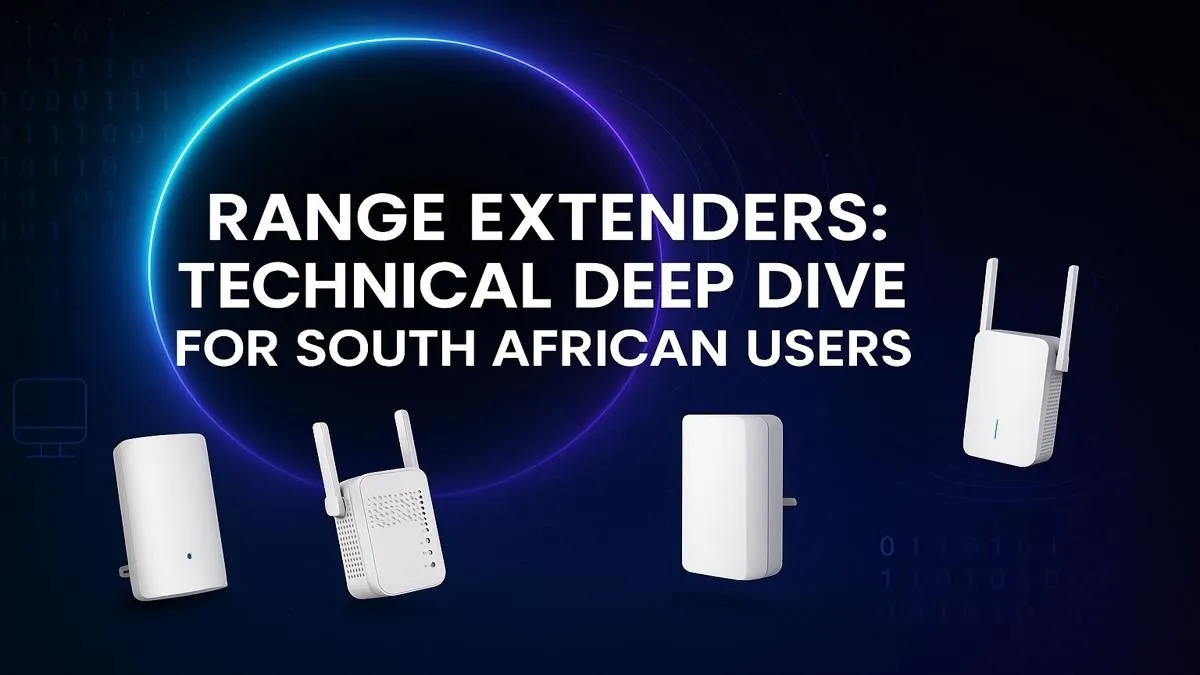
Is there anything more frustrating than your WiFi signal dropping mid-match? You've got fast fibre, a beastly rig, but that one room... the "dead zone"... constantly lets you down. For many, the solution seems simple: get a WiFi range extender. South Africa has unique homes with thick walls and sprawling layouts, making dead spots a common enemy. But are these gadgets the magic bullet for your connectivity woes? Let's dive in and find out.
What is a WiFi Range Extender, Really?
Think of a WiFi range extender (or signal booster) as a relay runner for your internet. It catches the signal from your main router and then rebroadcasts it, pushing connectivity into those hard-to-reach corners of your home. It’s a simple, effective way to tackle a specific problem area without replacing your entire network. For anyone struggling with signal in a back room or upstairs office, finding the right WiFi range extender in South Africa can be a total lifesaver.
These devices create a new, extended network (often with "_EXT" added to the name) that you connect to when you're out of your main router's reach. They are an affordable first step to solving network issues, and you can browse a great selection of wireless range extenders to see just how accessible they are.
When Do You Need a WiFi Extender?
Before you rush to buy one, let's see if you're the right candidate. A WiFi extender is the perfect tool if you're nodding along to any of these scenarios:
- Specific Dead Zones: Your router is in the lounge, but your gaming PC in the bedroom gets only one bar of signal. 📶
- Outdoor Coverage: You want to stream music at the braai area or work on the patio, but the signal just doesn't make it outside.
- Thick Walls: Older South African houses often have brick-and-mortar walls that kill WiFi signals. An extender can help punch the signal through to the next room.
- Multi-Storey Blues: The signal is great downstairs but barely exists upstairs.
If your problem is more about overall speed drops everywhere, even near the router, the issue might be your main wireless router itself, which may need an upgrade.
Setting Up Your Extender for Peak Performance 🚀
Just plugging in your new extender isn't enough. Placement is everything. Putting it in the middle of the dead zone is a common mistake... it has no good signal to extend from there!
The sweet spot is roughly halfway between your router and the area you want to cover. It needs to be close enough to the router to pick up a strong, stable signal, but far enough away to broadcast that signal effectively into the dead zone. Most modern extenders have a signal strength indicator light to help you find this perfect position.
Pro Tip: Find the Sweet Spot ⚡
Use a free WiFi analyser app on your phone to find the ideal placement. Walk away from your router and watch the signal strength (measured in dBm). Place your extender where the signal is still strong and stable, ideally between -60dBm and -70dBm, before it drops off completely. This ensures it has a great signal to rebroadcast.
Extender vs. Mesh vs. Powerline Adapter
A WiFi range extender is a fantastic tool, but it's not the only one. Understanding the alternatives ensures you get the best solution for your specific home in South Africa.
- WiFi Extender: Best for targeting one or two specific dead zones in a small to medium-sized home. Most affordable option.
- Mesh WiFi System: This is a team of devices that replace your router and work together to blanket your entire home in a single, seamless network. Ideal for large, multi-storey homes where you want to roam without your connection dropping.
- Powerline Adapter: Uses your home’s electrical wiring to transmit the network signal. It's brilliant for getting through incredibly thick concrete floors or walls where even WiFi struggles.
Sometimes, the problem isn't the network range but the device's ability to pick up the signal. In those cases, a powerful new wireless adapter for your desktop PC can make a world of difference.
Choosing the Best WiFi Range Extender in South Africa
Ready to make a choice? Keep these key features in mind when browsing. 🔧
Key Features to Look For:
- WiFi Standard: Try to match your extender's standard (e.g., WiFi 5/AC or WiFi 6/AX) to your router's. A WiFi 6 extender will work with a WiFi 5 router, but you won't get the full speed benefits.
- Speed (Mbps): Look for the combined speed rating (e.g., AC1200, AX1800). Higher numbers mean more bandwidth for streaming, gaming, and multiple devices.
- Ethernet Port: An extender with an Ethernet port is a massive plus. It allows you to connect a device like a gaming console, smart TV, or PC directly with a cable for the most stable connection possible.
Ultimately, the best WiFi range extender is the one that solves your specific dead zone problem without breaking the bank. By optimising placement and choosing the right specs, you can finally get the reliable connection you deserve. For a comprehensive look at all your options, you can explore our full range of wireless networking solutions.
Ready to Banish WiFi Dead Zones for Good?
Don't let bad signal ruin your next match or movie night. A simple upgrade can end lag and buffering forever. Explore our range of powerful WiFi extenders and find the perfect solution for your home.