

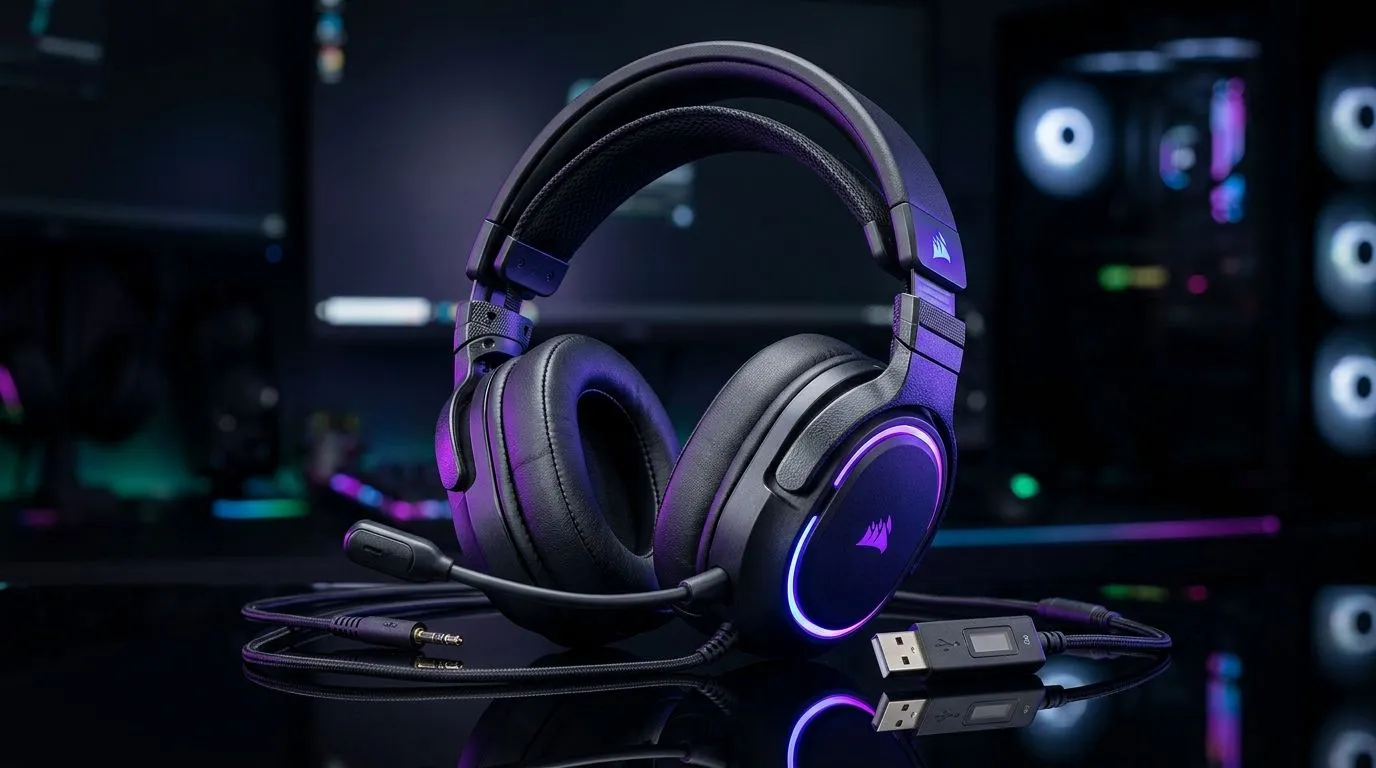
Choosing Wired 3.5mm Gaming Headsets vs USB Headsets for Multiplatform Use (South African reality check)
You’ve got a PlayStation or Xbox… plus a PC that’s always “almost upgraded”. Then you sit down and remember the one problem: your headset. Wired 3.5mm gaming headsets vs USB headsets for multplatform use isn’t just specs. It’s comfort, latency, mic quality, and whether your setup works the first time… without hunting adapters at midnight. ⚡
If you play on multiple devices (or your family does), the right connection can save you money and frustration.
Wired 3.5mm: simple, reliable, and surprisingly flexible
Wired 3.5mm headsets use the classic audio jack. In most cases, that means broad compatibility across controllers, handhelds, and older devices. For South Africans, that matters because “one cable to rule them all” is usually the goal… especially when you’re swapping between PC and console.
What you’re really buying with 3.5mm
- Compatibility-first: Many devices support a 3.5mm headset input.
- No USB dependence: Your headset works even when you don’t have extra USB ports.
- Plug-and-play: Fewer driver headaches.
Where 3.5mm can fall short
- Extra controls (RGB, EQ profiles, some surround modes) may not work on every device.
- You’re at the mercy of the device’s sound processing.
If your priority is “it must work everywhere,” 3.5mm often wins.
USB headsets: features on tap… but check compatibility
USB headsets get power and usually the audio processing through USB. That’s why you’ll see consistent features like virtual surround, EQ tuning, and sometimes better software-managed microphones. ✨
Why USB is popular for PC
- Stable, full control via the USB connection.
- Better consistency when you use the headset on a single platform.
- Software EQ and mic tuning often feel more “dialled in.”
But for multplatform use, the question is hardware support Some consoles and devices don’t support USB audio headsets directly. Others need an adapter, or you lose features. So before you buy, consider how often you’ll switch platforms.
Productivity Pro Tip ⚡
Productivity Pro Tip ⚡
On Windows, use the PowerToys FancyZones utility to create custom snap layouts for your windows. It's a lifesaver for managing multiple apps on an ultrawide monitor, letting you organise your timeline, preview window, and asset folders perfectly for video editing.
Multiplatform buying checklist (so you don’t waste ZAR)
Here’s how to decide without guesswork 🔧:
- List your devices first: PC only, or PC + console + mobile?
- Check for USB audio support on every console/handheld you use. If USB isn’t supported, you’ll lose convenience.
- Item
If you want a wireless option with robust PC/feature support, check out this Razer setup: Razer Barracuda X Chroma Wireless Headset (Phantom White).
For wired options and full ranges worth comparing, start broad with Evetech’s headphone selection: Razer headsets and headphones in the Evetech range. And if you want to filter by connection type and value, use: Headphone headsets category.
Quick recommendation based on how you actually game
- Mostly PC (and you like tuning): USB is a good bet.
- PC + console hopping: Wired 3.5mm usually keeps things simpler.
- You want “everything works”: 3.5mm is often the safest purchase.
Want to stop playing the adapter lottery? Use the section links above to compare real products available in SA, then choose the connection that matches your life… not just a spec sheet.
Ready to Find Your Perfect Match? The Mac vs Windows debate is complex, but for maximum power, choice, and value in South Africa, Windows is hard to beat. Explore our massive range of laptop specials and find the perfect machine to conquer your world.











