

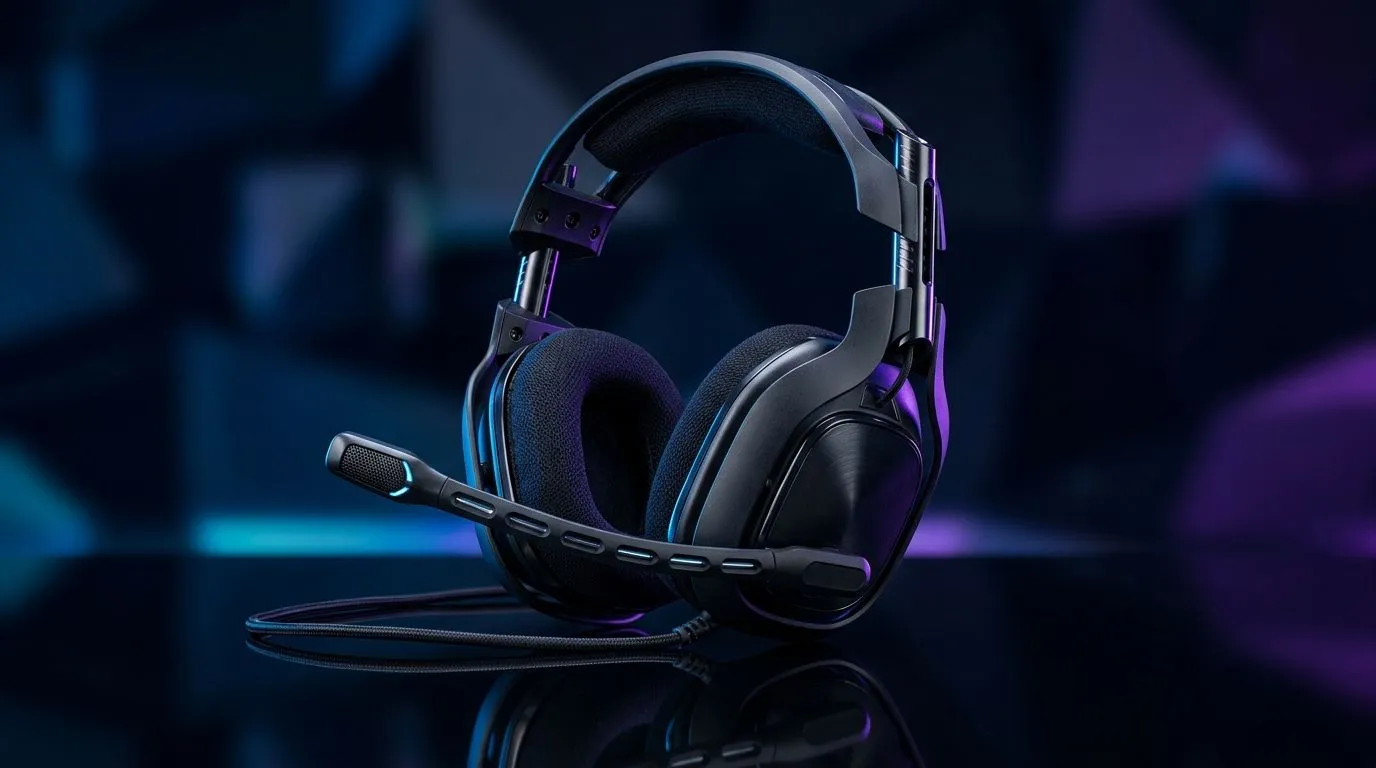
Wired Gaming Headset Microphone Types: Flip-to-Mute to Fixed Boom (SA buyer guide)
You know that moment in ranked… when your comms suddenly go silent. It’s usually a mic setting, not your aim. 🎧
In South Africa, where load shedding can mess with everything from drivers to Discord settings, reliable mic hardware matters even more.
Today we’re breaking down wired gaming headset microphone types, with a focus on two popular styles: flip-to-mute and fixed boom. If you’re buying for PC gaming or console chat, this guide helps you avoid “why is my mic facing the wrong way?” regret.
Flip-to-Mute Wired Mics: fast privacy, less fiddling
Flip-to-mute wired microphones are usually built into a small boom or mic capsule you can raise or rotate. The upside is obvious: you can mute instantly without hunting through menus. 🔧
When flip-to-mute is the better choice
- You share a room with family or roommates. A quick flip reduces accidental audio.
- You alt-tab often (streaming, web panels, Discord). Mute controls stay physical.
- You’re sensitive to background noise. Flipping the mic away helps cut pickup.
Common trade-offs
- Consistency varies by position. If the mic ends up too far from your mouth, your voice can sound faint.
- Nervous “micro-flips” happen. If the hinge is stiff or loose, it can move during play.
Want a practical example of a wired-friendly ecosystem? Check the broader headset selection here:
Shop Razer headsets and headphones in one place at Evetech.
Fixed Boom Wired Mics: stable placement, cleaner voice
Fixed boom microphones don’t “flip” out of the way. They stay in a consistent position, usually with adjustable angle. This means less variation between sessions. ⚡
Why fixed booms work well for squads
- More predictable voice volume across long gaming nights.
- Better orientation for consistent pickup, especially during frantic comms.
- Less movement means fewer accidental mutes mid-fight.
What to look for in fixed booms
- Adjust range: you should be able to bring the mic closer without stretching your neck.
- Distance control: the best setups keep the mic near your mouth, not your keyboard.
If you want more options across headset styles, start broad here:
Explore wired headphone and headset choices at Evetech.
Real-world picks: matching mic type to your play style
Not every “great mic” story is the same. For example, some gamers care most about wireless convenience and phantom powering (common in certain systems), while others just want consistent wired comms with minimal fuss. ✨
If you’re comparing options and want to understand how a specific gaming headset handles mic behaviour, here’s a helpful starting point:
Razer Barracuda X Chroma Wireless Headset (deal page).
Setup tips that make any wired mic sound better
Even the best microphone can sound bad if it’s too far or facing the wrong direction.
Productivity Pro Tip 🔧
On Windows, use the built-in Sound settings to confirm your headset mic is the default input device, then run a quick voice test. Set your input volume so your peaks stay natural, not clipped. This prevents “quiet comms” when you switch games or reconnect the cable.
Quick calibration checklist (2 minutes)
- Position the mic: boom near mouth, not hovering over the keyboard.
- Speak at your normal volume. If you whisper, your mic will too.
- Check Discord: Input sensitivity should not be so aggressive that it gates your words.
How to choose between flip-to-mute and fixed boom
Pick flip-to-mute if you value fast privacy and you often step away from your desk. Pick fixed boom if you want stable placement and fewer “why did it suddenly sound different?” moments.
Whichever type you choose, aim for consistency. Your teammates will feel it instantly. 🎮
Ready to Find Your Perfect Match? The Mac vs Windows debate is complex, but for maximum power, choice, and value in South Africa, Windows is hard to beat. Explore our massive range of laptop specials and find the perfect machine to conquer your world.











