

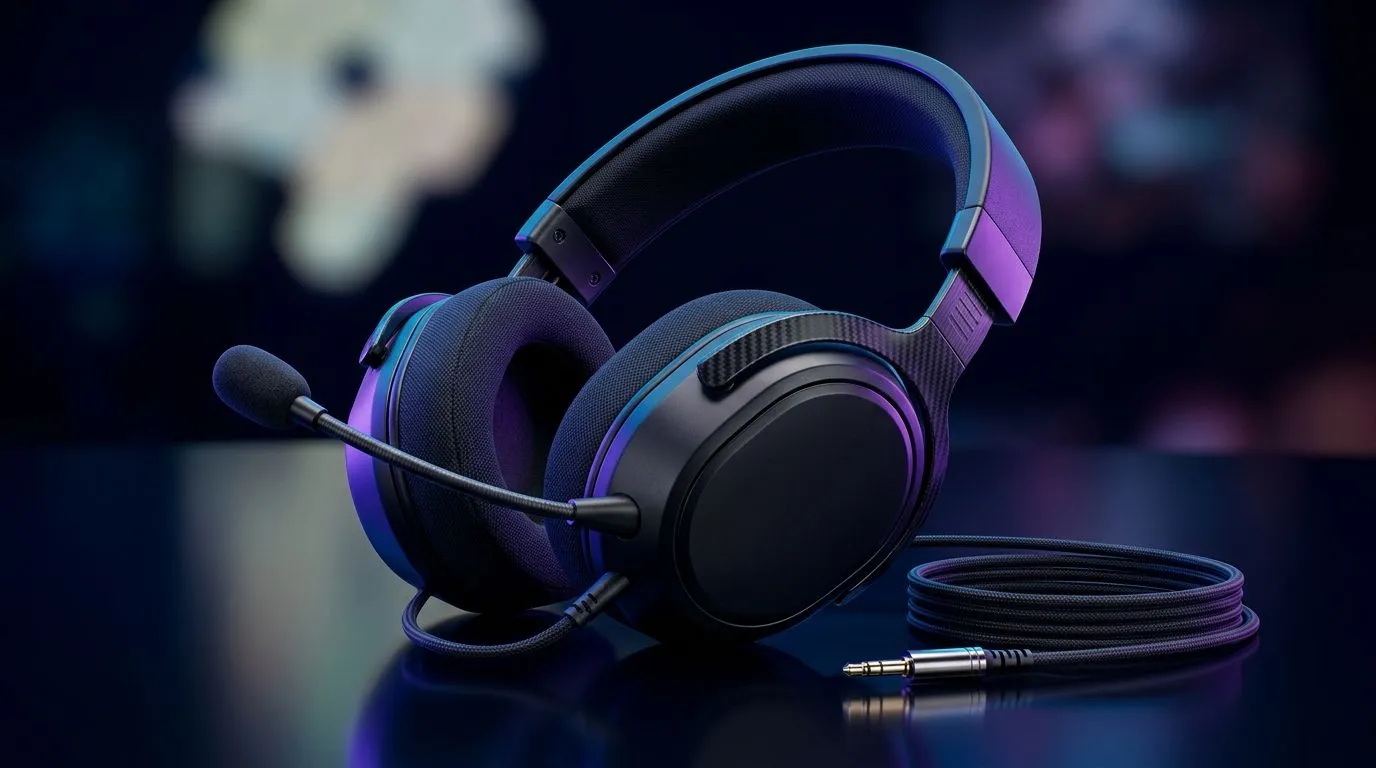
Wired Headset Compatibility Across Console, PC, Switch and Mobile: Start with the Plugs, Not the Promise
South African gamers buy headsets with one hope… they’ll work everywhere they play. If you’ve ever missed a clutch because the audio wouldn’t route, you already know the pain. The good news? Wired headset compatibility is mostly about connectors and impedance, not luck. 🎧
Let’s break down how wired headsets behave across console, PC, Switch, and even mobile, plus a quick checklist you can use before you buy.
Wired Headset Compatibility Across Console, PC, Switch and Mobile: Know Your 3.5mm (and When It Doesn’t)
Most “wired gaming headsets” in South Africa use a standard 3.5mm audio jack. That’s often labelled as TRRS (mic + audio in one plug) for headsets with a boom mic.
Here’s the reality:
- PC: Usually accepts a 3.5mm headset jack via a combo port (single) or separate headphone out and mic in jacks.
- PlayStation (older models): Commonly expects a 3.5mm wired headset and may support mic over TRRS depending on the controller/adapter setup.
- Xbox (controller): Typically supports 3.5mm headsets through the controller’s audio jack (again, TRRS matters).
- Nintendo Switch: Works with wired headsets, but microphone support can be limited by game and system settings.
- Mobile: Many phones still support 3.5mm… but the big gotcha is TRRS support and app behaviour.
If you’re choosing a headset from Evetech, start by confirming it’s listed as a compatible 3.5mm wired model in their headphone range. Browse options in the category here: Evetech headphone headsets.
Wired Headset Compatibility Across Console, PC, Switch and Mobile: Impedance and Volume (Why “Works” Isn’t Enough) 🔧
Even when the plug fits, audio quality can disappoint. Two common reasons:
- Volume mismatch: Some headphones need more power than others.
- Mic routing quirks: Many devices treat the mic differently, especially on Switch and mobile apps.
A practical rule: if the headset is marketed for gaming with a boom mic, it’s usually tuned for typical console/controller output levels. For a modern example, check Evetech’s wired options within their broader headset and headphone selection on: Evetech Razer headphones and headsets range.
Wired Headset Compatibility Across Console, PC, Switch and Mobile: A Fast Setup Checklist Before You LFG 🚀
Use this checklist the next time you unbox:
- Confirm the plug type: headset jacks should be TRRS if you want chat audio.
- Item
- Item
- Test with one game lobby first. Then tweak.
="Productivity Pro Tip ⚡" , On Windows, open Sound settings and quickly switch your input output devices before you join a party. This prevents the classic issue where your headset plays game audio but your mic stays on your webcam or controller, causing silent comms. If you use multiple headsets, pin your preferred output and input in the quick settings so you can swap in seconds.
Wired Headset Compatibility Across Console, PC, Switch and Mobile: When You Need a Backup Plan
Sometimes you’ll discover your exact device setup needs an adapter or headset that supports your mic format better. If you’re building a “one headset for everything” setup, don’t ignore the fine print.
For a real-world buy decision, compare current options and deals so you can match your budget in ZAR. For example, if you’re already shopping Evetech’s headset deals, you can start here: Razer Barracuda X Chroma Wireless Headset deal. Even though it’s wireless, reading the product details helps you understand how Evetech documents compatibility and connection type, which you can then mirror when selecting a wired alternative.
Wired Headset Compatibility Across Console, PC, Switch and Mobile: Final Thought Before You Click Buy ✨
Wired compatibility is simpler than it sounds. Get the right 3.5mm type, set the audio input correctly, and you’ll avoid the “it connects but the mic is dead” situation. Your future self will thank you next match.
Ready to Find Your Perfect Match? The Mac vs Windows debate is complex, but for maximum power, choice, and value in South Africa, Windows is hard to beat. Explore our massive range of laptop specials and find the perfect machine to conquer your world.











