

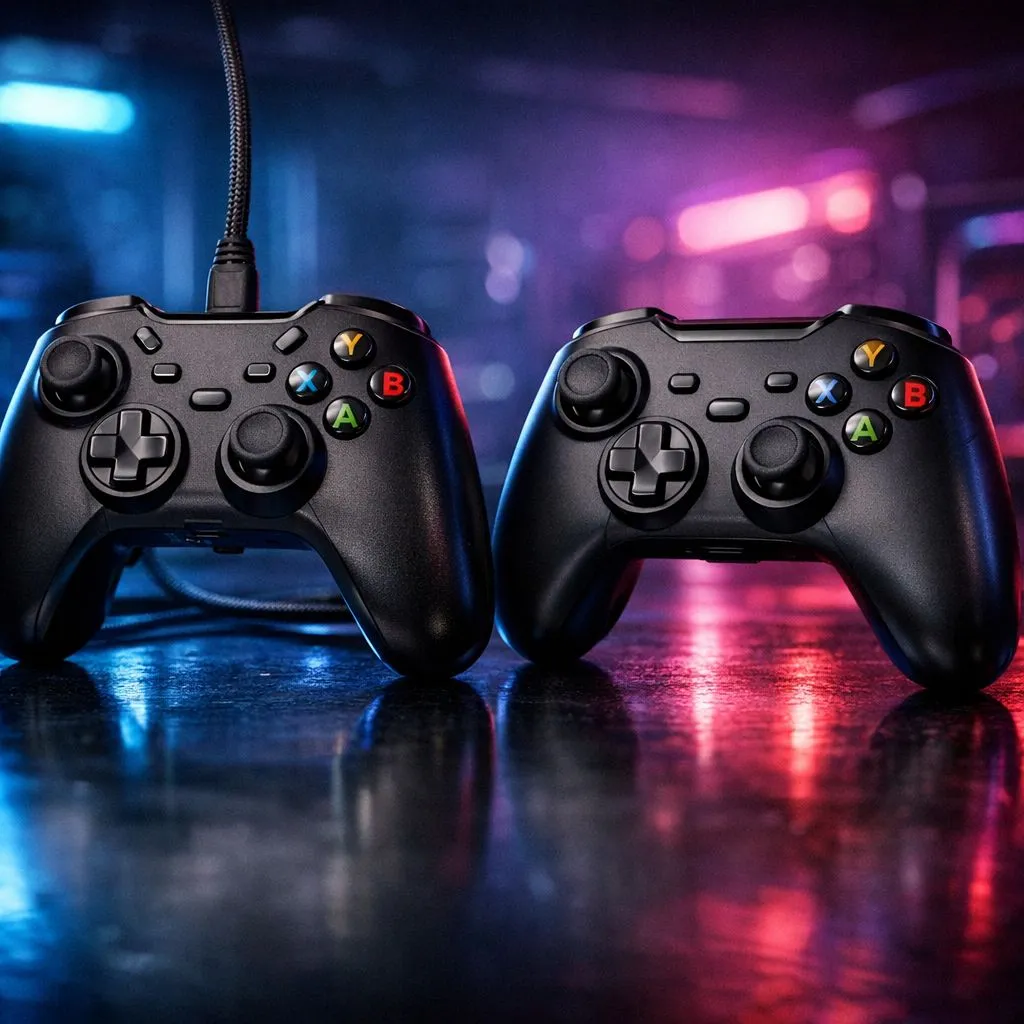
Wired vs Wireless Gaming Controllers for Low Latency: the choice South African gamers actually feel
Your controller should feel instant… not slightly delayed. Whether you’re climbing ranks in Apex, grinding ranked Rocket League, or trying to nail timing in FIFA, latency shows up as “why did that miss?”
In South Africa, where stable gear matters as much as budget, choosing between wired vs wireless gaming controllers for low latency can be the difference between crisp inputs and frustrating moments. ⚡
Wired Gaming Controllers: latency you can count on
Wired controllers generally win on consistency. A cable removes the air gap, so input doesn’t wait on pairing, radio handshakes, or battery charge-related behaviour.
That said, wired doesn’t mean “perfect.” Cable quality still matters, especially on long runs from desk to couch. If your setup involves a play chair far from the PC or console, cable management becomes part of the experience.
When wired is the smart pick
- You’re competitive-first and you want the tightest input path.
- You play for long sessions and don’t want to think about charging.
- You’re using a monitor with high refresh rates and you chase every frame.
Wireless Gaming Controllers: improving latency with modern tech
Wireless used to be a trade-off. Today, the story is better. Many gaming-oriented wireless controllers use low-latency modes and dedicated dongles (instead of Bluetooth), which reduces delay and improves reliability.
But the real-world results depend on your environment: Wi‑Fi congestion, USB port placement, and whether you’re on Bluetooth or a gaming dongle.
The biggest wireless variables to check
- Connection type: dongle-based is usually more consistent than Bluetooth for gaming.
- Power: low battery can introduce inconsistency.
- Distance and obstructions: a thick wall or cluttered desk can worsen signal quality.
Low-Latency Setup Pro Tip 🔧
Choosing the right wireless mode matters. If your controller supports it, use a dedicated USB dongle rather than Bluetooth for competitive play. Place the dongle closer to your chair, avoid USB hubs if you can, and test in-game with a rhythm-based drill (like quick-fire target practice) so you can feel delays immediately. It's the fastest way to confirm your own setup."
Buying guidance for gamers chasing low delay
If you’re deciding today, start by matching the controller to your play style and platform. Evetech carries a wide selection, including controllers marketed for competitive play and tournament-style use.
For a strong wired-friendly option, a lot of players prefer tournament-grade controllers for predictable behaviour and solid build quality. If you want to explore a specific competitive model, check out the Razer Wolverine V3 Tournament Edition 8K deal here: Razer Wolverine V3 Tournament Edition 8K at Evetech.
If you’re still comparing options across platforms, browse broader selections: buy gaming controllers on Evetech.
And if you’ve got a brand preference already, you can narrow quickly: Raze gaming controllers at Evetech.
A quick “latency test” you can do in 10 minutes
You don’t need lab equipment. Try this:
- Pick one aim-heavy game mode.
- Play for 3 minutes wired.
- Switch to wireless (same game, same settings).
- Focus on micro-actions: quick turns, repeated short bursts, and tight movement corrections.
If wired feels “snappier” every time, you’ve likely got a wireless setup issue (connection type, signal strength, or battery). If the difference is small, you’re in the sweet spot where wireless is perfectly workable for most competitive play. ✨
What to pick if you’re spending in ZAR
Budget is real in South Africa, so don’t overpay for features you won’t use. If you mainly play at your desk and want reliability, wired is often the safest value. If you play couch-style and want freedom, wireless with a dongle-based connection can be the best balance, as long as you keep your settings consistent. 🚀
The goal is simple: smooth input, stable connection, and fewer “why didn’t that register?” moments.
Ready to Find Your Perfect Match? The Mac vs Windows debate is complex, but for maximum power, choice, and value in South Africa, Windows is hard to beat. Explore our massive range of laptop specials and find the perfect machine to conquer your world.











