

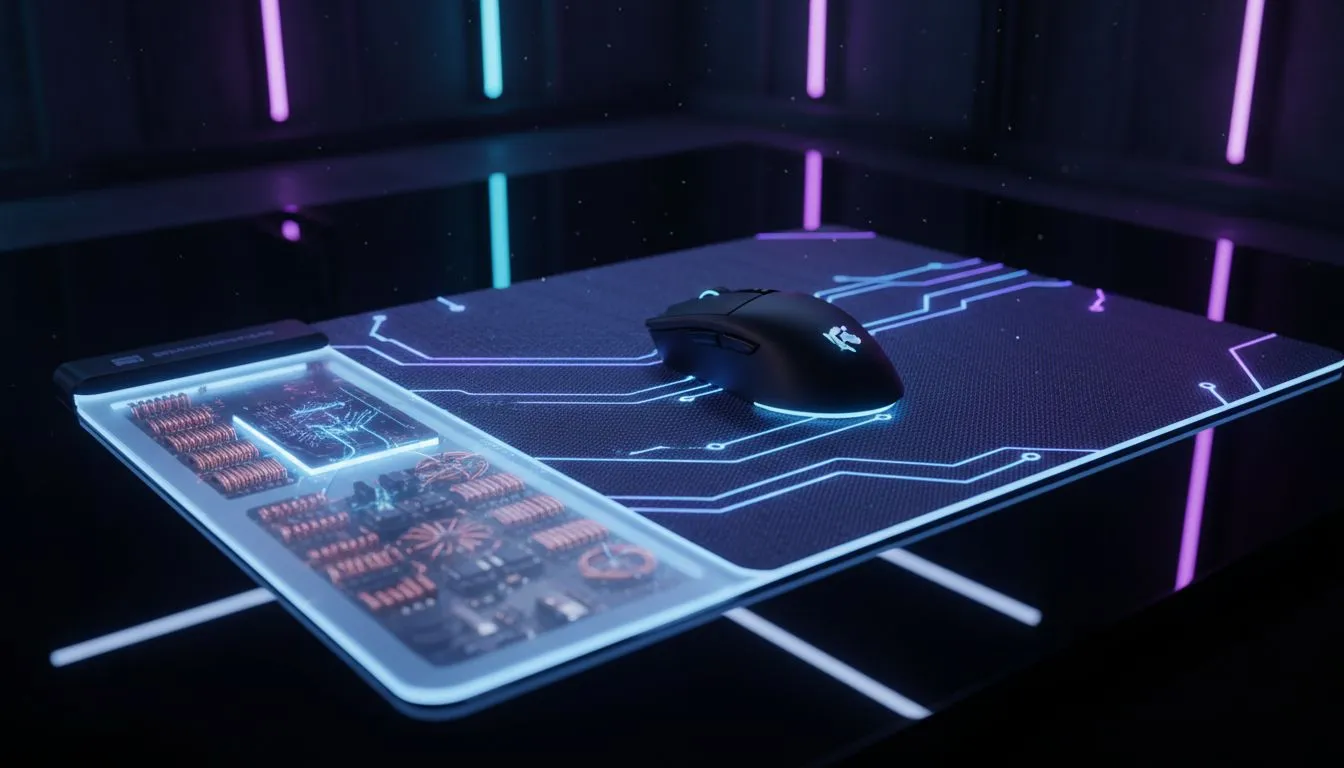
Wireless Charging Mousepad: electromagnetic basics for your desk ⚡
Imagine a mousepad that powers your wireless mouse while you frag and craft. No cables, no mid-game battery panic, just a tidy desk and uninterrupted sessions. South African gamers love clean setups and reliable gear. This short explainer breaks down the electromagnetic principles behind a wireless charging mousepad and gives practical tips so you can choose one that actually works for your rig.
How a Wireless Charging Mousepad actually works
At its core, wireless charging uses electromagnetic induction. A coil in the pad creates an alternating magnetic field. A matching coil in the mouse picks up that field and converts it back to electricity. This is the same principle behind Qi phone chargers but tuned for smaller devices and gaming tolerances. For a reliable overview of mousepad design and materials, check Evetech’s mouse pad guide.
Learn more: Evetech’s general mousepad primer explains surface types and performance trade-offs: Mouse Pads 101 🔧
Design choices that matter for charging and tracking
Not every mousepad can hide a charging coil. Good wireless charging mousepads balance three things: coil placement, surface smoothness, and thickness. If the pad is too thick, inductive coupling weakens. If the surface is too rough, tracking suffers. For brand-specific options and fan-favourite builds, compare curated ranges like Evetech’s in-house designs or SteelSeries models.
See in-house options: Evetech Mousepad category Find SteelSeries takes: SteelSeries Gaming Mouse Pads
Compatibility: what to check on your mouse
Before you buy, confirm your mouse supports onboard wireless charging or Qi-based receiver coils. Some mice require a specific charging puck or removable receiver. If you’re shopping for full RGB setups, note that lighting effects can add circuitry and thickness. Evetech lists pads with and without lighting so you can compare real choices.
Filters for non-RGB pads: No lighting effects If RGB matters: Yes (RGB) ✨
Size, placement and desk ergonomics
Pad size affects coil area and convenience. If you play FPS with low sensitivity, you might need a bigger coil zone. Consider XXL or Extended pads to give your mouse freedom while keeping it on the active charging area.
Explore big pads: XXL size options Extended desk coverage: Extended pads 🚀
Charging Tip ⚡
Centre your mouse over the pad’s marked charging zone for consistent power. If you stream, test charging during gameplay for a session before relying on it in a tournament. Keep the pad clean; dust reduces induction efficiency.
Common myths and practical advice
Myth: wireless charging kills sensor performance. Reality: quality pads isolate coils away from the tracking surface. Myth: all mice support induction. Reality: only compatible models will charge. When in doubt, check product pages or ask Evetech support for the exact model fitment.
Final thoughts for South African buyers
A wireless charging mousepad can tidy your desk and reduce battery fuss. Prioritise verified compatibility, sensible coil placement, and a surface that matches your sensor. For local availability, stock variety, and ZAR pricing, Evetech’s product pages are the best first stop — they list specs and sizes so you can compare before you buy.
Ready to Find Your Perfect Match? The Mac vs Windows debate is complex, but for maximum power, choice, and value in South Africa, Windows is hard to beat. Explore our massive range of laptop specials and find the perfect machine to conquer your world.











