

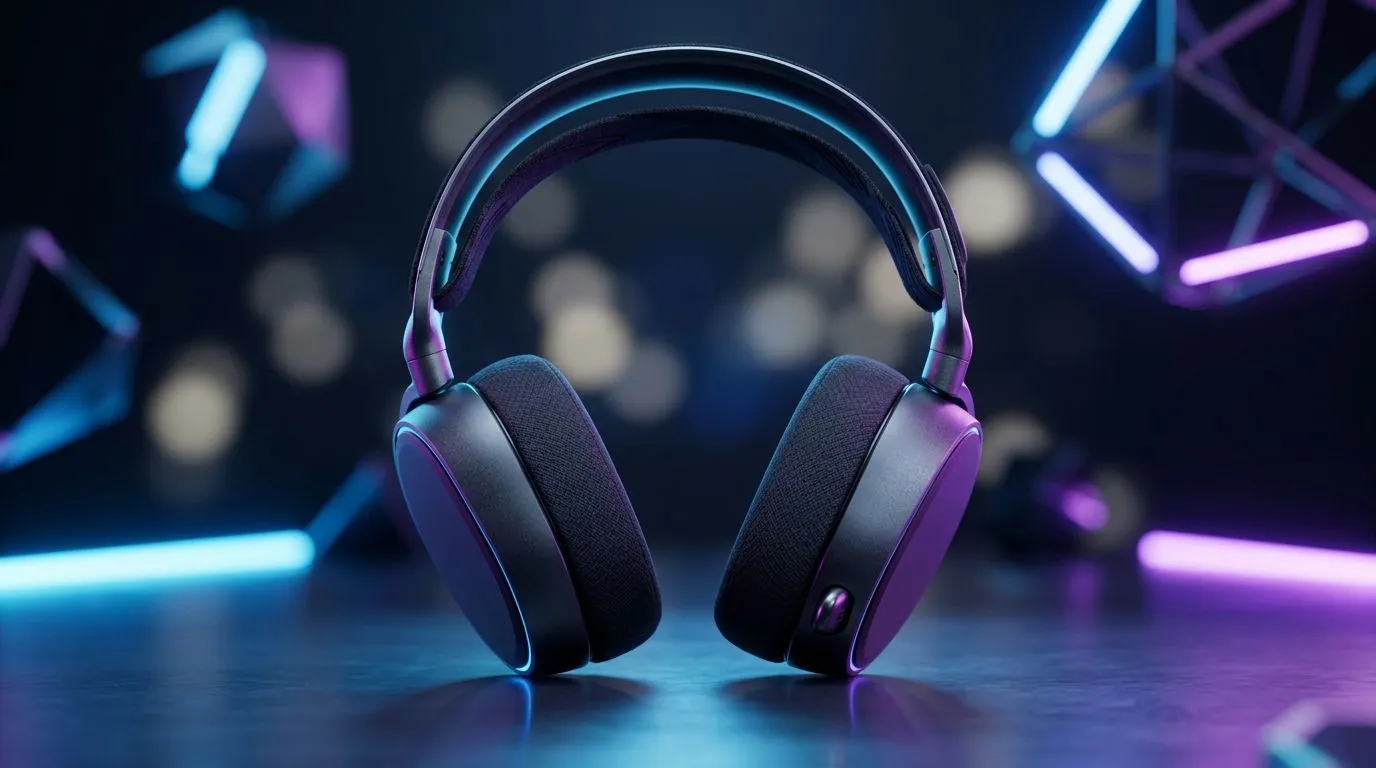
Wireless gaming audio: Why going wireless finally makes sense 🔊✨
South African gamers, tired of cable snags mid-clutch? Wireless gaming audio has matured — lower latency, longer battery life, and platform flexibility. This guide cuts through marketing noise so you can pick a wireless headset that actually improves your play and fits your setup. Expect practical tips, quick setup wins, and product links to shop locally at Evetech. ⚡
Wireless gaming audio: What to look for in 2026
Latency is the headline concern. Look for 2.4GHz dongle solutions for the tightest response times, or Bluetooth LE Audio for convenience and multi-device pairing. Many modern headsets balance both. For hands-on specs and compatibility, check the Razer Barracuda X Chroma listing at Evetech to see how manufacturers list platform support and wireless modes.
Battery life, driver size, and earcup comfort decide long sessions. Evetech’s Razer headphones category is a good place to compare form factors and feature lists across models. When reading specs, prioritise measured latency and stated battery runtimes over buzzwords.
Wireless gaming audio: Choosing between 2.4GHz dongle and Bluetooth
2.4GHz dongles typically give lower latency and easier PC connectivity. Bluetooth gives phone and tablet freedom. If you stream, create content, or play competitively on PC, a dongle-first headset is often the better choice. If versatility and convenience matter more, Bluetooth-first headsets win.
For a quick browse of different headsets and to compare both categories, see Evetech’s headphone & headset category page for model variety and local availability. Linking your choice to how you play will save money and headaches.
On sound tuning and mic quality
Don’t assume expensive equals perfect. Look for user reviews and measured frequency response where available. Microphone quality matters for team comms; detachable mics or flip-to-mute designs are practical. If in doubt, choose models with replaceable pads and swappable cables so you can switch back to wired use if the battery needs charging.
Pro Tip ⚡
testing wireless headsets, do a quick latency check: enable your game’s high-performance audio mode or use an audio-latency test video on YouTube. Try both dongle and Bluetooth modes if available. This reveals real-world delay and helps you choose the mode you’ll actually use.
Wireless gaming audio: Setup, troubleshooting and longevity 🔧
Pairing and drivers: prefer headsets with an official Windows driver or well-documented plug-and-play behaviour. When you buy locally, Evetech listings often include platform notes and compatibility details — consult the product pages before purchase. If your headset supports both dongle and Bluetooth, label the dongle and keep a small USB extension handy to improve signal line-of-sight.
Micro-story: I swapped a wired rig for a wireless 2.4GHz headset and gained freedom at my desk — but I also learned the hard way to keep an eye on battery health. Regular top-up charging and storing the headset in a cool, dry place extended usable life. Treat wireless headsets like any rechargeable device.
Maintenance tips: update firmware via the manufacturer app, check pad condition every six months, and keep a spare charging cable. If you want a low-cost, feature-rich option from Evetech, the Razer Barracuda X Chroma is a model to inspect for multi-platform use and RGB features; its product page lists the wireless modes and compatibility you need to confirm before buying.
Wireless gaming audio: Final checklist before checkout 🚀
- Confirm latency mode (dongle or Bluetooth).
- Verify multi-platform support on the product page.
- Read local stock notes and warranty details at Evetech.
- Consider build quality and pad replacements for long-term use.
Explore Evetech’s Razer range to compare models and find local warranty support. For curated model browsing and to compare specs side-by-side, the Razer headphones and headsets category at Evetech helps narrow choices.
Ready to Find Your Perfect Match? The Mac vs Windows debate is complex, but for maximum power, choice, and value in South Africa, Windows is hard to beat. Explore our massive range of laptop specials and find the perfect machine to conquer your world.











