

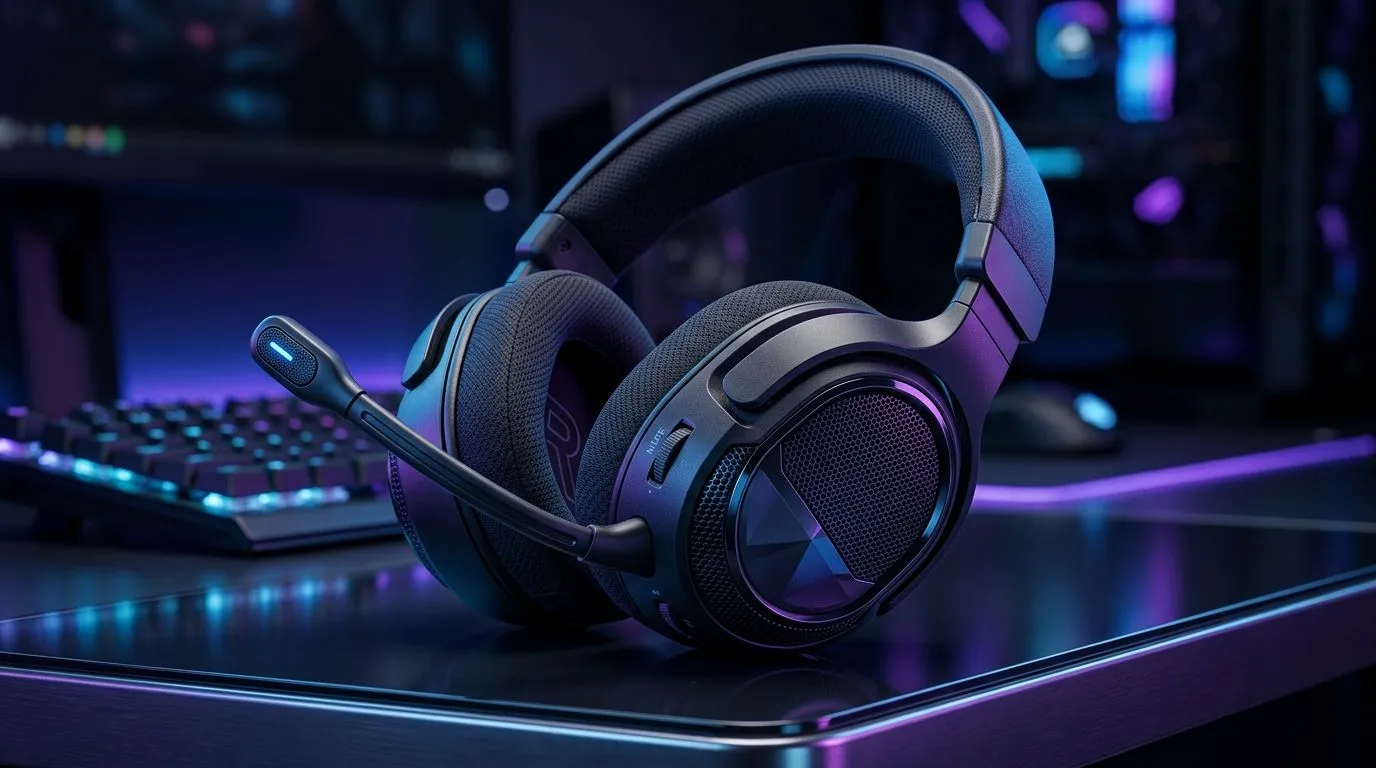
Wireless Gaming Headset Features to Look for Under R2500
If you’re gaming on a budget, you already know the pain… a “wireless” headset that drops audio right when the action heats up. Add Discord calls, voice chat, and the occasional late-night session, and suddenly comfort and latency matter as much as sound. The good news? You can find genuinely solid wireless gaming headset features to look for under R2500 without settling for tinny audio or unreliable mics.
Wireless Gaming Headset Features to Look for Under R2500: Latency, Connectivity, and Battery
Wireless is only worth it when the connection stays stable. Look for headsets that support 2.4GHz USB dongles (usually faster and more consistent than Bluetooth). Also, check battery life in hours, then add a little buffer for long weekends. ✨
What to prioritise first
- 2.4GHz low-latency wireless (best for gaming)
- Stable range (avoid “works on the couch, dies at your desk”)
- Battery life you can trust (and quick charging if you’re busy)
If you’ve ever reached for your controller and realised your chat audio is cutting in and out… you’ll understand why this matters.
Wireless Gaming Headset Features to Look for Under R2500: Mic Quality That Won’t Shame Your Team
A budget mic can still sound clear if it’s designed for speech, not room noise. Look for features like a detachable or boom mic, noise reduction, and adjustable position. 🎧
Quick reality check
- If you mostly play ranked (or build squads in squads), your mic quality is your “gameplay”.
- If your mic sounds muffled in party chat, you’ll feel it fast.
Wireless Gaming Headset Features to Look for Under R2500: Comfort for Long Sessions (The Overlooked Spec) 😊
Comfort is a spec. Period. Under R2500, some headsets win on price but lose on clamp force. You want:
- Lightweight design (less fatigue after 2+ hours)
- Adjustable headband and breathable ear pads
- Sufficient ear coverage for your ears (no painful hotspots)
A headset that hurts isn’t “value”. It’s a break from gaming.
Productivity Pro Tip ⚡
On Windows, use the PowerToys FancyZones utility to create custom snap layouts for your windows. It's a lifesaver for managing multiple apps on an ultrawide monitor, letting you organise your timeline, preview window, and asset folders perfectly for video editing.
Wireless Gaming Headset Features to Look for Under R2500: Sound Tuning and “Competitive” EQ
You don’t need studio-grade audio to play well. What you do need is clarity. For competitive shooters, you’re usually listening for footsteps and gun cues, not just bass drops.
Try to find a headset that offers:
- Game/Chat balance (so your teammates aren’t swallowed)
- EQ presets or at least software control
- Closed-back isolation to reduce background noise
Wireless Gaming Headset Features to Look for Under R2500: Example Options to Compare
Not sure where to start? Here are a few Evetech pages worth checking while you compare features, pricing, and availability.
- If you want a clean, premium-style option in a wireless package, check the Razer Barracuda X Chroma wireless headset deal page: Razer Barracuda X Chroma wireless headset (Phantom White) on Evetech
- If you’re browsing across multiple Razer headset models, use this hub: Razer headphones headsets range on Evetech
- For wider choice across price brackets and styles, explore the category: Headphone headsets on Evetech
Wireless Gaming Headset Features to Look for Under R2500: What to Ask Before You Buy (Under R2500)
Before you click “add to cart”, ask yourself three things:
- Will it stay connected during real use, not just in the shop test?
- Can I hear footsteps and comms clearly at the same time?
- Will I wear it for long sessions without wanting to rip it off?
Get these right, and your headset becomes part of your setup… not an annoyance.
Ready to Find Your Perfect Match? The Mac vs Windows debate is complex, but for maximum power, choice, and value in South Africa, Windows is hard to beat. Explore our massive range of laptop specials and find the perfect machine to conquer your world.











