

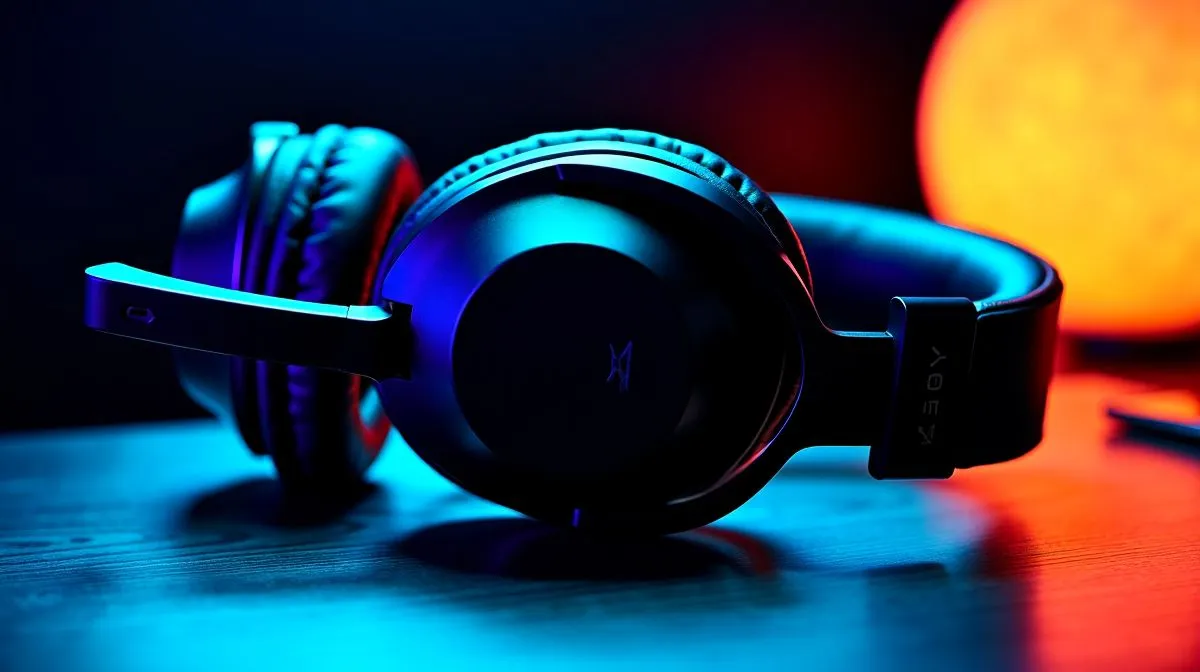
Wireless Gaming Headset Setup Guide for Maximum Battery Life: Get More Hours Before You Charge 🔋
Load shedding and LAN nights have one thing in common... everyone wants their headset to last longer. If your wireless gaming headset keeps dying mid-match, your setup is probably costing you battery. In this guide, we’ll dial in the settings that typically make the biggest difference: mic and volume behaviour, connection type, EQ modes, and charging habits. You’ll squeeze more play time out of your headset without sacrificing sound quality.
Start With the Right Wireless Gaming Headset Setup Guide for Maximum Battery Life Settings ⚡
Most battery drain comes from radio activity (connection stability) and power-hungry features you don’t need. Before you touch anything else:
- Keep your headset’s firmware up to date (check the manufacturer app).
- Choose a stable connection path (USB dongle often beats Bluetooth for low-latency, consistent performance).
- Set a sensible volume level on both your headset and your PC.
Lowering system volume is not the same as lowering headset volume. If you max your PC volume and only reduce headset volume, you may still be pushing more audio processing than necessary. The “sweet spot” is moderate PC volume plus headset volume that sounds good.
Power-saving modes you should actually use
If your headset has “Eco” or “Power Save”, turn it on. Some models also offer auto-off after inactivity. For gamers, that’s a win because you’re not always in a call or match.
Productivity Pro Tip ✨
On Windows, set a consistent audio output volume per device. Open Sound settings and adjust headset volume while music plays, then leave Windows volume stable. This reduces the temptation to run the headset at extremes, which can accelerate battery drain.
Battery Life Dial-In: EQ, Mic Monitoring, and RGB (Yes, RGB) 🔧
Wireless headsets often include EQ presets and RGB lighting. Both can affect battery life:
- EQ: The “max bass” or highly processed profiles may draw slightly more power than simpler modes.
- Mic monitoring/side tone: If you don’t need it, disable it. Hearing yourself through the headset can feel natural, but it adds extra processing.
- RGB: Lighting is small, but constant. Turning it off or setting it to “low” is free battery.
If you’re shopping, consider what you’ll use daily. For example, the Razer Barracuda X Chroma includes RGB features and a wireless setup designed for gaming. See the exact product details and current deals here: Razer Barracuda X Chroma Wireless Headset (Phantom White).
For a broader look at options and fit styles, browse: Razer headphones & headsets in our range and our category pages for headphone headsets: Headphone headsets.
Wireless Gaming Headset Setup Guide for Maximum Battery Life: Connection and Device Use ⚡
Battery life improves when your headset doesn’t constantly search for devices. Try these habits:
- Use the correct dongle/connection: If your headset supports both Bluetooth and a USB dongle, pick one based on how you game.
- Avoid competing audio outputs: When you have multiple devices enabled, your headset may reconnect more often.
- Turn off Bluetooth on the game PC if you’re using the dongle. This prevents extra pairing noise.
If you’re choosing gear that matches your sound setup, pay attention to channel modes. Some models support 7.1, while others are best suited for stereo. Use these pages to compare configurations:
Charging Habits That Actually Help Your Battery Over Time
Battery performance isn’t only about “today’s charge”... it’s also about longevity.
- Don’t leave it at 0% for long periods. Recharge soon after heavy use.
- Avoid charging in extreme heat. South African summers are no joke.
- Unplug when full. Modern Li-ion systems handle it, but consistent overcharge time isn’t ideal.
If your headset supports quick-charge, use it when you need to. But for routine charging, a normal charge cycle tends to be gentler.
Wired Detour: When a Wireless Headset Should Go Wired
Some headsets can be used while charging. If you need a long session (ranked grind, co-op evenings), switch to wired mode when available. It’s not always supported, but when it is, you essentially remove the battery anxiety.
Ready to Find Your Perfect Match?
Ready to Find Your Perfect Match? The Mac vs Windows debate is complex, but for maximum power, choice, and value in South Africa, Windows is hard to beat. Explore our massive range of laptop specials and find the perfect machine to conquer your world.











