

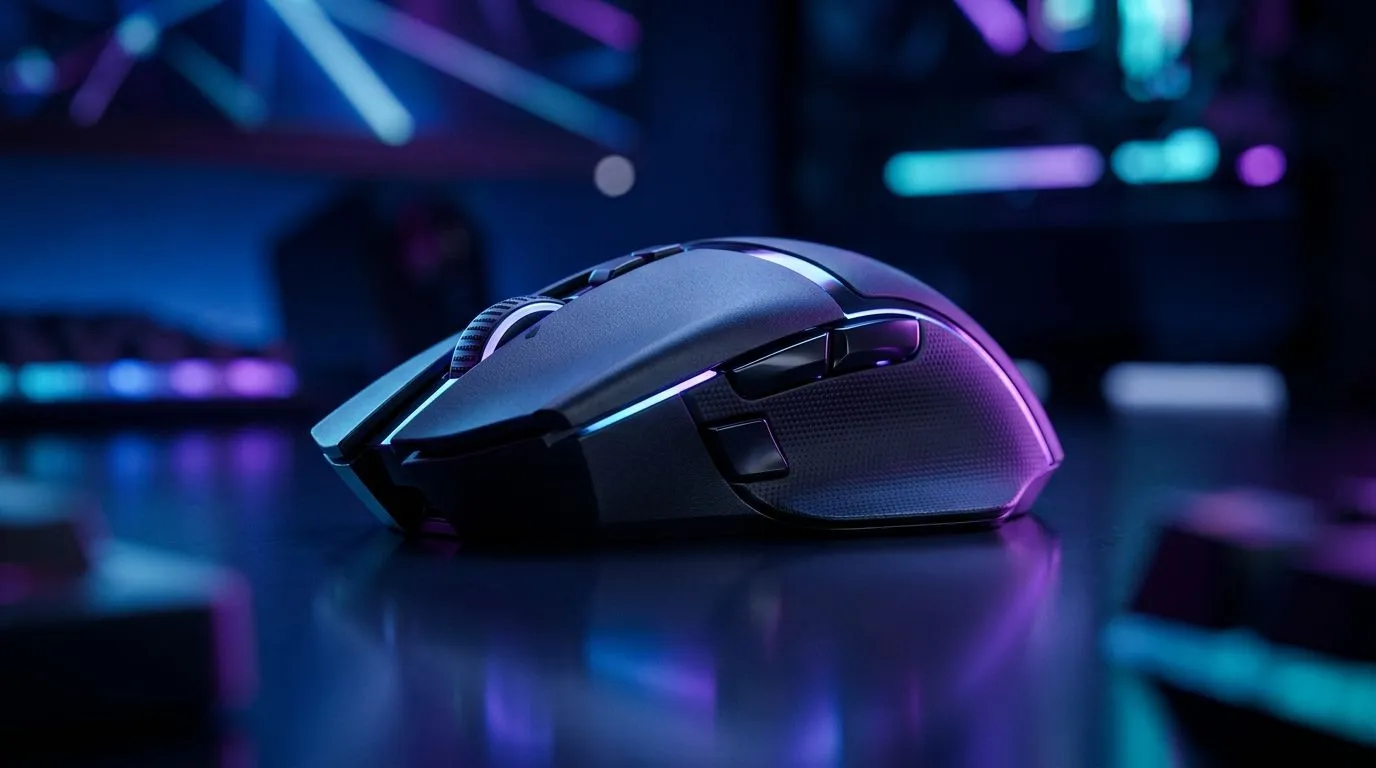
Wireless Gaming Mouse Battery Life Explained (Up to 120 Hours): What SA Gamers Should Know
If your wireless mouse dies mid-match, you feel it in your hands and your nerves. In South Africa’s load-shedding weeks, you also tend to charge more carefully, so battery life matters even more. The “up to 120 hours” number sounds tempting... but what actually makes a mouse last that long? Let’s break it down clearly, then help you buy with confidence. 🔋
Wireless Gaming Mouse Battery Life Explained: The Numbers Behind “Up to 120 Hours”
That headline “up to” is almost always based on controlled conditions. In real life, battery life swings because of:
- Polling rate (Hz): higher polling rates usually drain faster.
- RGB lighting: on-screen aesthetics cost battery.
- DPI and usage pattern: heavy play and constant movement add up.
- Connection type: Bluetooth vs 2.4GHz USB dongle behaves differently in practice.
To shop smarter, start by checking whether the mouse is built for gaming-grade low latency. For wired alternatives (if you want zero battery anxiety), browse Evetech’s wired options here: wired gaming mouse deals.
Wireless Gaming Mouse Battery Life Explained: Real-World Settings That Change Everything
Want longer sessions? Try these:
- Lower RGB brightness or disable it when you’re grinding ranked.
- Use a sensible polling rate for your setup. Many players feel the difference only when they chase the last bit of smoothness.
- Reduce idle wake events: if your mouse has sleep settings, use them.
- Keep firmware updated if the manufacturer provides updates; efficiency improvements do happen.
Most importantly, treat battery life as a range, not a promise. A mouse that hits “up to 120 hours” often does so with conservative settings and consistent conditions.
Wireless Gaming Mouse Battery Life Explained: Charge Habits That Prevent Match-Day Panic 🔧
The best battery is the one you remember to top up.
- Charge after sessions, not during them.
- If your mouse supports USB charging while using it, you gain a safety net.
- If you use a charging dock, you’ll naturally keep it ready.
Productivity Pro Tip ⚡
Windows, create a simple routine: plug in your mouse charger whenever you start launching games, and use a reminder in your calendar for weekly checks. It reduces the “surprise battery” moment and helps you keep your peripherals consistent for competitive play.
Wireless Gaming Mouse Battery Life Explained: What to Buy for South African Power Users
If you’re aiming for dependable wireless performance, start with the right ecosystem:
- Pick the right mouse first, then tune power settings.
- Consider investing in quality accessories like charging solutions and spare parts.
You can also browse mouse accessories that help you maintain uptime, here: mouse accessories.
And if you want to see what’s currently worth your rand, check the latest gaming mouse deals before you commit: best gaming mouse deals. In SA, that’s where value sneaks in... especially when battery specs matter.
For a curated range focused on gaming performance, start here: gaming mice and components.
Wireless Gaming Mouse Battery Life Explained: Don’t Forget the Wireless-Specific Choices 🚀
Wireless mice aren’t all built the same. If your priority is endurance, look specifically at models designed for long runtime and stable 2.4GHz connectivity.
Start with Evetech’s selection of wireless gaming mice here: wireless gaming mouse range. The quicker you match your usage (RGB on or off, how often you game, what polling rate you prefer), the closer you’ll get to that “up to” claim.
Wireless Gaming Mouse Battery Life Explained: Quick Checklist Before You Click Buy ✨
Before you checkout, scan for:
- Stated battery life (and whether it includes RGB on/off)
- Polling rate options
- Charging method (USB-C, dock, cable length)
- Sleep/idle behaviour
- Warranty and support
That’s the difference between hoping and knowing. And in competitive play, knowing beats guessing every time.
Ready to Find Your Perfect Match? The Mac vs Windows debate is complex, but for maximum power, choice, and value in South Africa, Windows is hard to beat. Explore our massive range of laptop specials and find the perfect machine to conquer your world.











