

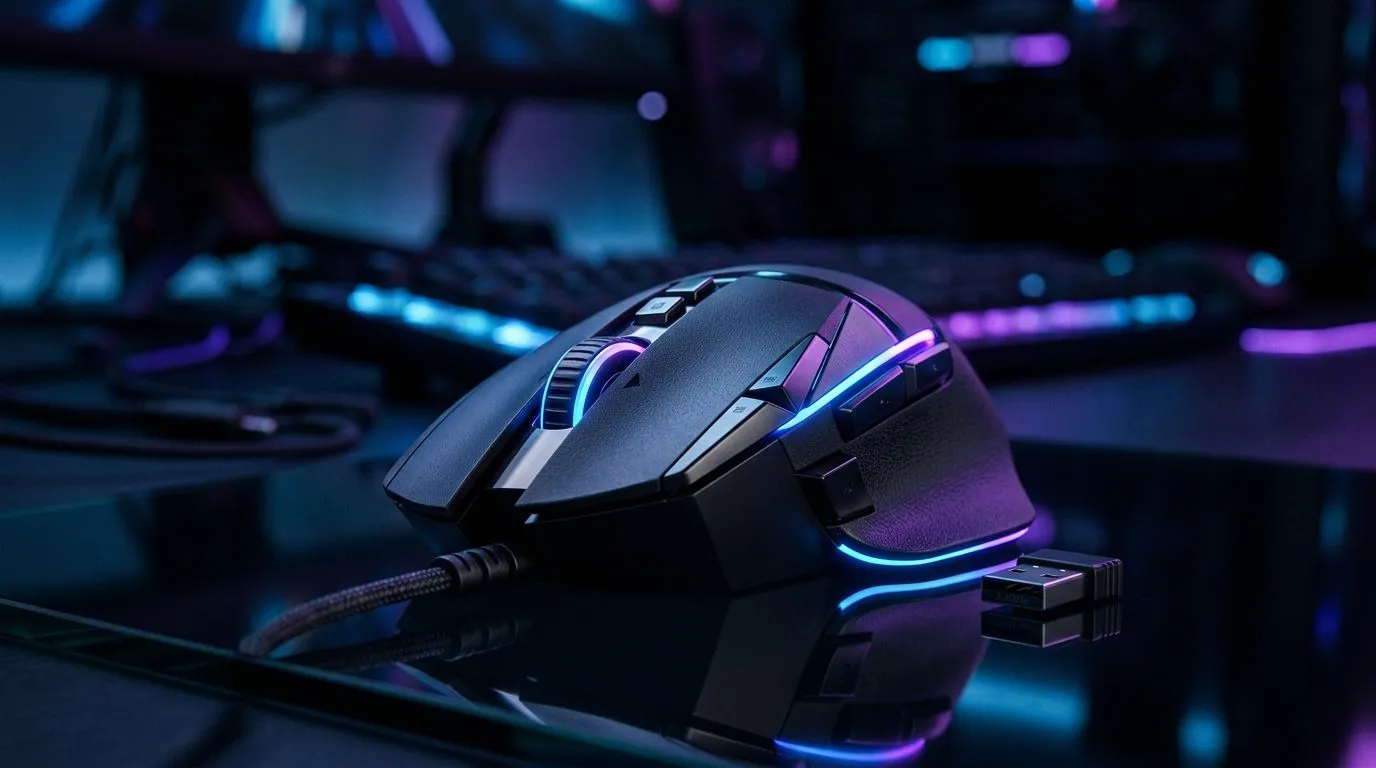
Wireless Gaming Mouse Connection Types: 2.4GHz to Bluetooth (in plain SA terms)
If your mouse feels “laggy” at the worst moment, it’s usually not your aim. It’s often the connection. In South Africa, where load shedding, Wi‑Fi congestion, and fast-changing set‑ups are normal, knowing the difference between Wireless Gaming Mouse Connection Types: 2.4GHz to Bluetooth can save you from wasted upgrades and jittery matches. Whether you’re grinding ranked or building a streaming PC, choose the right link and keep your inputs crisp. ⚡
What “2.4GHz vs Bluetooth” really means for gaming
Most wireless gaming mice don’t use “Wi‑Fi”. They use short-range radio links meant for low delay. Here’s the practical breakdown:
2.4GHz (usually the best for competitive play) 🚀
- Low latency feel: In general, 2.4GHz dongle connections provide a more consistent “instant response” for gaming.
- Stable range: You can usually move farther from your desk than you’d expect, as long as there’s no heavy interference.
- No pairing step each time: Plug in the dongle and go.
Bluetooth (convenient for multi-device setups) ✨
- Flexible for laptops and tablets: Pair once, switch devices more easily.
- Power efficiency options: Many Bluetooth mice are designed to sip battery.
- Can vary more in performance: Depending on your laptop’s Bluetooth stack and nearby signals, you may notice more variability than with 2.4GHz.
For a focused buying approach, you can browse different wireless models here: https://www.evetech.co.za/buy-wireless-mouse/x/1597.aspx
How to choose the right connection for your setup 🔧
Before you buy, think about where you game.
If you play mostly on one PC
Go 2.4GHz. It’s typically the safest bet for FPS, MOBA, and competitive aim training. Pair that with a quality sensor and you’re set. If you want accessories and options that match your gear, start here: https://www.evetech.co.za/buy-mouse-accessories/x/1595.aspx
If you switch between laptop and console (or share a desk)
Bluetooth can be handy… but test your real workflow. If you want a calmer experience without drivers and setup headaches, look for mice and variants that are designed for wireless consistency. Also, it’s worth knowing the wired alternative if your priority is “zero wireless variables”: https://www.evetech.co.za/buy-wired-mouse/x/1596.aspx
Quick comparison approach (without overthinking)
If you already know you want wireless, compare within that category first, then narrow down by features like polling rate and sensor class. For deals, check what’s currently worth your budget in ZAR: https://www.evetech.co.za/best-gaming-mouse-deals/x/054.aspx
A buyer’s checklist before you click “Add to cart”
Use this 60-second scan. It prevents a lot of “why does it feel off?” moments.
- Do you need multi-device switching? Bluetooth wins here.
- Do you care most about competitive smoothness? 2.4GHz wins here.
- What’s your desk distance from the PC? 2.4GHz is usually more forgiving.
- Are you often away from a stable USB port? Consider a hub or a short extension lead.
Productivity Pro Tip ⚡
On Windows, keep your Bluetooth adapter driver up to date and reduce interference by moving the laptop’s Wi‑Fi and Bluetooth away from power bricks and USB3 hubs. It won’t change physics, but it often improves perceived stability when you’re using a Bluetooth mouse in busy networks.
Where to find a mouse that matches your connection needs
If you’re not sure whether to go 2.4GHz to Bluetooth, don’t guess. Filter, compare, and buy the model that matches your daily routine. You can also explore the wider mouse lineup by tech category and features: https://www.evetech.co.za/components/gaming-mouse-117.aspx
CALLTOACTION
Ready to Find Your Perfect Match? The Mac vs Windows debate is complex, but for maximum power, choice, and value in South Africa, Windows is hard to beat. Explore our massive range of laptop specials and find the perfect machine to conquer your world.











