

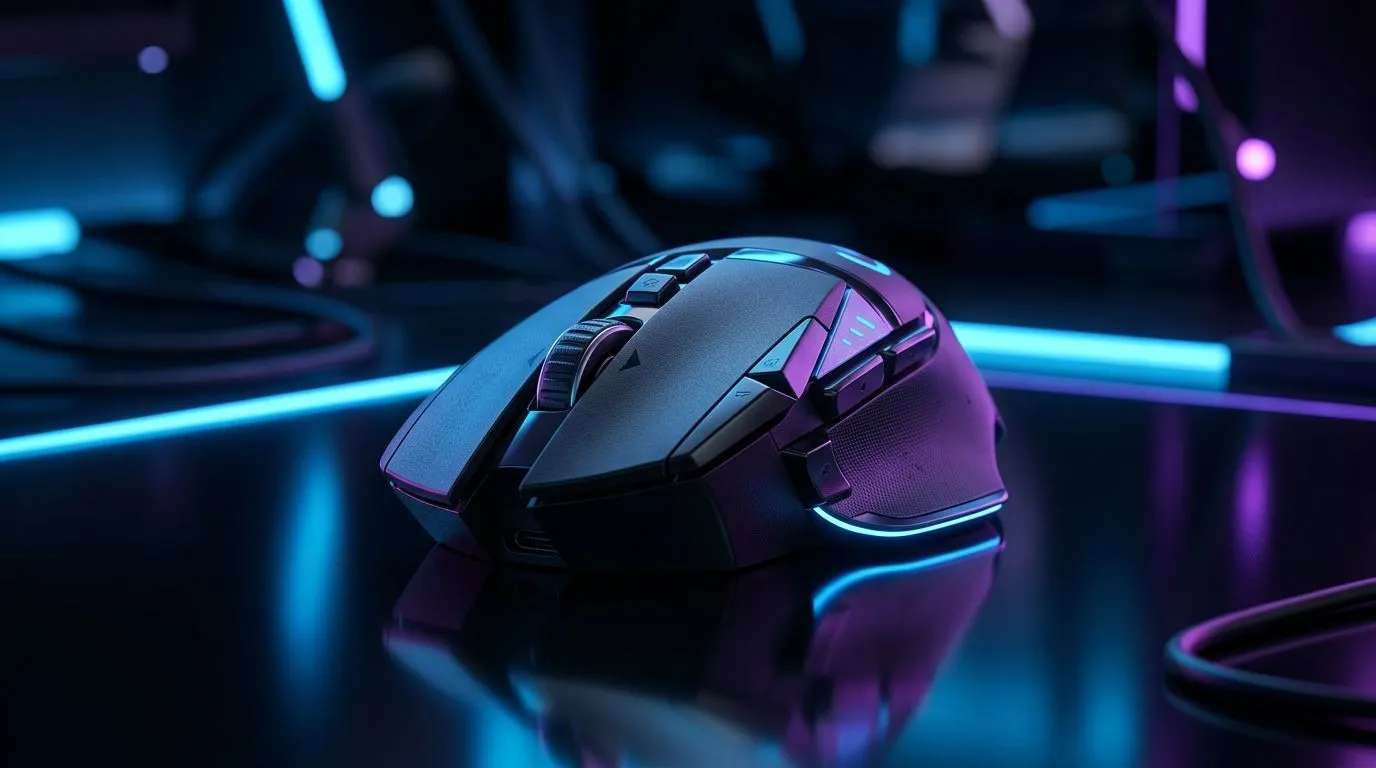
Wireless Gaming Mouse Connectivity Modes Explained for South African Gamers ⚡
If you’ve ever swapped between a desktop rig, a work laptop, and a couch setup, you already know the pain. One mouse should do it all... but not every wireless connection behaves the same. In South Africa, where gamers often juggle power cuts, compact desks, and hybrid work, the right connection mode can mean smoother play, less clutter, and fewer headaches. Let’s break down 2.4GHz, Bluetooth, and USB-C in plain English.
Wireless Gaming Mouse Connectivity Modes Explained: What Each One Actually Does
2.4GHz wireless
This is the mode most gamers should know first. It uses a USB receiver, often called a dongle, to create a fast, dedicated link between mouse and PC. In practice, that usually means lower latency and a more “wired-like” feel. If you’re playing fast shooters or anything where timing matters, 2.4GHz is usually the safe pick.
Bluetooth
Bluetooth is all about convenience. No dongle. No extra port occupied. Just pair and go. It’s excellent for laptops, travel, and everyday work. The trade-off is that Bluetooth can feel a bit less responsive than a good 2.4GHz setup, so it’s better for productivity or lighter gaming.
USB-C wired mode
Some wireless mice also work over USB-C while charging. That gives you a simple fallback if the battery runs low mid-session. It also avoids the small risk of wireless interference. If you want the most dependable connection possible, wired mode is still the benchmark. For readers comparing options, Evetech’s wired mouse range is worth a look too.
Wireless Gaming Mouse Connectivity Modes Explained: Which Mode Suits Your Setup?
The best mode depends on how you use your PC.
Choose 2.4GHz if you:
- Play competitive games
- Want low delay
- Use a desktop and can spare a USB port
Choose Bluetooth if you:
- Work across multiple devices
- Want a cleaner, dongle-free desk
- Mostly browse, study, or play casually
Choose USB-C if you:
- Hate charging downtime
- Want a backup when wireless battery runs low
- Prefer the certainty of a cable
A lot of gamers end up wanting a mouse that can do all three. That flexibility makes sense in South Africa, where one device often needs to handle gaming, admin, and travel. If that sounds like you, browse Evetech’s wireless mouse selection and compare features before you buy.
Wireless Gaming Mouse Connectivity Modes Explained: Real-World Buying Tips
Don’t get distracted by flashy polling-rate claims alone. Look at the full package:
- Battery life
- Weight
- Shape
- Switch feel
- Software support
- Whether the dongle stores inside the mouse
If you want add-ons like grips, feet, or spare receivers, Evetech’s mouse accessories can be useful. And if you’re hunting value, keep an eye on gaming mouse deals. Sometimes the smartest buy is simply the one that fits your hand and your budget in rand... not the loudest spec sheet.
Quick setup tip 🔧
A 2.4GHz dongle performs best when plugged into a front USB port or a short USB extension, closer to your mouse and away from the back of your PC case. That small change can help reduce interference from metal cases, Wi-Fi gear, and other USB devices.
Wireless Gaming Mouse Connectivity Modes Explained: The Simple Verdict
For pure gaming performance, 2.4GHz is usually the best all-round choice. For convenience and portable use, Bluetooth wins. For the most dependable backup, USB-C wired mode still matters. If you’re building a full setup or replacing an old mouse, you can also explore Evetech’s gaming mouse category for more options.
The smartest move? Match the connection mode to your real routine. Not the marketing hype. Not the box art. Your hands will notice the difference within minutes.
Ready to Find Your Perfect Match? The Mac vs Windows debate is complex, but for maximum power, choice, and value in South Africa, Windows is hard to beat. Explore our massive range of laptop specials and find the perfect machine to conquer your world.











