

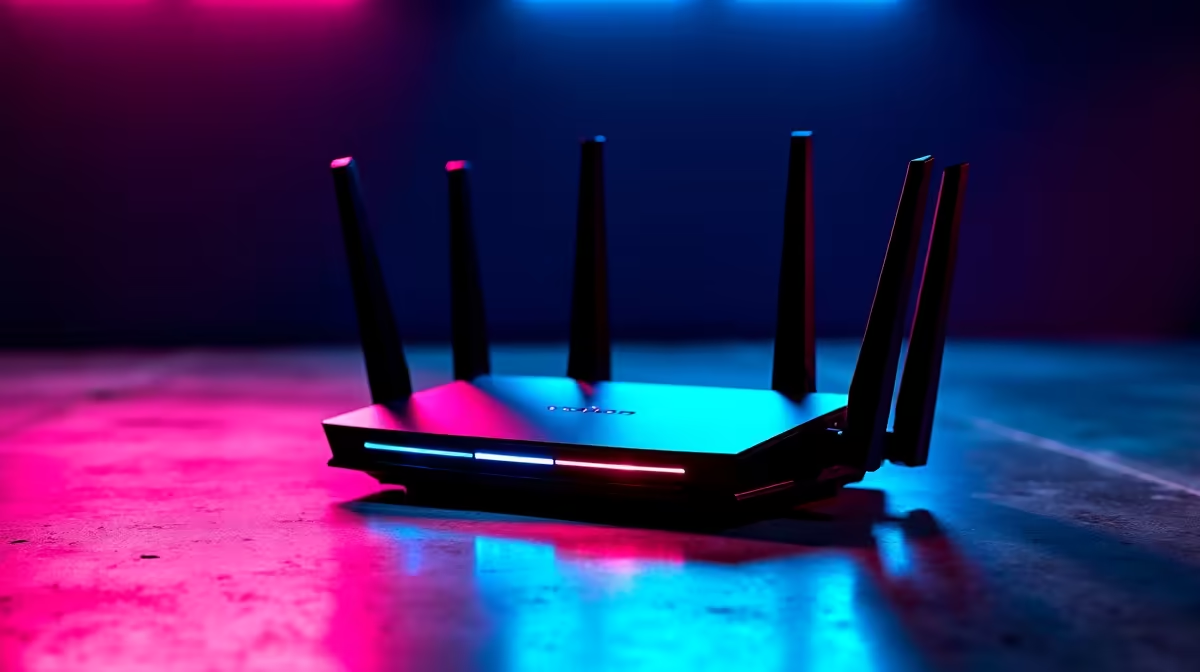
Is there anything more frustrating than your Wi-Fi dropping mid-match? You've got a killer gaming rig, a fast fibre line… but your wireless signal is as unpredictable as Stage 4 load-shedding. It’s a common headache for South African gamers and home offices. This practical wireless networking guide is here to help you troubleshoot common issues, optimise your setup for stability, and ensure you stay online when the lights go out. Let's get your connection sorted. 🚀
Optimising Your Core Wireless Network
Before we tackle Eskom-related issues, let's ensure your basic setup is solid. A stable wireless network is built on good fundamentals. Where you place your router and the settings you use can make a massive difference to your speeds and latency.
Router Placement is Everything
Think of your router's signal like a light bulb. Walls, metal appliances (like your fridge), and even fish tanks can block or weaken the signal, creating dead zones in your home.
- Central & High: Place your router as close to the centre of your home as possible, and elevate it. Putting it on a high shelf is better than on the floor behind the TV cabinet.
- Avoid Interference: Keep it away from other electronics, especially microwaves and cordless phones, which operate on a similar frequency.
- Line of Sight: For the best performance for your gaming PC or console, try to establish a clear line of sight to the router.
Pro Tip: Check Your Channels
Most routers automatically select a Wi-Fi channel, but if your neighbours' networks are on the same one, it causes congestion. Use a free Wi-Fi analyser app on your phone to find the least crowded channel (1, 6, or 11 are usually best for 2.4GHz) and manually set it in your router's admin panel.
The Unbeatable Boss: Load-Shedding
Here’s the uniquely South African part of our wireless networking guide: keeping your connection alive when the power dies. Your fibre optic line often stays active during outages, but your router (and ONT box) needs electricity to function. A dead router means no internet, no matter how stable your line is.
This is where a small investment pays huge dividends. A dedicated mini-UPS or a reliable power bank designed for routers can be the difference between victory and a disconnect penalty. For a surprisingly low cost, you can keep your network running for hours. You can find incredibly affordable power bank solutions for under R500, making it an easy first step to beating load-shedding frustration.
Choosing the Right Power Solution
Not all power banks are created equal. You need one with the correct voltage output (usually 9V or 12V for routers) and enough capacity (measured in mAh) to last through a 2-4 hour outage.
Many modern power banks come with multiple DC output options to power both your fibre ONT and your Wi-Fi router simultaneously. Specialised brands like Promate offer robust power banks built specifically for this purpose, giving you peace of mind. If you have a more demanding setup with multiple devices, exploring options up to R1200 will provide extended runtime and more features. ✨
Your wireless networking setup isn't complete until it can survive the reality of our national grid. Don't let load-shedding dictate your online life.
Stay Connected, No Matter What Don't let another power cut ruin your game or workflow. A simple, affordable power bank is the final piece of your wireless networking puzzle. Explore our full range of power banks at Evetech and make disconnects a thing of the past.











