

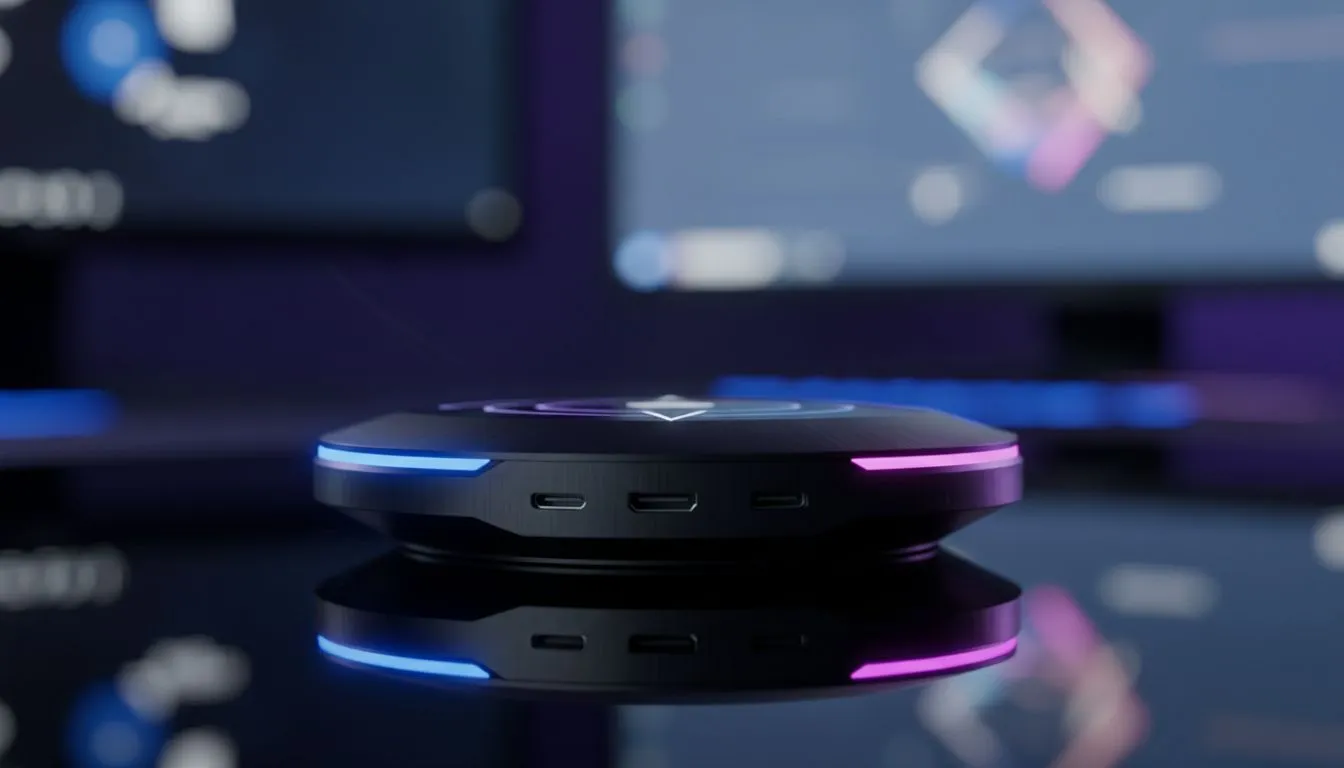
Wireless Screen Casting for Mobile Gaming: Get Low Latency and Big-Screen Immersion Fast
If you want to play mobile titles on your TV or monitor without trailing frames, wireless screen casting for mobile gaming is the shortcut. In South Africa, cheap dongles can feel laggy. This guide helps you pick the right method, reduce latency, and keep gameplay smooth — whether you're streaming Asphalt or streaming a ranked match. 🎮⚡
Wireless Screen Casting for Mobile Gaming: How the tech works and what to expect
Screen casting sends your phone’s display to another screen over Wi‑Fi or a direct link. Apple uses AirPlay; many Android devices use Chromecast or Miracast. Each system handles compression and buffering differently, so pick the one your phone and screen support. For details on Miracast and Android interoperability, see Microsoft's guidance and Google Cast docs. (https://support.apple.com/airplay, https://learn.microsoft.com/windows/win32/printdocs/miracast)
If you need accessories to improve performance — like a dedicated cast receiver, HDMI adapter, or a low-latency Wi‑Fi adapter — Evetech stocks a wide range of options. Browse to buy gaming accessories that fit your setup and budget. (https://www.evetech.co.za/PC-Components/buy-gaming-accessories-160.aspx?category\=Gaming+Accessories)
Wireless Screen Casting for Mobile Gaming: Setup tips, settings and common fixes 🚀
- Use a 5 GHz Wi‑Fi band where possible; it reduces interference.
- Close background apps and set battery mode to performance on your phone.
- If latency persists, try a direct casting mode (phone-to-display) or a wired adapter for critical matches. For accessories and occasional deals on casting hardware, check Evetech’s current accessories deals — you’ll see ZAR pricing and shipping options for South African buyers. (https://www.evetech.co.za/gaming-accessories-deals/x/229.aspx)
Casting Pro Tip ⚡
Keep your phone and receiver on the same 5 GHz network, place them near the router, and disable Bluetooth audio if you notice stutter. For competitive play, consider a wired USB‑C to HDMI adapter as a fallback.
Wireless Screen Casting for Mobile Gaming: Choosing devices and what to compare 🔧
When comparing dongles, look for support labels: AirPlay, Google Cast, or Miracast. Chromecast devices often offer smoother media casting for Android; Apple TVs are best for iPhone users. If you need controllers or mount kits to complete the setup, Evetech’s gaming accessories page lists compatible gear and current prices in ZAR. (https://www.evetech.co.za/PC-Components/buy-gaming-accessories-160.aspx)
Practical test: pair your phone, run a local video or game, and watch for input lag. If frames drop, switch to a wired adapter. Many games throttle resolution when casting; that tradeoff is normal across platforms, and manufacturer docs explain why. (https://support.apple.com/airplay, https://developers.google.com/cast)
Final quick checklist before you play
- Confirm device compatibility.
- Use 5 GHz Wi‑Fi and avoid crowded channels.
- Keep a wired adapter handy for tournaments. With a little setup and the right accessories, wireless screen casting for mobile gaming can be smooth and playable — and it’s a great way to enjoy mobile titles on a big screen.
Ready to Find Your Perfect Match? The Mac vs Windows debate is complex, but for maximum power, choice, and value in South Africa, Windows is hard to beat. Explore our massive range of laptop specials and find the perfect machine to conquer your world.











