

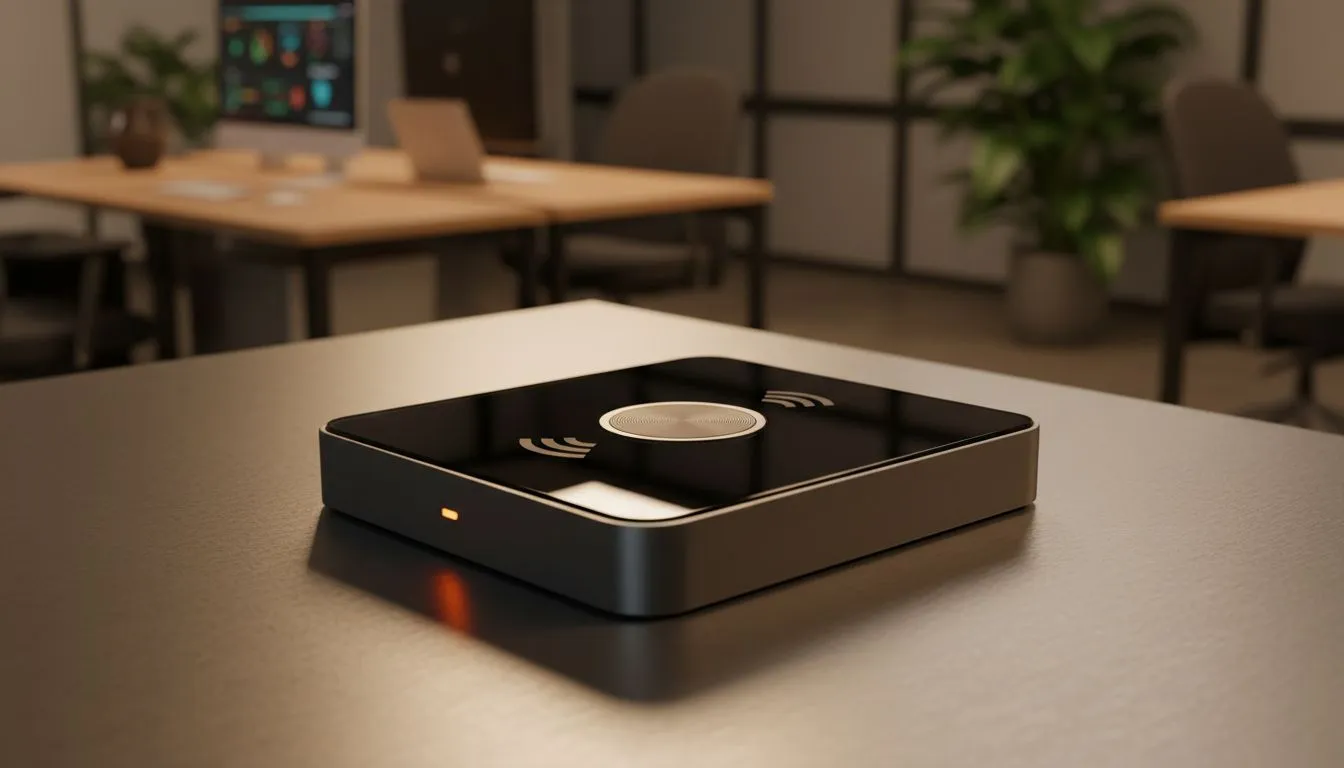
Wireless Screen Casting basics for modern offices 🔧
Wireless Screen Casting is the fast, flexible way teams share screens in meeting rooms, hot desks and hybrid days. Whether you're projecting a presentation from a laptop or mirroring an iPad for a brainstorm, the right setup saves time and keeps meetings productive. This guide breaks down options, simple setups and local buying tips for South African offices and IT buyers. ✨
Wireless Screen Casting tech choices
Choosing between Miracast, AirPlay, Chromecast and dedicated appliances is less about buzzwords and more about compatibility and control. Miracast pairs well with many Windows laptops; AirPlay is native to Apple devices; Chromecast is cheap and platform-agnostic. If your office wants a one-stop shop for cast-ready accessories, browse Evetech’s gaming and accessory options for dongles and adapters to repurpose in meeting rooms: https://www.evetech.co.za/PC-Components/buy-gaming-accessories-160.aspx
Wireless Screen Casting setup tips for low-latency presentations 🚀
Good network topology matters. Put your presenter devices on the 5 GHz band, isolate meeting-room devices on a separate SSID where possible, and prioritise multicast or IGMP snooping if your APs support it. Keep HDMI fallback cables handy for quick failover. For reliable hardware and spare parts, check current accessory deals and stock at Evetech: https://www.evetech.co.za/gaming-accessories-deals/x/229.aspx
Casting Pro Tip ⚡
Use a hardware receiver with enterprise firmware if you need user management and PIN entry. That prevents accidental connections in open workspaces and keeps your display queue orderly.
Wireless Screen Casting installation & integration advice
Map out device types first: Windows laptops, Macs, Android phones, iPads. If you standardise on one ecosystem, you reduce friction. For mixed environments, a combination of Chromecast devices and an Apple TV or an AirPlay-enabled receiver often works best. Keep a labelled kit with adapters and spare power bricks for each meeting room. Looking for the right adapters and USB hubs to tidy your rooms? Evetech’s gaming accessories category includes compact dongles and hubs that double up well in office AV kits: https://www.evetech.co.za/PC-Components/buy-gaming-accessories-160.aspx?category=Gaming+Accessories
Wireless Screen Casting troubleshooting & best practices
Common issues: Wi‑Fi congestion, older device firmware, and incompatible codecs. Start with firmware updates for receivers, use a clean SSID for casting, and log latency incidents so you can refine QoS rules. Train staff with a one‑page quick start to reduce calls to IT… and label every connection. Small habits save big time.
Closing thoughts
Wireless Screen Casting is simple to adopt when you pick the right mix of hardware, network settings and user guidance. It makes meetings smoother, reduces cable mess and supports hybrid workflows.
Ready to Find Your Perfect Match? The Mac vs Windows debate is complex, but for maximum power, choice, and value in South Africa, Windows is hard to beat. Explore our massive range of laptop specials and find the perfect machine to conquer your world.











