

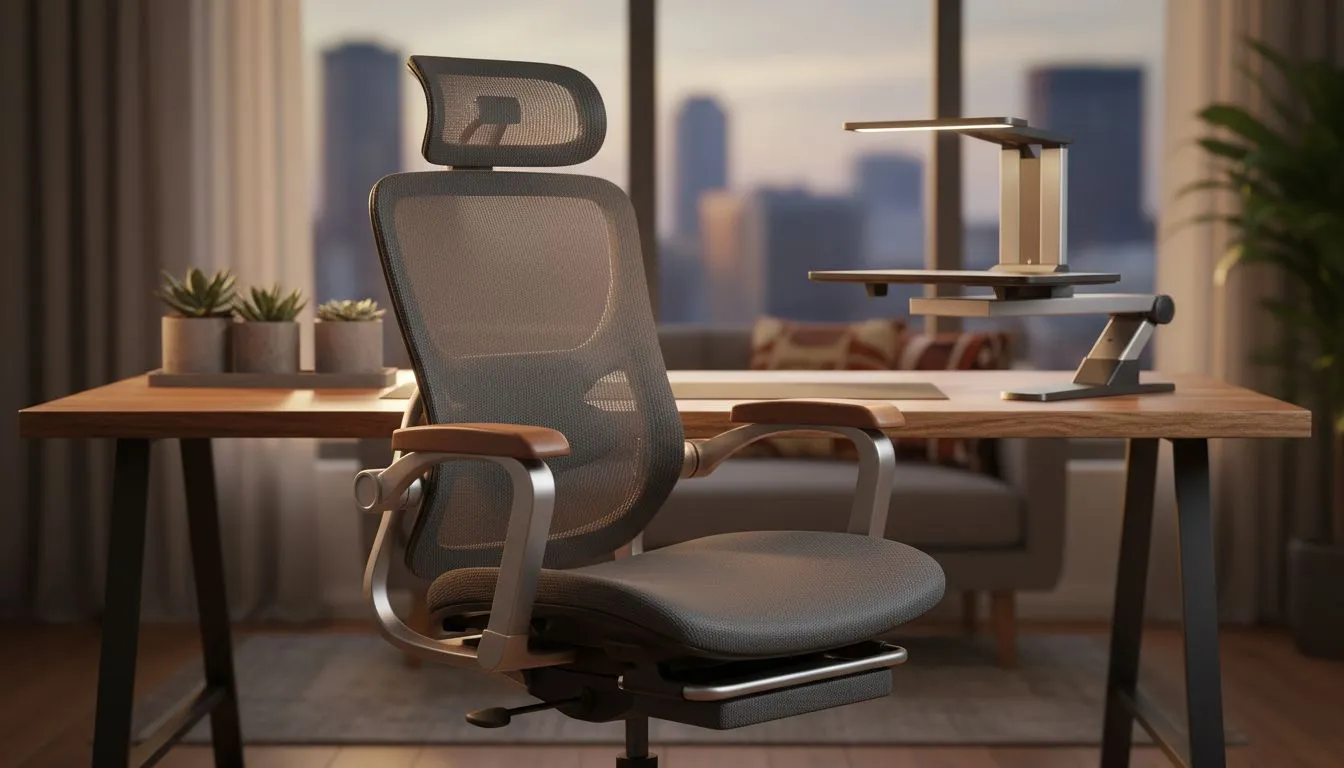
Creating a Work From Home Ergonomics Setup in Small South African Spaces ⚡
Working from home is now the norm for many South Africans, but small spaces can quickly turn into ergonomic nightmares. Whether you’re gaming, designing, or hustling online, a smart, ergonomic setup can boost your productivity and comfort—even in a tiny room. With subtle tweaks and the right gear, you’ll keep your posture pristine and your workflow sharp. Let’s dive into optimising your work from home ergonomics with space and budget in mind.
Ergonomics Essentials for Small Spaces in South Africa
Prioritise Your Seating for Long Sessions 🔧
Your chair is the foundation of good posture and comfort when working or gaming for hours. An adjustable, supportive chair can drastically reduce back strain.
South African gamers on a budget can explore affordable yet reliable options such as the Gaming Chairs South Africa collection for seats designed specifically for extended use and ergonomic support.
For those looking to invest in premium comfort with style, Noblechairs gaming chairs offer superior lumbar support and durable materials that stand up to long daily use.
Compact Desk Solutions and Layout Hacks 🚀
When space is tight, choosing a desk that fits snugly without cramping your movement is key. Consider wall-mounted desks or corner setups to maximise floor area. Keep cables tidy with clips or conduits—less clutter means less stress.
Pair your desk with a Vertagear gaming chair for its ergonomic design tailored to keep you comfortable during work and play.
Monitor Placement and Lighting for eye comfort
Ensure your monitor is roughly an arm’s length away, and the top edge is at or slightly below eye level. Natural light is best, but balance it to prevent glare. Use adjustable lamps if needed to minimise eye strain during late-night sessions.
Small improvements like these reduce headaches and fatigue, supporting longer focus periods without discomfort.
Support Your Back with Adjustable Chairs
Choosing chairs with adjustable lumbar support and reclining features can improve spinal alignment during long hours. Rotate sitting postures every hour to keep your back muscles engaged and healthy.
Accessories and Extras That Make a Difference
Don’t overlook accessories like footrests or cushions. A well-padded footrest can improve circulation and reduce lower back pressure. Wrist rests for your keyboard and mouse help prevent carpal tunnel syndrome, especially important for those long editing or gaming marathons.
Local options such as the Enova chair range fit well into modest budgets and often include ergonomic extras that larger brands might charge for.
For shoppers balancing comfort and cost, the sub-5000 ZAR category on gaming chairs South Africa under R5000 offers great value without skimping on essential ergonomic features.
Keep your environment ventilated and tidy. A clear desk is a clear mind.
Rotate Your Position
Even with a perfect setup, sitting still for hours is tough on your body. Take a short break every 45–60 minutes to stand, stretch or walk. It refreshes your posture and sharpens focus quickly.
Balancing Work, Play, and Comfort – South African Style
Determining your priority is crucial: do you need a super-flexible chair for work meetings, or something more reclined for gaming downtime? Thankfully, many options available locally now blend ergonomic design with style and adjustability.
Evetech’s selection—from the versatile Vertagear to the budget-conscious Enova line—caters perfectly to South Africans needing comfort in smaller spaces without overspending.
Your WFH setup can support your body and amplify productivity with the right pieces and smart layout choices. Small space doesn’t mean compromised health or style.
Upgrade Your Home Setup Today Discover ergonomic chairs and accessories tailored for South African spaces and budgets. Shop now at Evetech for performance that supports your health and work.











