

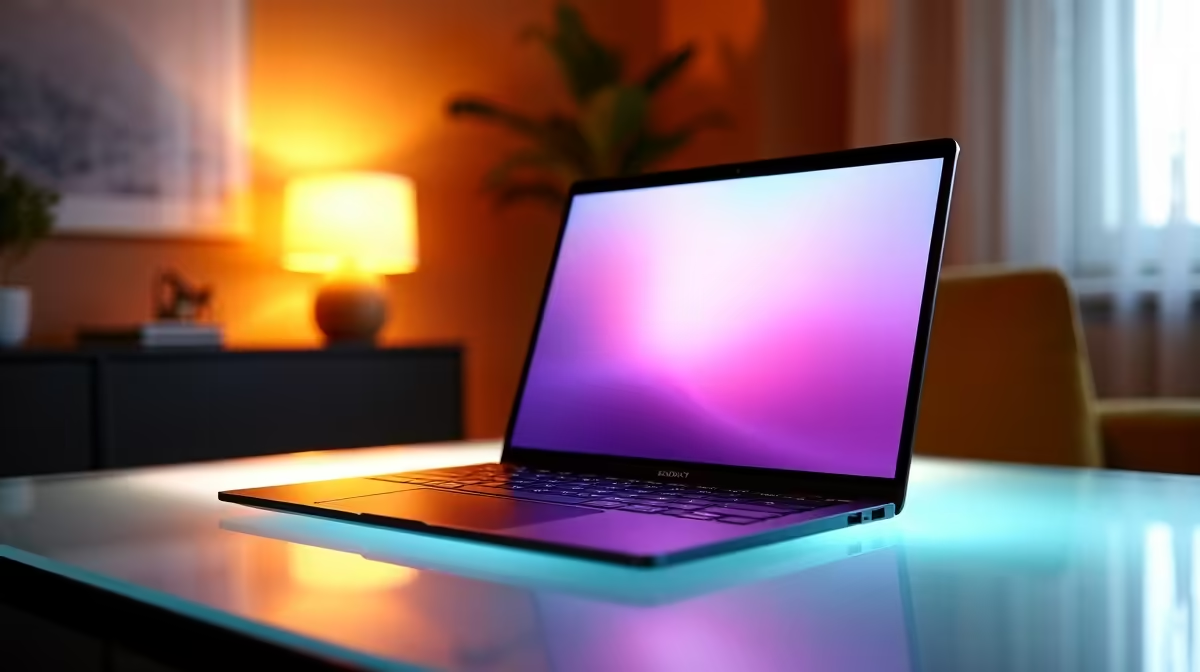
Setting up a productive home office in South Africa in 2026 requires more than just a laptop - you need the right combination of peripherals, connectivity, and ergonomic gear to stay competitive. Whether you are working remotely full-time or running a hybrid schedule, the right WFH setup pays for itself in productivity and comfort within months.
Quick Answer
What are the work from home essentials for South Africans in 2026? A reliable PC or laptop, a quality monitor, mechanical keyboard, ergonomic mouse, fast fibre internet from providers like Vumatel or Afrihost, and a supportive chair form the core of any serious SA home office. Budget at least R15,000–R30,000 for a complete setup that handles professional workloads without frustration.
🔧 Core Hardware You Actually Need
Start with your computing foundation. A desktop PC gives you the best performance-per-rand and is easy to upgrade over time - ideal if your home office is fixed. Laptops suit hybrid workers who move between home and the office. For most SA professionals handling documents, video calls, and creative work, a mid-range system with a modern AMD Ryzen or Intel Core processor, 16GB RAM, and an SSD is the baseline.
A secondary monitor is one of the highest-ROI upgrades you can make. Dual-screen setups reduce context-switching and measurably boost output for tasks like data work, writing, and design. A 27-inch 1080p or 1440p IPS panel is the sweet spot for desk space and visual clarity.
A mechanical keyboard improves typing comfort and accuracy during long sessions. Full-size layouts suit most office tasks. A quality ergonomic mouse reduces wrist strain - worth every rand if you are logging eight-plus hour days.
📊 Connectivity and Audio
Your internet connection is the backbone of remote work. In South Africa, fibre remains the gold standard - providers like Vumatel, Afrihost, and MTN Fibre offer uncapped packages starting from around R700 per month in metro areas. Aim for at least 50Mbps symmetric for smooth video calls and cloud collaboration.
For audio, a dedicated USB headset or desktop microphone and speakers beats relying on built-in laptop audio. Clear audio on calls is a professionalism signal that clients and managers notice immediately. Budget headsets in the R500–R1,500 range deliver a significant upgrade over built-in mics.
A webcam upgrade matters if your laptop camera is below 1080p. Most built-in cameras on budget and mid-range laptops still cap at 720p, which looks soft in modern video conferencing environments.
💡 Ergonomics and Power Reliability
An ergonomic chair is non-negotiable for full-time home workers. Lower back issues are one of the leading causes of remote worker productivity loss - a chair with lumbar support, adjustable armrests, and seat depth control protects you long-term. Pair it with a desk at the correct height for your body.
A UPS (uninterruptible power supply) keeps your system running through brief power interruptions and protects sensitive equipment from voltage spikes. Even with South Africa's improved grid stability in 2026, localized faults and storms can cause outages. A small UPS that provides 20–30 minutes of runtime buys enough time to save work and shut down safely.
Cable management, good lighting (preferably a desk lamp with neutral white light), and a wrist rest round out a setup that you can sustain over years of daily use.
❓ Frequently Asked Questions
What is the minimum budget for a WFH setup in South Africa? For a basic but functional setup - entry-level PC or laptop, a 24-inch monitor, keyboard, mouse, and headset - expect to spend around R12,000–R18,000. Adding a quality chair and UPS brings the total closer to R20,000–R25,000.
Is fibre internet essential for working from home? For most professional roles, yes. Video conferencing, cloud storage, and collaborative tools demand consistent upload speeds that LTE connections can struggle to deliver reliably. Fibre from providers like Vumatel or Afrihost is the preferred option in areas where it is available.
Should I use a desktop or laptop for my home office? If you work from a fixed location, a desktop PC gives better performance, upgradeability, and value for money. If you move between home, office, and client sites regularly, a laptop with a docking station or external monitor gives you the best of both worlds.
Evetech stocks Graphics Card Deals and Evetech Best Sellers — shop online with fast delivery across South Africa.
Ready to Find Your Perfect Match? Shop at Evetech











