

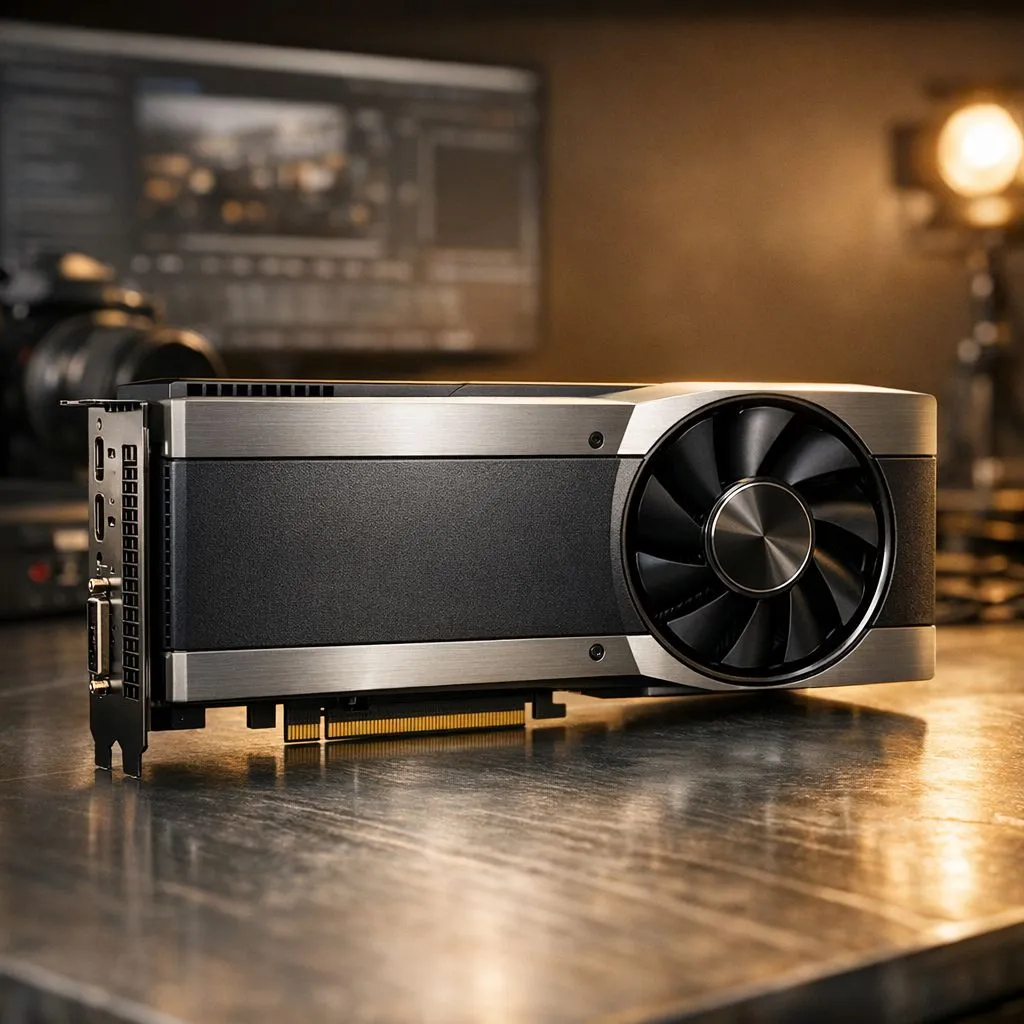
Workstation GPUs for content creators in South Africa — first things first
If you edit 4K video, composite motion graphics, or render 3D scenes, the right Workstation Graphics Card for Content Creators in South Africa will speed your pipeline and save late nights. Think CUDA or OpenCL acceleration, plenty of VRAM, and reliable drivers that play nicely with Premiere Pro, DaVinci Resolve and Blender. Ready for a practical, no-nonsense guide that actually helps you buy smarter? 🔧✨
Workstation GPUs for content creators in South Africa — performance priorities
Prioritise raw compute and memory bandwidth over flashy RGB. For most editors, a GPU with higher VRAM and strong driver support reduces render times and lets you scrub timelines smoothly. Browse Evetech’s full card selection to compare models and specs in one place: the complete graphics card catalogue is useful when you want side-by-side product pages and real-time stock info (Evetech). (Reference: https://www.evetech.co.za/components/nvidia-ati-graphics-cards-21)
Workstation GPUs for content creators in South Africa — GeForce vs Radeon
If your workflow leans on CUDA-optimised apps, NVIDIA GeForce cards often deliver faster export and GPU-accelerated effects. For those who prefer OpenCL or value-per-frame, AMD Radeon options can be compelling. Check the current GeForce listings to see available models and compare VRAM tiers before committing. ⚡ (Reference: https://www.evetech.co.za/components/nvidia-ati-graphics-cards-21?category=GeForce+Graphics+Cards)
Workstation GPUs for content creators in South Africa — compatibility and brands
Don’t forget physical fit and PSU headroom. Large GPUs need case clearance and 8/12-pin power connectors. If you favour certain builders for cooling or quieter fans, consider brand filters when shopping — for example, MSI variants often include enhanced cooling and factory tuning. Look through MSI options to match cooler size and warranty preferences. 🚀 (Reference: https://www.evetech.co.za/components/nvidia-ati-graphics-cards-21?brands=MSI)
Workstation GPUs for content creators in South Africa — real-world tips and workflow wins
- Use local benchmarks and Evetech product pages to verify VRAM and connectors before purchase. The Radeon category page is helpful if you want an AMD-first comparison. (Reference: https://www.evetech.co.za/components/nvidia-ati-graphics-cards-21?category=Radeon+Graphics+Cards)
- When rendering, dedicate a GPU to effects and use CPU threads for encoding where possible.
- Keep drivers fresh but stable; major software updates sometimes ask for a driver roll-back.
Productivity Pro Tip ⚡
On Windows, pin the GPU monitoring tool (GPU-Z or MSI Afterburner) to a second monitor. Watch VRAM usage while you scrub timelines so you can adjust playback resolution before caches fill and playback stutters.
Workstation GPUs for content creators in South Africa — buying in South Africa
Local availability matters. Evetech lists stock for many cards, and checking their catalogue lets you see what’s in-stock now versus what’s back-ordered. Use that stock visibility to avoid long waits and unexpected price jumps.
Ready to Find Your Perfect Match? The Mac vs Windows debate is complex, but for maximum power, choice, and value in South Africa, Windows is hard to beat. Explore our massive range of laptop specials and find the perfect machine to conquer your world.











