

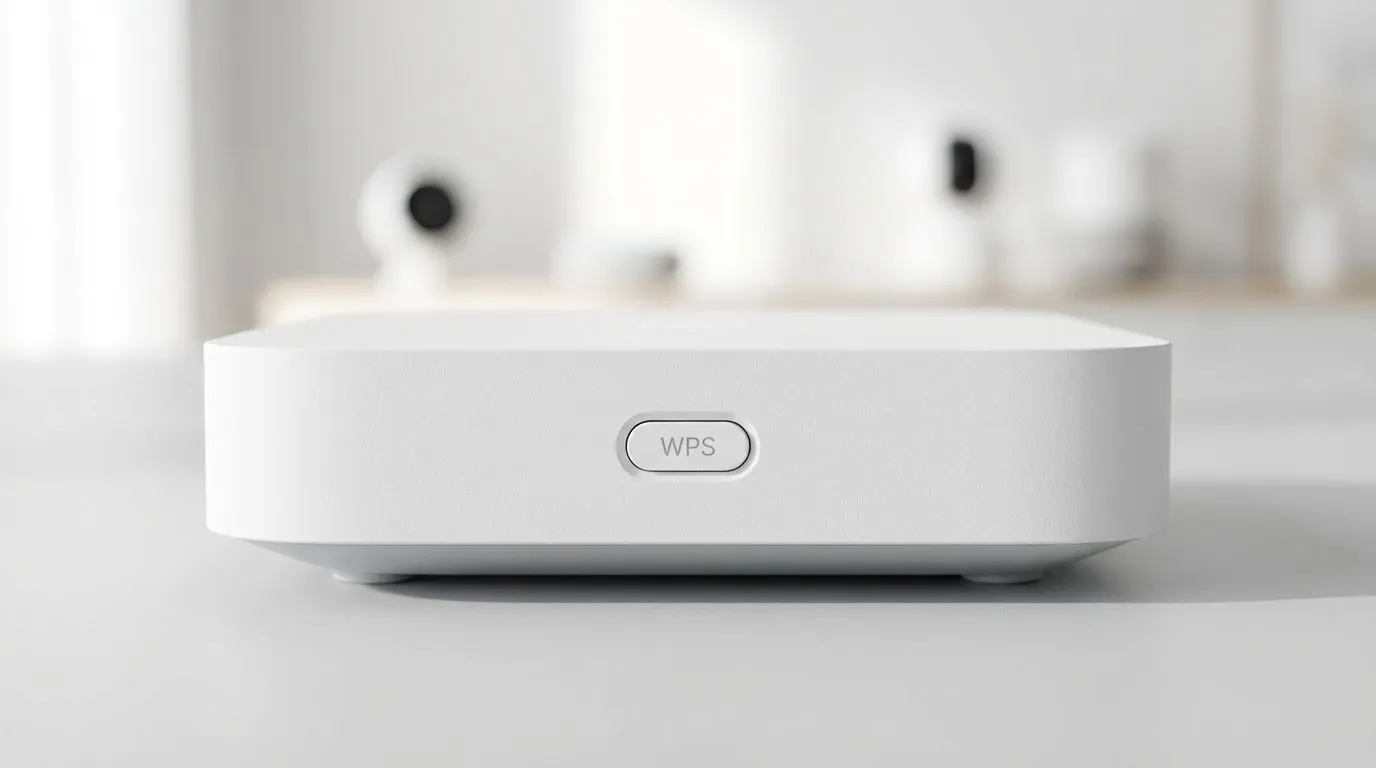
Setting up a home network in South Africa used to be a mission. You would spend ages typing in long passwords while your tea got cold. Then came the WPS button. It promised a simple solution for your internet needs. But is the WPS one-touch setup safe and effective for your home... or are you inviting trouble? Let's look at the facts before you push that button. ⚡
Understanding Wi-Fi Protected Setup (WPS)
WPS stands for Wi-Fi Protected Setup. It was created to help users connect devices without typing complex WPA2 keys. Most modern wireless routers come with this feature enabled by default. You simply press the button on the router and then on your device. Within seconds, you are connected to the web. It sounds like a dream for anyone who hates long passwords.
The Security Risks of One-Touch Setup
While it sounds great, WPS has a major flaw. The system often relies on an eight-digit PIN. This PIN is surprisingly easy for hackers to crack using basic tools. If someone gets your PIN, they have full access to your wireless networking setup. This is not just about someone stealing your fibre bandwidth. It is about your private data being exposed to anyone in range of your signal. 🛡️
Security Pro Tip 🛡️
If your router allows it, disable the PIN method of WPS while keeping the Push Button Configuration (PBC) active. PBC is significantly harder to exploit from outside your home because it requires physical access to the router button. This keeps your network much safer from remote attacks.
Is WPS Still Effective for Modern Gaming?
From an ease-of-use perspective, WPS is very effective. If you are adding wireless adapters to an older gaming PC, it saves a lot of time. However, many modern smartphones and Apple devices have moved away from WPS support. They prioritise security over those few seconds of convenience. If your device does not support it, that button is just a plastic ornament. 🔧
How to Secure Your Local Connection
If you want to keep your network safe, the best advice is to disable WPS in your router settings. Instead, use a strong, unique password. If you have dead zones in your house, consider using wireless range extenders that support modern security protocols like WPA3. It might take an extra minute to type a password, but your security is worth more than a shortcut. Spending a few hundred Rands on a secure setup is better than dealing with a hacked network later. 🚀
Ready to Secure Your Home Network? Convenience is great, but security is better. Whether you need a high-speed router or a better connection for your gaming rig, Evetech has the gear to get you sorted. Explore our massive range of networking specials and find the perfect hardware to keep your connection fast and safe.











