

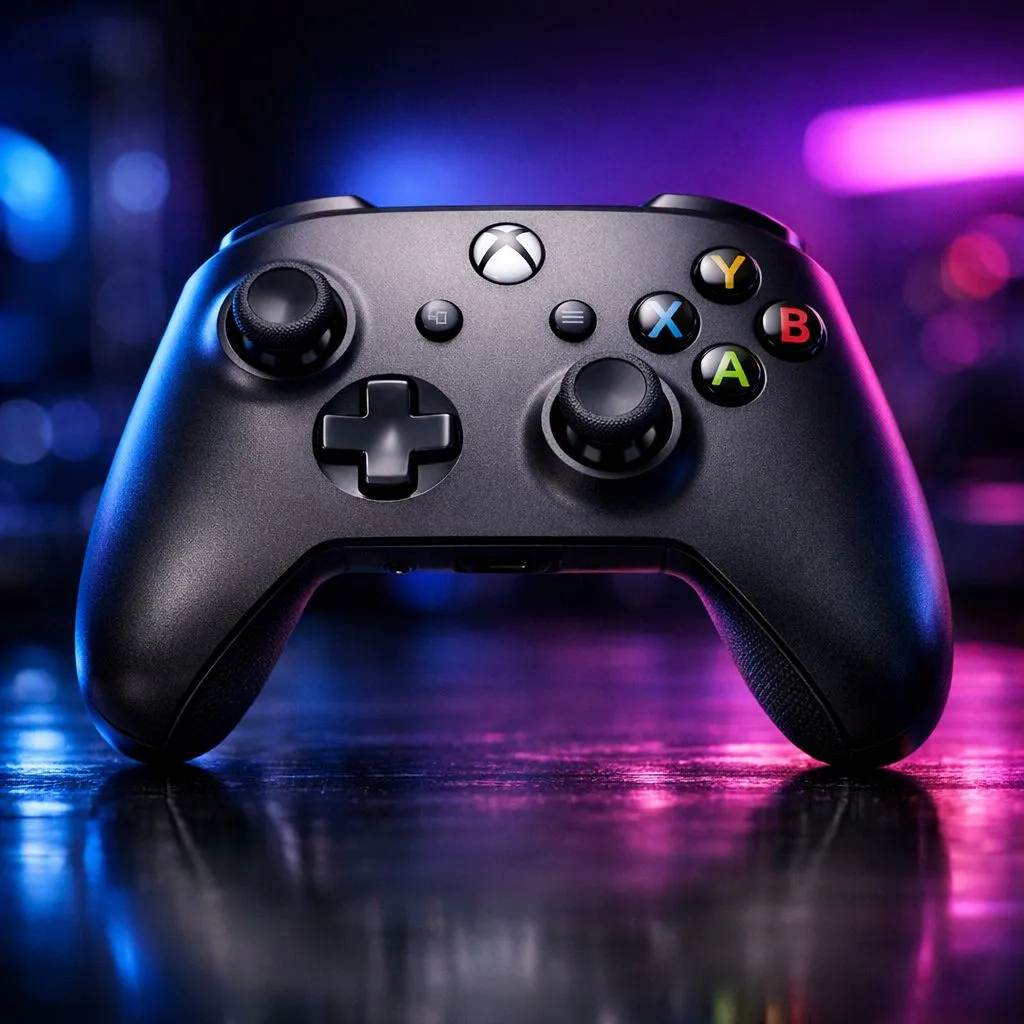
Xbox Compatible Controller for PS4 and PC: SA Price Tier Guide: Start Here
If you’re gaming on PS4 at home and hopping onto PC after work, you already know the pain… controller buying becomes guesswork. Should you pay more for “console-ready” features, or is that just marketing? In South Africa, the real difference is value per input, comfort, and how reliably it connects across platforms. This guide breaks down an Xbox compatible controller for PS4 and PC: SA price tier guide so you can spend smarter, not harder. 🎮✨
What “Xbox Compatible” Means for PS4 and PC (Without the Confusion)
On PC, Xbox-style controllers are widely supported out of the box, especially in Steam and most Windows games. On PS4, it’s more nuanced. Many controllers that say “Xbox compatible” still require specific connection methods or may not map perfectly in every game. In practice, players usually focus on two things:
- Connection method: wired USB tends to be the most consistent.
- Input mapping: triggers, sticks, and button layouts may vary by title.
If you’re unsure, test with a game you know well and check button prompts before committing to a full session.
SA Price Tiers: What You Get at Each Budget Level
Here’s the simplest way to think about tiers in ZAR. Prices can move, but the “what you get” pattern stays similar.
Entry Tier (Budget Friendly)
Expect basic comfort, standard button placement, and fewer extras like remappable back buttons or advanced software profiles. Great if you mainly play single-player or occasional co-op and don’t mind lighter vibration or fewer custom options.
Mid Tier (The Sweet Spot)
This tier typically adds better ergonomics and more reliable sticks. You’re also more likely to see remappable controls, better Bluetooth or wired stability, and improved triggers. If you care about consistency, this is where most SA buyers land.
Premium Tier (Performance + Customisation)
Premium controllers aim at feel and control. Think adjustable trigger behaviour, higher-quality thumbsticks, and extra back paddles. If you play competitive shooters or action games where aim and response timing matter, the premium can be worth it.
Buying Checklist for South African Gamers (PS4 + PC)
Before you click “add to cart”, run this quick checklist 🔧:
- Connection support: Prefer wired for PS4 if compatibility is unclear.
- Ergonomics: grip comfort matters more than RGB.
- Stick quality: check for reviews mentioning dead zones and drift control.
- Extra buttons: back buttons help with aiming, reload, or crouch.
- Warranty: peace of mind is valuable when shipping and returns take time.
Productivity Pro Tip ⚡
On Windows, use the Xbox Accessories app to test button mapping and dead zones quickly after pairing a controller. If your game supports it, you can then save profiles per title so your aim stays consistent across sessions.
Recommended Evetech Options and Where to Shop
If you want a controller that fits your budget and still feels solid, start with Evetech’s controller sections. They’re a good place to compare models quickly and find deals that match your price range:
- Explore a strong tournament-focused option here: Razer Wolverine V3 Tournament Edition
- Browse options and buying guides in Evetech’s controller collection: Buy gaming controllers
- If you want to narrow down to Razer models: Razer gaming controllers at Evetech
Take a breath and compare two controllers side-by-side: one in your “must-have” tier, and one step above. You’ll often spot the exact feature that justifies the extra ZAR.
Compatibility Reality Check: How to Avoid Regret
Here’s a micro-story from the SA gaming trenches… someone buys for PS4, then realises their PC games don’t feel right because of mappings or dead zones. The fix isn’t complicated, but it needs time. So do this:
- Test wired first (lowest friction).
- Check stick response in a training mode.
- Save any remap settings immediately.
When you buy with a test plan, you stop “hoping” and start “knowing” your controller works.
Ready for the Right Controller Today? (Do This Next)
Ready to Find Your Perfect Match? The Mac vs Windows debate is complex, but for maximum power, choice, and value in South Africa, Windows is hard to beat. Explore our massive range of laptop specials and find the perfect machine to conquer your world.











