


MacBook Pro 16-Inch M5 Max: Complete Specs, Features and SA Pricing Guide
MacBook Pro 16-Inch M5 Max: Complete Specs,. Everything you need to know with SA pricing, step-by-step instructions & expert recommendations.
Read moreXREAL spatial computing demystified: Learn core concepts, device setup, apps, and developer basics to start exploring spatial AR and MR with practical tips. 🚀🔎
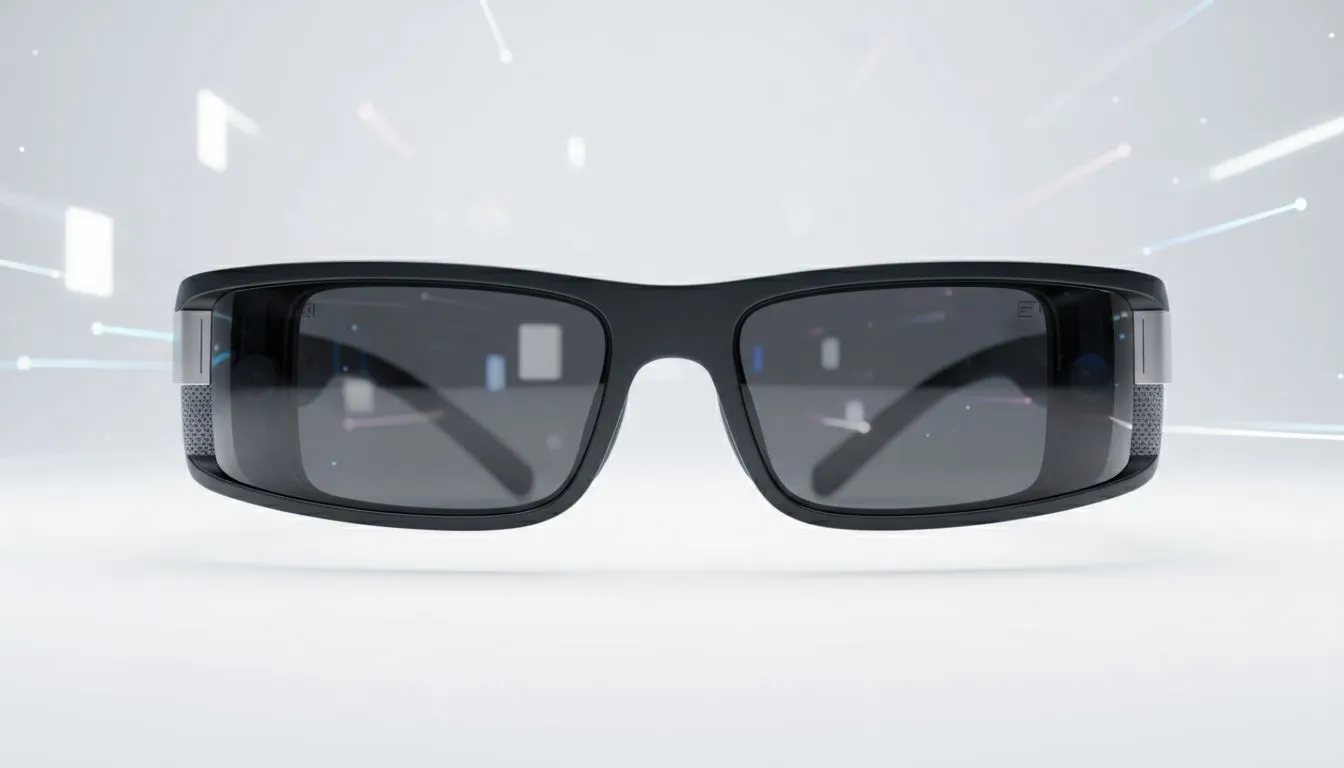
Imagine sitting at your desk in Jozi or Cape Town, but instead of a single monitor, you have a massive, floating screen that follows your gaze. XREAL spatial computing is making this sci-fi dream a reality. It is not just about VR anymore... it is about augmenting your real world with digital precision. Let's dive into the XREAL ecosystem and see why South African techies are upgrading. 🚀
XREAL spatial computing is the art of blending digital content with your physical environment. Unlike traditional VR headsets that cut you off from the world... XREAL uses lightweight glasses to project high-definition displays right in front of your eyes. This allows you to stay present in your room while interacting with virtual windows. You can find the latest AR glasses at Evetech to start your journey into this immersive tech.
The technology relies on advanced optics and sensors to track your head movements. This ensures that your virtual screen stays exactly where you want it. Whether you are watching a movie or coding... the clarity is sharp enough to read fine text without any eye strain.
The ecosystem is built around hardware that feels more like fashion than a computer. The XREAL Air 2 series is the flagship choice for most users. These glasses look like premium sunglasses but pack Micro-OLED displays. When you search for AR glasses, you will notice they focus heavily on portability and comfort for long sessions.
To unlock the full potential of XREAL spatial computing, you often pair the glasses with the XREAL Beam. This small device acts as the "brain" of the setup. It provides spatial features like "Body Anchor," which keeps the screen fixed in one spot even if you turn your head... or "Sideview," which shrinks the screen into a corner so you can walk around safely.
Download the Nebula app on your compatible Android device or Mac to unlock the full AR Space. It allows you to open multiple browser windows and pin them in fixed positions around your room... effectively giving you a multi-monitor setup without the desk clutter.
For South Africans working remotely or commuting... this tech is a lifesaver. You can have a 330-inch virtual screen while sitting in a local coffee shop or during a long flight from OR Tambo. It provides privacy that a laptop screen simply cannot match. No one else can see what you are working on.
If you are looking for premium options with higher refresh rates or better brightness... you can filter for top-tier AR glasses to find the best fit for your specific needs. The ability to connect these glasses to a Steam Deck, ROG Ally, or even a smartphone makes them incredibly versatile for gaming and productivity alike. ✨
Getting started is surprisingly simple. Most devices support "Plug and Play" via USB-C DisplayPort. You connect the glasses... and your screen instantly appears. To truly optimise the experience, ensure your room has decent lighting so the sensors can track your surroundings accurately.
Spatial computing is not just a trend... it is a shift in how we perceive digital data. By removing the physical borders of a monitor, XREAL allows you to expand your workspace into the very air around you. It is a cleaner, more ergonomic way to work and play in the modern age. 🔧
Ready to Step Into the Future? XREAL spatial computing is redefining how we interact with our digital world. Whether for elite gaming or professional multitasking... the future is wearable. Explore our full range of XREAL and AR solutions and upgrade your reality today.
XREAL spatial computing blends AR and MR on XREAL devices to map real spaces and overlay digital content, a core topic in the XREAL ecosystem explained.
Follow the XREAL XR headset setup guide: charge device, install companion app, pair via Bluetooth, and calibrate spatial tracking for accurate AR placement.
Many spatial computing apps for XREAL include productivity, streaming, and AR gaming; check the XREAL ecosystem store for compatible titles and updates.
Yes—use XREAL glasses developer tools and SDKs to create spatial AR experiences, test in simulators, and deploy optimized apps for headset hardware.
XREAL AR vs MR comparison: AR overlays digital content onto reality, while MR anchors interactive 3D objects that respond to the environment via spatial computing.
Best XREAL spatial computing use cases include remote collaboration, spatial productivity, immersive learning, and location-based AR experiences.
Check the XREAL device compatibility list: many headsets support USB-C or wireless connections to PCs and select smartphones for spatial computing features.
MacBook Pro 16-Inch M5 Max: Complete Specs,. Everything you need to know with SA pricing, step-by-step instructions & expert recommendations.
Read more
Travelling With a MacBook: Travellers. Everything you need to know with SA pricing, step-by-step instructions & expert recommendations.
Read more
Back-to-School Parent Guide: Laptops. Everything you need to know with SA pricing, step-by-step instructions & expert recommendations.
Read more
MacBook Air 13-Inch M5: Complete Specs, Features. Everything you need to know with SA pricing, step-by-step instructions & expert recommendations.
Read more
MacBook Neo Unboxing and First Setup Guide for. Clear setup instructions with SA-specific considerations, troubleshooting tips & recommended components.
Read more
MacBook Pro 16-Inch M5 Pro: Complete Specs,. Everything you need to know with SA pricing, step-by-step instructions & expert recommendations.
Read more
CS2 Low FPS: Monitor Bottleneck. Real-world benchmark data, FPS numbers & performance analysis. What SA gamers can actually expect.

Is AOC a Good Monitor Brand for Gaming in South Africa Detailed answer with SA data, expert analysis & practical recommendations for local buyers.

What Gaming Monitor Can You Get for R20,000. Full parts list, Rand pricing & expected performance. Build confidently with SA-available components.

What Gamers Actually Bought: November Report. Real purchase data from SA retailers revealing what local buyers are actually choosing and why.

Can the RX 7700 XT Handle 1440p 144Hz Gaming. Performance testing verdict with real data & practical recommendations for SA buyers.

Top Laptop with Core i7 + RX 7700S: Picks picks evaluated on performance, value & SA availability with current Rand pricing from Evetech.

RX 7700 XT Black Myth Wukong 2 FPS: Performance. Real-world benchmark data, FPS numbers & performance analysis. What SA gamers can actually expect.

RTX 6080 Gran Turismo 7 PC Performance: FPS Test. Real-world benchmark data, FPS numbers & performance analysis. What SA gamers can actually expect.

Eliminate background noise in gaming voice chat using cardioid microphones to focus on your voice and reject room sounds. Get cleaner comms fast with smart placement and settings—🎮🎧

Wondering how much to spend on a high-end gaming headset in South Africa? We break down budget vs performance, what you actually get, and smart upgrade steps 🎧⚡

Wondering about THX Spatial Audio vs 7.1 surround for positional awareness? We compare imaging, depth, and cueing so you can pick the best option for gaming. 🎧👣

50mm bio-cellulose drivers vs standard drivers: does material affect audio precision? Compare clarity, bass control, and imaging so you can choose the right headphones. 🎧🔍