

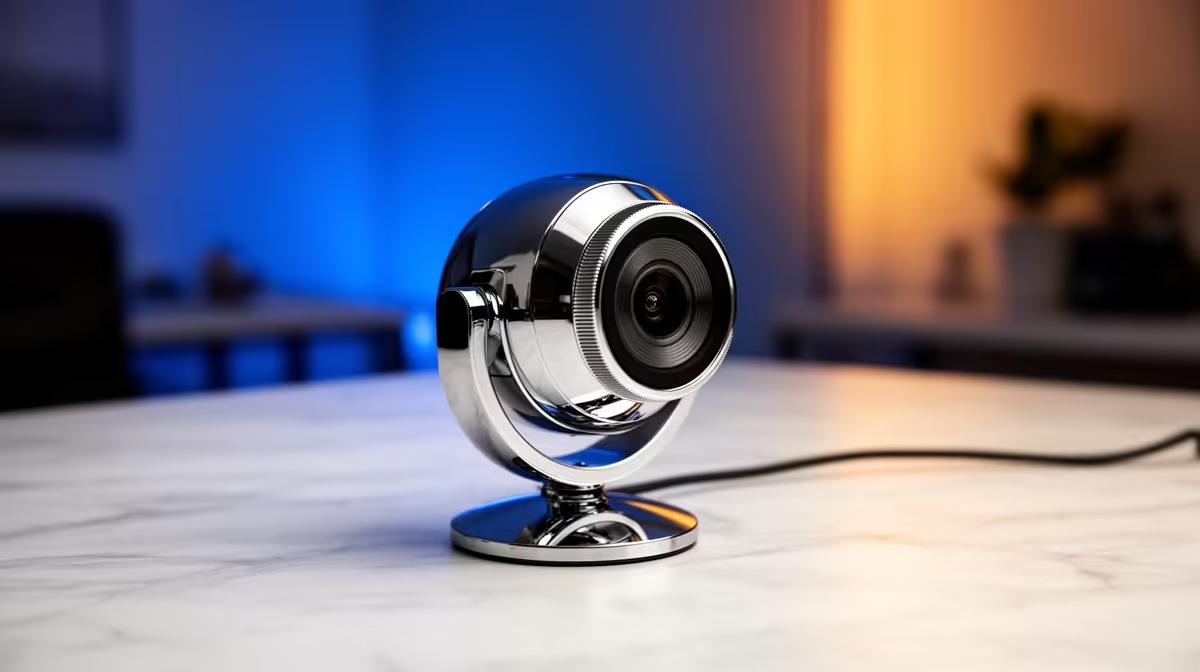
Is your varsity lecture feed looking more like a pixelated mess than a proper class? You're not alone. In an era of online learning and remote group projects, a grainy, lagging webcam isn't just annoying… it's a barrier to your education. Finding the best laptops for student calls is crucial, but it’s about more than just a camera. It’s about ensuring your voice is heard and your presentations are seen, clearly and professionally. Let's fix that. 🎓
Beyond the Pixels: What Makes a Webcam "Zoom-Optimized"?
We've all been there… squinting at a blurry share-screen or trying to decipher what a classmate is saying through a choppy connection. A truly "Zoom-optimized" webcam isn't just about a high resolution number; it's a combination of hardware and software working together.
The jump from a standard 720p (HD) webcam to a 1080p (Full HD) one is massive. It means sharper details, better colour accuracy, and a more professional image. But the magic also lies in the sensor. A quality sensor provides better low-light performance, so you won't look like you're broadcasting from a cave, even in a dimly lit res room. These features are becoming standard on many modern notebooks, especially those built with powerful and efficient processors from leading brands like Intel, which have fantastic options on special.
Finding the Best Laptops for Student Calls in SA
A great webcam needs a solid team behind it. The best laptops for student calls balance camera quality with processing power to handle video streams, multiple browser tabs, and your assignment, all at once. Here’s what powers a flawless call:
- CPU (The Brain): A modern processor ensures your system can encode your video feed in real-time without stuttering. Whether you go for Team Blue or Team Red, you'll find that today's AMD laptops on special offer incredible multi-tasking performance for the price.
- RAM (The Workspace): 8GB is the absolute minimum for smooth video calls while working. 16GB is the sweet spot, giving you plenty of headroom for demanding applications and future-proofing your machine for the next few years of study.
- Wi-Fi (The Connection): Look for Wi-Fi 6 support. It offers a more stable, lower-latency connection than older standards, which is a lifesaver on crowded campus or home networks.
Quick Pro-Tip 💡
Before a big presentation, close unnecessary background apps like Spotify, Steam, or cloud-syncing services. This frees up bandwidth and processing power, dedicating your laptop’s resources to a smooth and professional-looking Zoom call.
Gaming Rigs for Group Projects? You'd Be Surprised.
Thinking a gaming laptop is overkill for a student? Think again. These machines are built for high-performance streaming, which translates directly into an amazing video conferencing experience. 🚀
Gaming laptops often feature superior 1080p webcams, studio-quality microphones with built-in noise cancellation, and advanced cooling systems that prevent thermal throttling during long calls. Plus, the powerful graphics cards are perfect for students in creative or engineering fields who need to run demanding software. When class is done, you've got a top-tier entertainment machine ready to go. Checking out the best gaming laptop deals might just land you the most powerful and versatile student machine on the market.
Ready for Crystal-Clear Calls? Stop letting a poor webcam hold you back. Upgrade to a laptop that keeps you looking and sounding your best, no matter what your studies throw at you. Explore our massive range of laptop specials and find the perfect fit for your budget and your degree.











