



How to Build a Balanced High-End Graphics PC
Discover how to build a balanced, high-end graphics card PC ✅ Achieve flawless 4K gaming, smooth streaming & future-proof performance 👨💻
|
Loading tags...
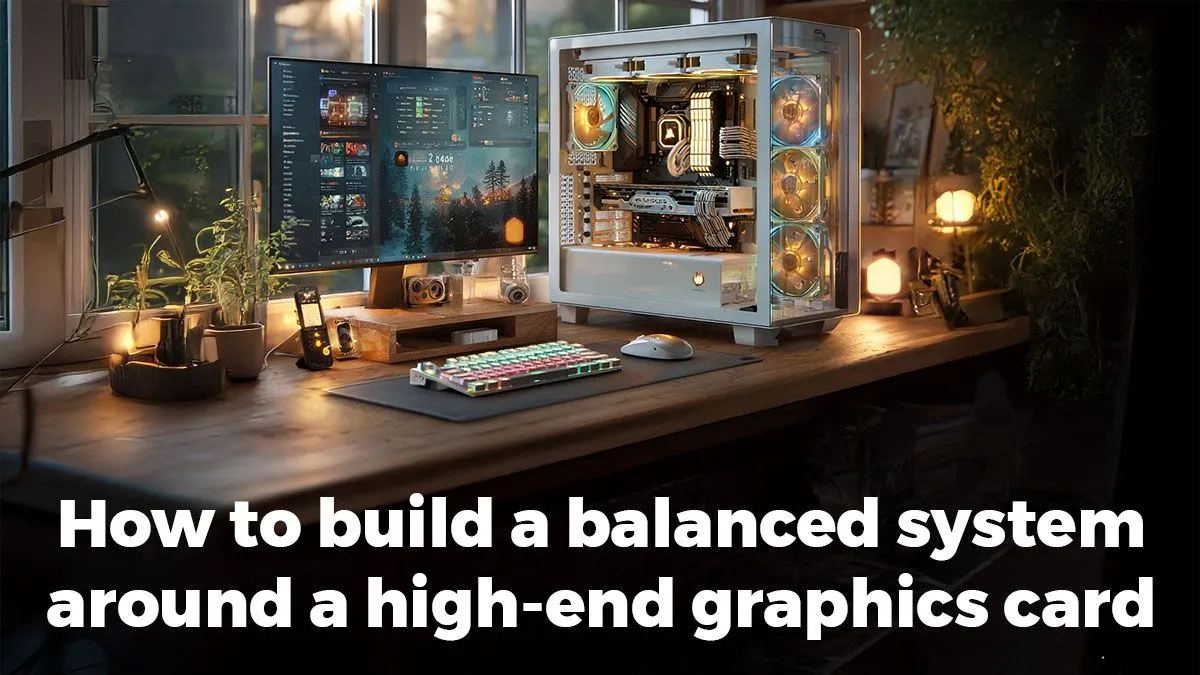
Building a high-end PC focused on graphics performance can feel like a high-stakes game. You want face-melting frame rates, but you don’t want to waste money on parts that hold each other back. This guide cuts through the noise. By the end of this guide, you’ll have a clear, step-by-step plan to choose components that work in harmony, giving you a truly balanced high-end PC without wasting a single Rand. 🚀
Planning Your High-Performance Build
Before you start adding items to your cart, let's get the groundwork sorted. A balanced PC isn't just about buying the most expensive parts; it's about buying the right parts that work together.
Prerequisites
- A Clear Budget: Know your total spend in ZAR. This will guide every decision.
- A Performance Goal: Are you aiming for 1440p at 165Hz, or 4K at 60Hz? Your target resolution and frame rate are your North Star.
- Primary Use Case: Is this purely for gaming, or will you be streaming, content creating, or running complex simulations?
- Willingness to Research: A little homework goes a long way in building a stable, powerful rig.
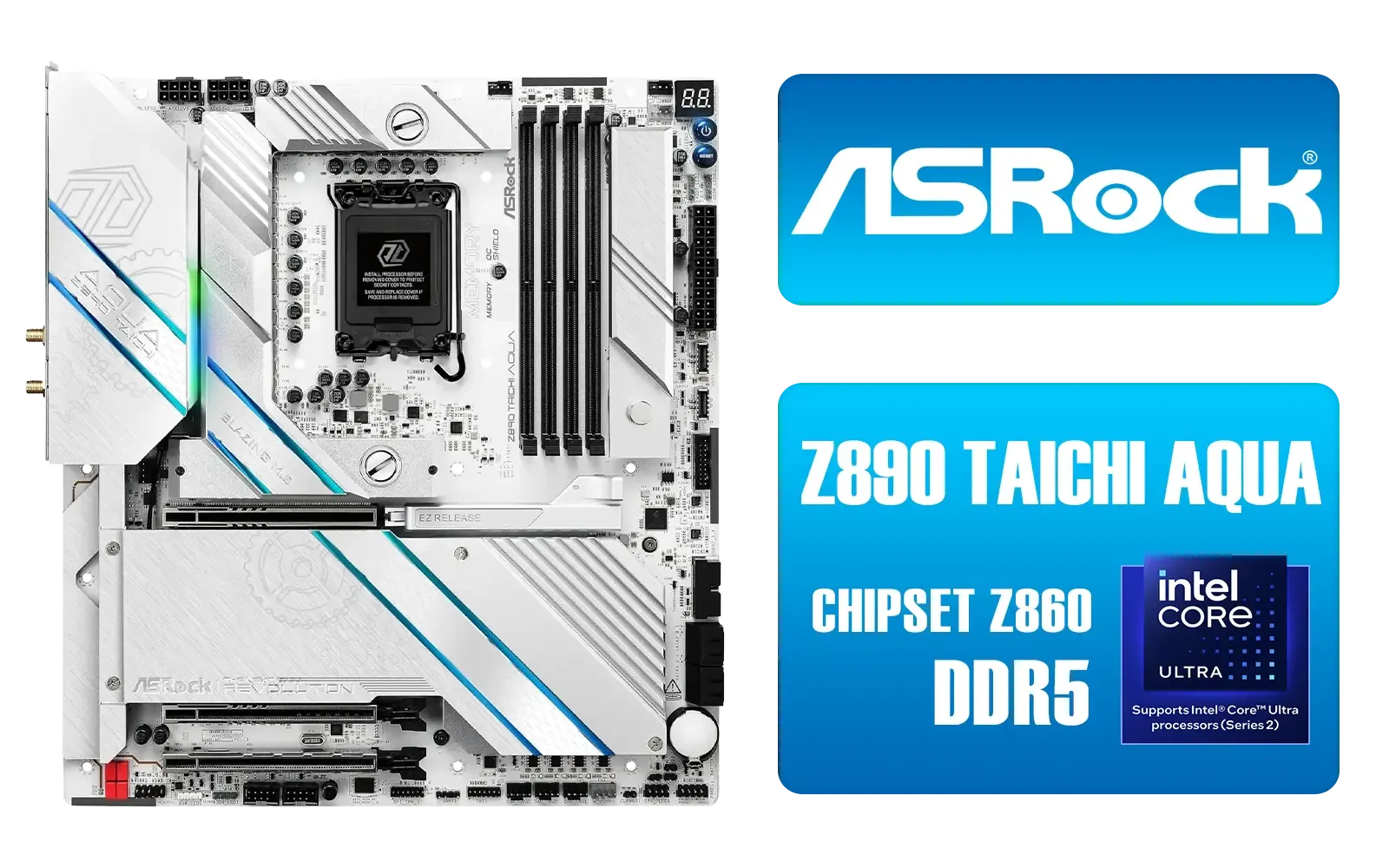
ASRock Z890 Taichi Aqua Intel Motherboard / E-ATX Form Factor / Supports Intel® Core™ Ultra Processors (Series 2) / LGA 1851 CPU Socket / Dual Channel DDR5 / Thunderbolt™ 4 & USB4 Type-C (40 Gb/s) / Marvell 10G LAN & Realtek 5G LAN / 802.11be Wi-Fi 7 / 90-MXBPL0-A0CAYZ
R18499.00In Stock
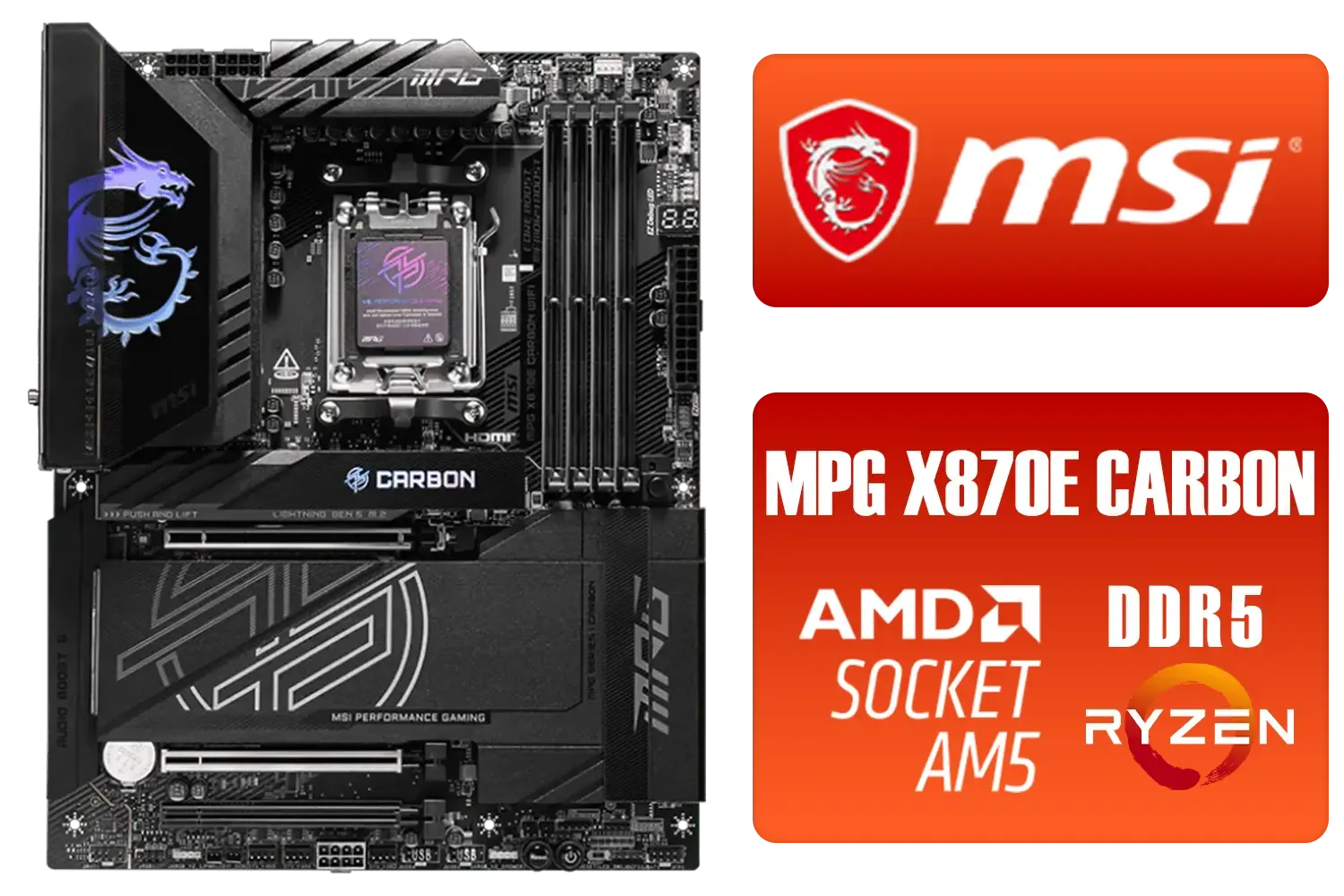
MSI MPG X870E Carbon Wi-Fi AMD Motherboard / ATX Motherboard / AMD X870 Chipset / Supports AMD Ryzen™ 9000/ 8000/ 7000 Series Desktop Processors / Socket AM5 / Lightning Gen 5 / DDR5 MEMORY SUPPORT / 3x PCI-E x16 slot / 4x M.2 Slots / Wi-Fi 7 / Supports Bluetooth® 5.4 / 911-7E49-001
R9399.00In Stock

MSI GeForce RTX 5070 Ti 16G Ventus 3X OC / 16GB GDDR7 / 28Gbps Memory Speed / PCI Express® Gen 5 / 912-V531-092
R19999.00In Stock

ASRock X870 PRO RS WIFI AMD Ryzen Motherboard / Supports AMD Socket AM5 Ryzen™ 9000, 8000 and 7000 Series Processors / AMD X870 Chipset / USB4 Type-C (40Gbps) Connectivity / 90-MXBQ00-A0UAYZ
R5499.00In Stock

ASRock Z890 Steel Legend WiFi Intel Motherboard / ATX Form Factor / Supports Intel® Core™ Ultra Processors (Series 2) / LGA 1851 CPU Socket / 4x DDR5 DIMM Supporting up to 256GB / 90-MXBPF0-A0UAYZ
R6699.00In Stock
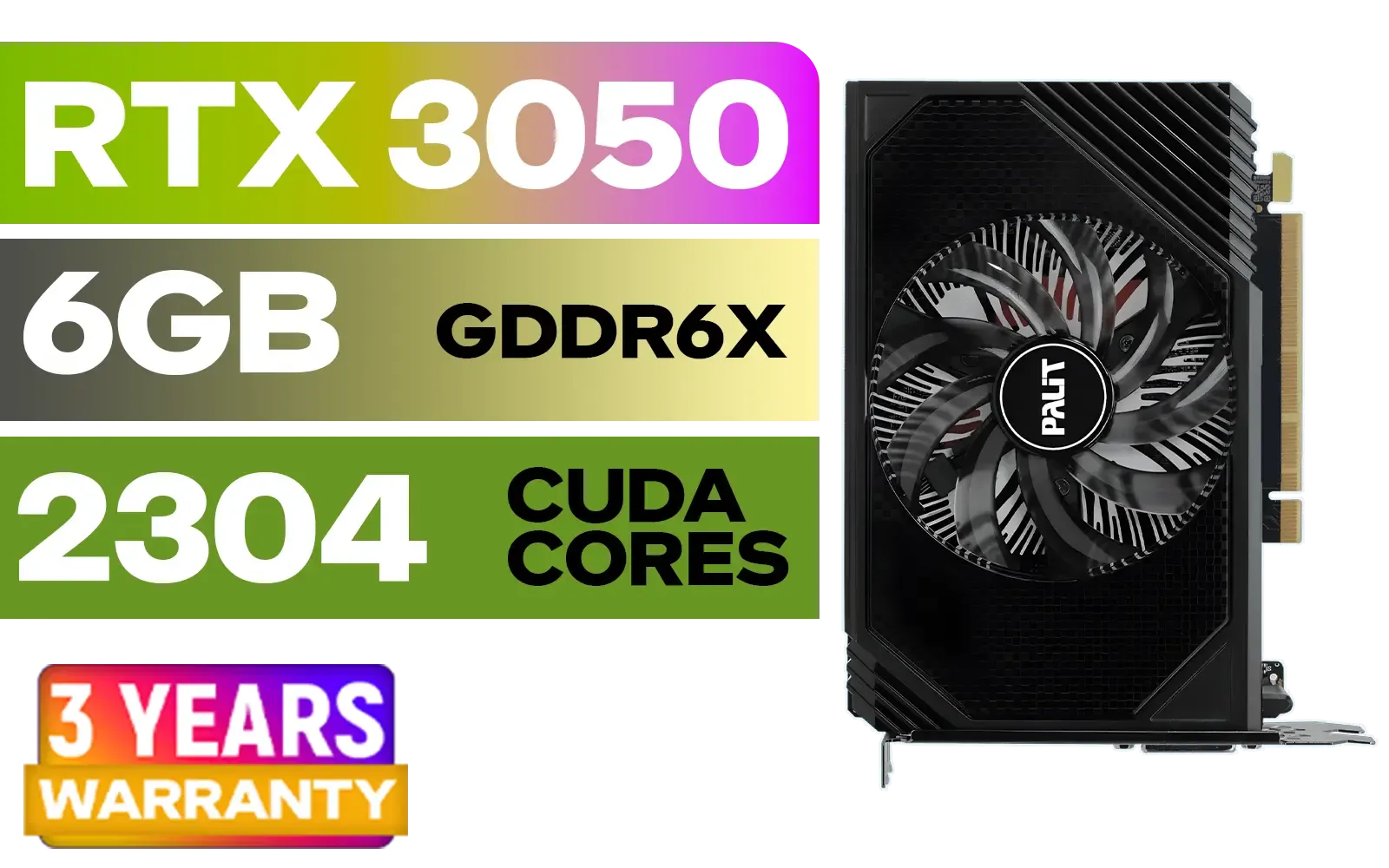
Palit GeForce RTX 3050 StormX 6GB GDDR6 Gaming Graphics Card / 2304 Cuda Core / 96-bit Memory Interface / Boost Clock : 1470MHz / Incredibly Fast Frame Rates / New Streaming Multiprocessors / NE63050018JE-1070F-SN
R3599.00In Stock
The Steps to a Balanced PC
1. Define Your Goal (Resolution & Refresh Rate)
First, decide what you want to achieve. There’s no point buying a R40,000 GPU if you’re playing on a 1080p, 60Hz monitor. For a high-end build in 2025, a great target is 1440p (QHD) at a high refresh rate (144Hz+) or a solid 4K experience (60Hz+). This decision dictates the power you'll need, especially from your graphics card. Be realistic about your target, as it’s the foundation for every other choice.
2. Select Your Graphics Card First
For a graphics-focused build, the GPU is your lead actor. Allocate the largest portion of your budget here. Your choice will cascade down to influence your CPU, PSU, and even case selection. Whether you're Browse the latest powerful GeForce graphics cards or weighing up other options, pick the card that best meets the performance goal you set in step one. This GPU-first approach ensures your gaming experience is the priority.
TIP FOR YOU
VRAM: Your Future-Proofing Friend
For 1440p gaming, 12GB of VRAM is a great starting point, but for 4K or ultra settings with ray tracing, aiming for 16GB or more will give you significant headroom for future titles coming down the line.
3. Choose a Worthy CPU Partner
Your CPU's job is to prepare frames for the GPU to render. If it’s too slow, it will bottleneck your powerful new graphics card, no matter how good the card is. You don't need the absolute best CPU on the market, but you need one that's strong enough. A good rule of thumb is to pair a high-end GPU with an upper mid-range or high-end CPU from the current or previous generation. This ensures a smooth data pipeline, whether you've chosen one of the latest Radeon graphics cards or a competing model.
4. Build the Foundation with Motherboard & RAM
The motherboard is the glue holding everything together. Ensure it has the right socket for your CPU and a PCIe 5.0 or 4.0 slot to get the most out of your GPU. For RAM, don't skimp. 32GB of fast DDR5 RAM is the new sweet spot for high-end gaming, ensuring smooth performance and multitasking. Even if your budget leads you to a strong value option like one of the GeForce graphics cards under R10,000, pairing it with slow or insufficient RAM will absolutely leave performance on the table. ✨

Intel 11th Gen Core i7-11700K Rocket Lake up to 5.0GHz 16MB Cache LGA 1200 95W BX8070811700K Desktop Processor / Intel SpeedStep Technology / Intel Virtualization Technology (VT-x) / Intel® UHD Graphics 750 / Require 500 Series Chipset MB (Z590,B560,H570)
R7399.00In Stock

LEADTEK NVIDIA RTX PRO 6000 Blackwell 96GB GDDR7 GPU / Compatible with RTX PRO Sync / GDDR7 Memory with ECC / 126W0000100
R186999.00In Stock
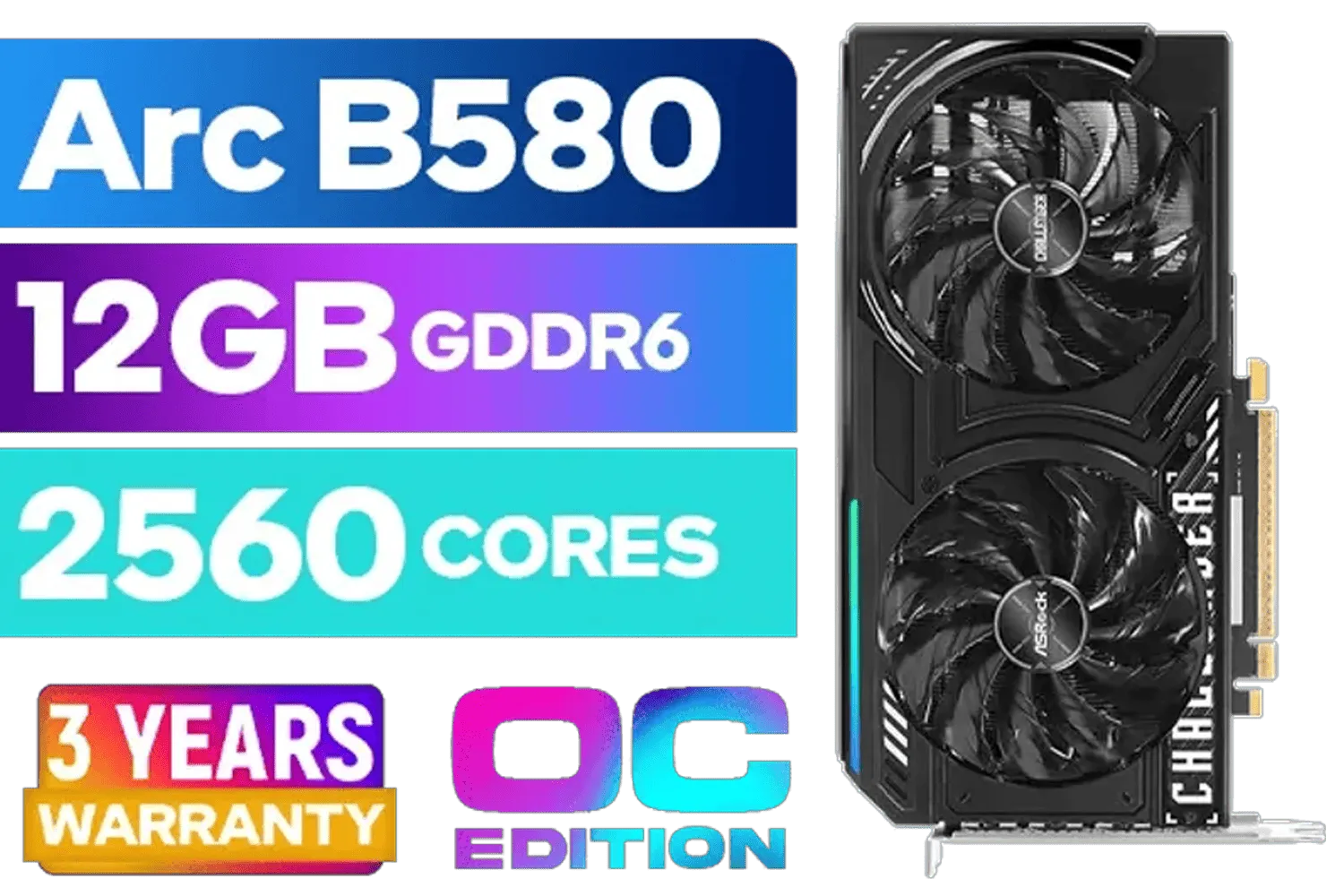
ASRock Intel ARC B580 Challenger OC Graphics Card / 12Gb 192-bit GDDR6 / DirectX 12 Ultimate / 2560 Cores / 2740MHz Engine Clock / 90-GA5LZZ-00UANF
R6499.00In Stock
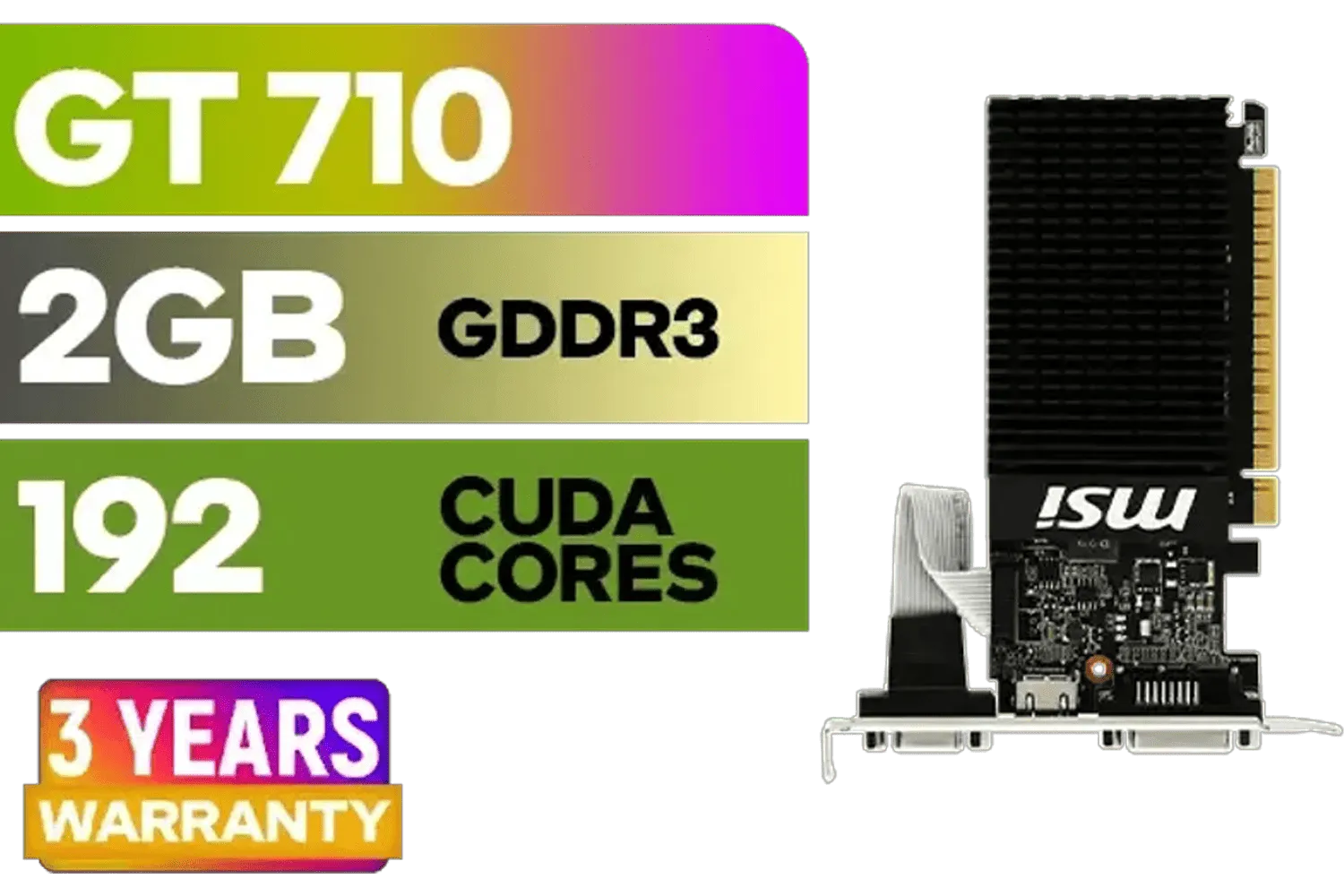
MSI GeForce GT 710 2GD3H LP 2GB DDR3 Graphics Card / 192 CUDA CORES / 64-bit Memory / 1x HDMI / 1x Dual-link DVI-D / 1x D-Sub / 912-V809-4217
R1099.00In Stock

XFX Swift AMD Radeon RX 9070 OC Graphics Card - White / 3584 Stream Processors / 256-bit Memory Interface / Boost Clock :2700 MHz / AMD RDNA™ 4 Architecture / RX-97SWFB3W9
R13499.00In Stock

SAPPHIRE NITRO+ RX 9070 Gaming OC 16GB Graphics Card / 16GB GDDR6 Memory / 3584 Stream Processors / 256-bit Memory Interface / Boost Clock : 2700 MHz / AMD RDNA™ 4 Architecture / 56 Ray Accelerators / 11349-01-20G
R13599.00In Stock
TIP FOR YOU
Don't Forget the Power Supply!
High-end GPUs are thirsty. Use a reputable PSU calculator online to estimate your needs, then add at least 100-150W of headroom for safety and future upgrades. A cheap PSU is the fastest way to kill an expensive rig.

MSI PRO B840-P WIFI Motherboard, ATX - Supports AMD Ryzen 9000/8000 / 7000 Processors, AM5 - DDR5 Memory Boost (8000+ MT/s OC), PCIe 4.0 x16, M.2 Gen4, Wi-Fi 7, 2.5G LAN / 911-7E57-001
R4199.00In Stock

Leadtek NVIDIA RTX A1000 8GB GDDR6 Workstation Graphics Card / 2304 Nvidia CUDA Cores / 192GB/s Memory Bandwidth / Nvidia Ampere Architecture / 126W8000100
R10999.00In Stock

ASRock Z890 LiveMixer WiFi Intel Motherboard / ATX Form Factor / Supports Intel® Core™ Ultra Processors (Series 2) / LGA 1851 CPU Socket / 4x DDR5 DIMM Supporting up to 256GB / 90-MXBPE0-A0UAYZ
R5999.00In Stock

Palit GeForce RTX 5090 GameRock 32GB GDDR7 512-Bit PCIe 5.0 Desktop Graphics Card / NE75090019R5-GB2020G
R47999.00In Stock

MSI GeForce RTX 5070 12GB Shadow 2X OC Graphics Card / 6144 Cuda Cores / 192-bit Memory Interface / Boost Clock : 2542 MHz / NVIDIA Blackwell & DLSS 4 / TORX Fan 5.0 / Nickel-Plated Copper Baseplate / 912-V532-011
R11999.00In Stock
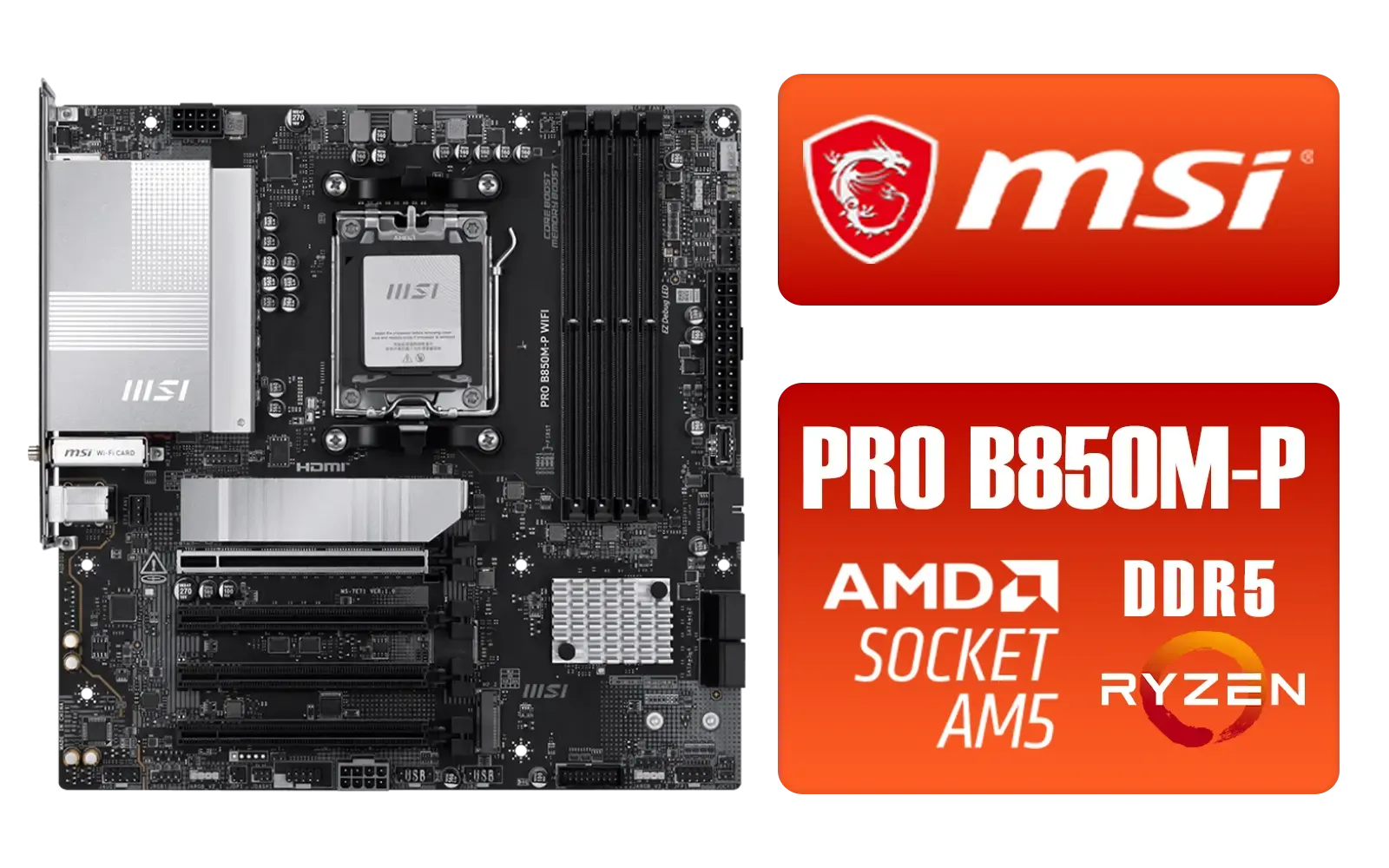
MSI PRO B850M-P WIFI AMD Motherboard / Supports AMD Ryzen™ 9000 / 8000 / 7000 Series / Dual Channel DDR5-8200+ (OC) / Direct 7+2+1 Power System (P-PAK) / 8-pin CPU Power Connector / PCIe 5.0 Slot & Lightning Gen 5 x4 M.2 / 5G LAN & Wi-Fi 7 / 911-7E71-001
R4199.00In Stock
Quick-Reference FAQ
Q: How do I know if my CPU and GPU are a good match? A: Look for online benchmarks comparing your chosen CPU and GPU. If you see tests where that GPU is paired with a much faster CPU and gets significantly more frames at your target resolution (especially 1080p or 1440p), your chosen CPU might be a bottleneck.
Q: Is it better to have more RAM or faster RAM? A: For a high-end build, the answer is... both. But if you have to choose, hitting the capacity sweet spot (32GB for modern gaming) is more important first. After that, focus on speed (e.g., 6000MHz for DDR5) and low latency (CL) to get the best performance.

MSI GeForce RTX 5070 12G Gaming Trio OC Graphics Card / 12GB GDDR7 / 6144 Cuda Cores / 192-bit Memory Interface / Boost Clock : 2610 MHz / NVIDIA Blackwell & DLSS 4 / TRI FROZR 4 Thermal Design / Metal with Airflow Vents / 912-V532-019
R15199.00In Stock

Intel Core Ultra 5 245K Desktop Processor / 14x (6P + 8E) Cores / 14x Threads / Up to 5.2GHz Turbo Boost / LGA 1851 Series Chipset 159W / Integrated Intel® Graphics / CPU Cooler Not Included / BX80768245K
R4999.00In Stock
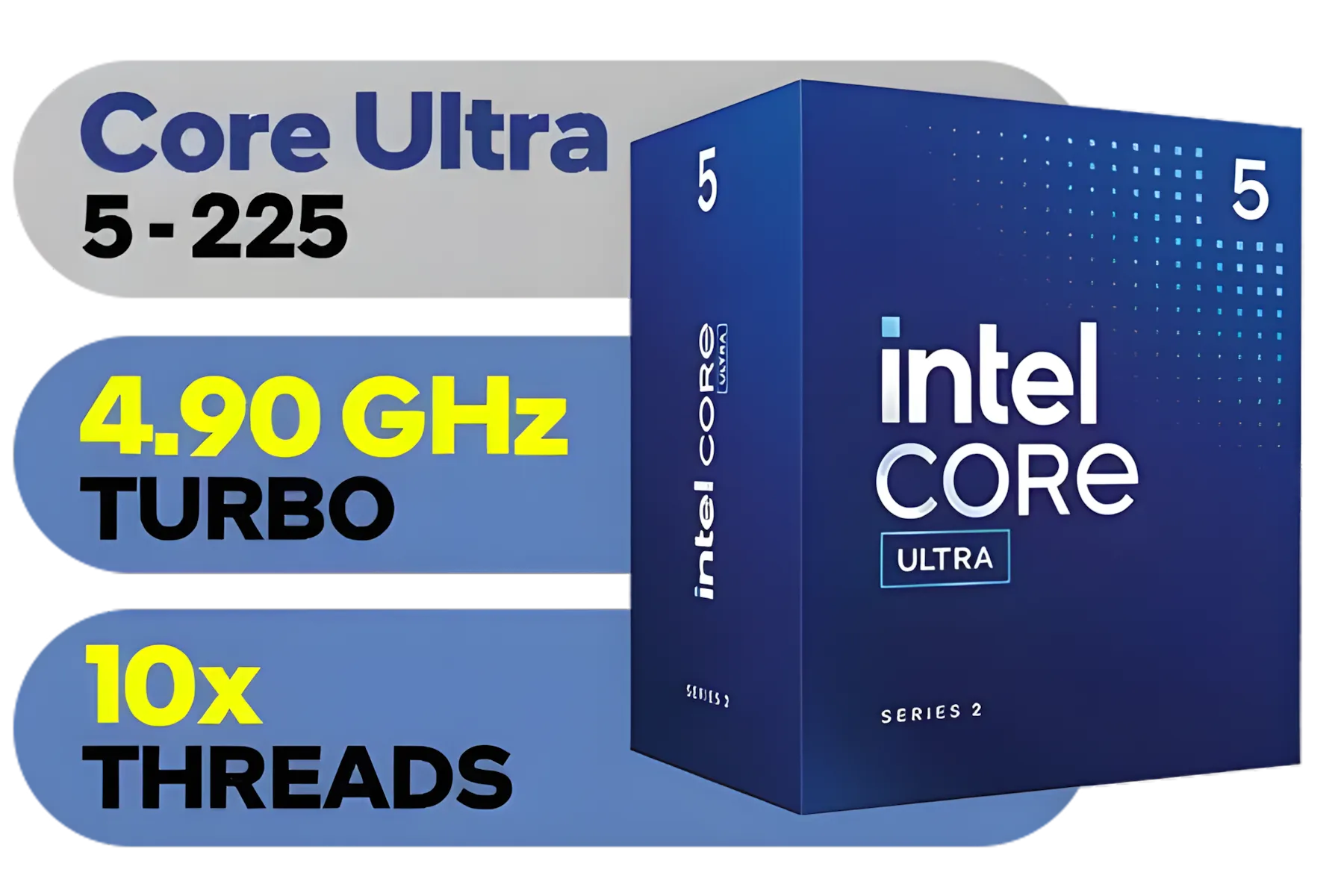
Intel Core Ultra 5 225 Processor / 10x (6P + 4E) Cores / 10x Threads / Up to 4.9GHz Turbo Boost / LGA 1851 Series Chipset 121W / AI Accelerator Technology / Integrated Graphics / BX80768225
R3999.00In Stock

Intel Core Ultra 5 245KF Desktop Processor / 14x (6P + 8E) Cores / 14x Threads / Up to 5.2GHz Turbo Boost / LGA 1851 Series Chipset 159W / Discrete Graphics Required / CPU Cooler Not Included / BX80768245KF
R4499.00In Stock

AMD Ryzen 5 3400G Processor with Radeon Vega 11 Graphics / 4x Cores - 8x Threads / 3.7GHz Base Clock - Up to 4.2GHz Max. Boost Clock / 6MB Game Cache / Wraith Spire Cooler Included / Socket AM4 / 65W / YD3400C5FHBOX
R1499.00In Stock
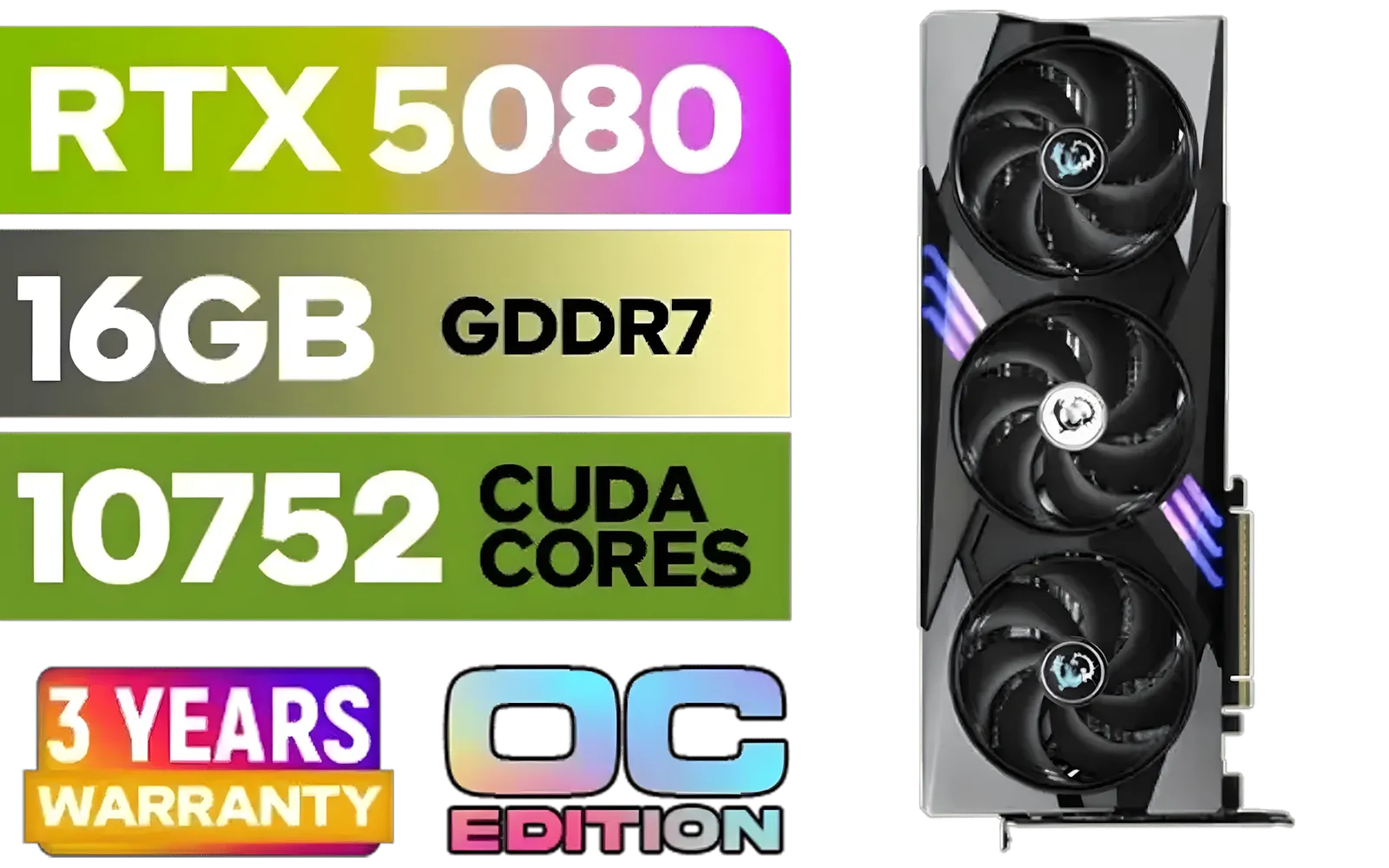
MSI GeForce RTX 5080 16G Gaming Trio OC Graphics Card - Precision Airflow Control - Nickel-Plated Copper Base - Metal Backplate - 16GB GDDR7 - 30Gbps Memory Speed - PCI Express® Gen 5 / 912-V531-026
R29499.00In Stock
Q: What's more important for a high-end build: cooling or the case? A: They are equally important because they work together. A case with poor airflow will make even the best cooler struggle. Prioritise a high-airflow case, and then select CPU and case fans that can effectively move heat out of that case to keep your components from thermal throttling.
Build Your Ultimate Rig Today Feeling confident? Turn your plan into reality by Browse the best graphics card deals in South Africa. We have the components you need to build a powerful, balanced PC that delivers pure performance.
Related Products
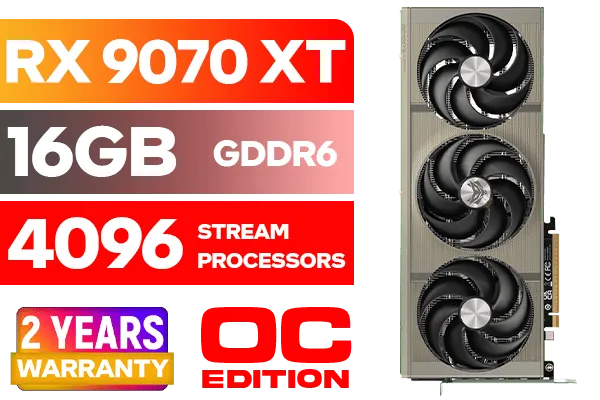
SAPPHIRE NITRO+ RX 9070 XT Gaming OC 16GB Graphics Card / 16GB GDDR6 Memory / 4096 Stream Processors / 256-bit Memory Interface / Boost Clock : 3060 MHz / AMD RDNA™ 4 Architecture / 64 Ray Accelerators / 11348-01-20G
R14999.00In Stock
XFX Swift AMD Radeon RX 9070 OC Graphics Card - White / 3584 Stream Processors / 256-bit Memory Interface / Boost Clock :2700 MHz / AMD RDNA™ 4 Architecture / RX-97SWFB3W9
R13499.00In Stock
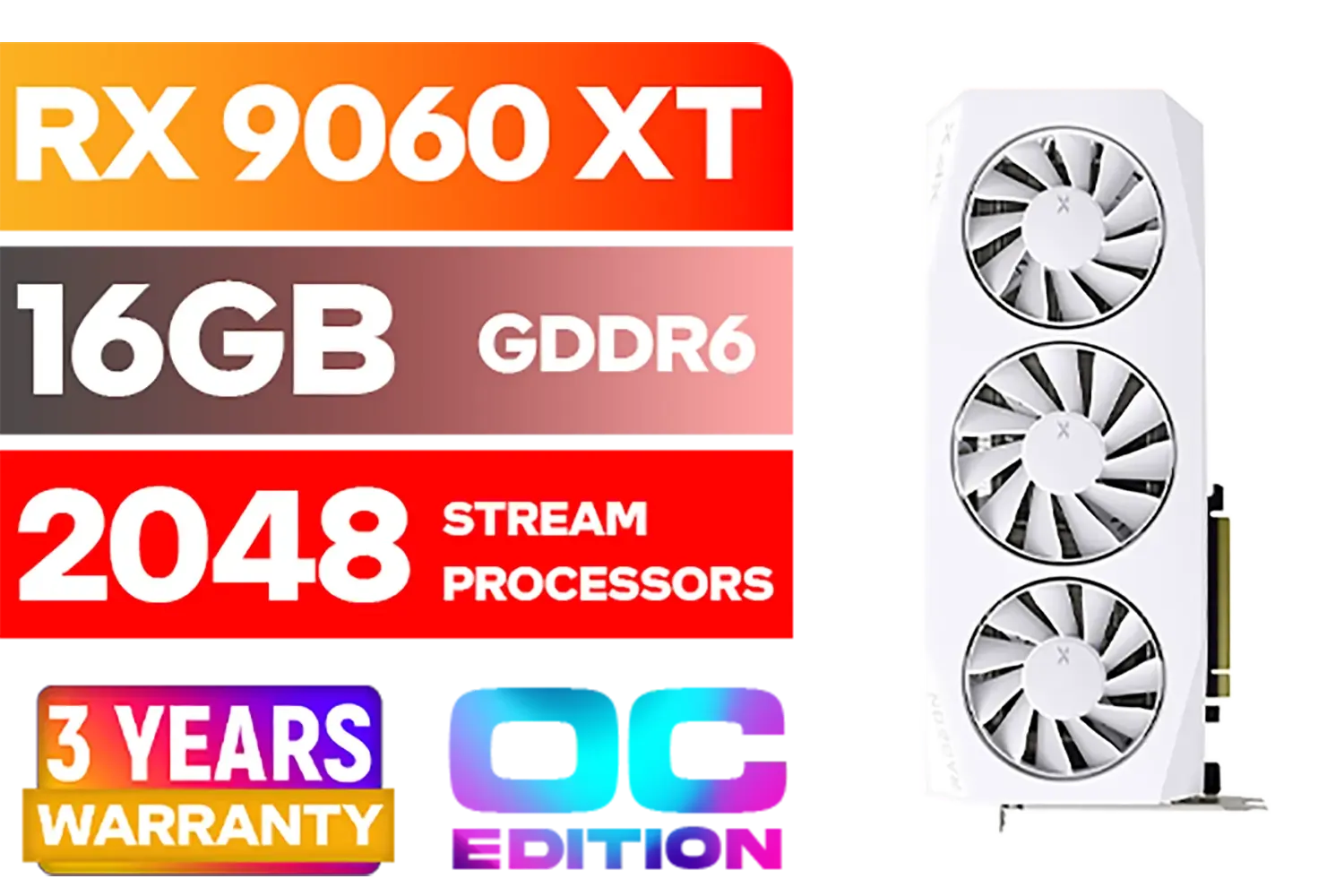
XFX Mercury AMD Radeon RX 9060XT OC White Gaming Edition with 16GB GDDR6 HDMI 2xDP, AMD RDNA 4 / RX-96TMERCW9
R9199.00In Stock

Palit GeForce RTX 5060 Dual 8GB Graphics Card / 8GB GDDR7 / 3840 Cuda Cores / 128-bit Memory Interface / Boost Clock : 2497 MHz / PCI Express® Gen 5 / NE75060019P1-GB2063D
R8299.00In Stock

MSI GeForce RTX 5070 Ti 16G Gaming Trio OC Graphics Card / 16GB GDDR7 / 8960 Cuda Cores / 256-bit Memory Interface / Boost Clock : 2572 MHz / PCI Express® Gen 5 / 912-V531-272
R21199.00In Stock

MSI GeForce RTX 5060 Ti 8G VENTUS 2X OC Plus Graphics Card / 4608 Cuda Cores / 8GB GDDR7 / 128-Bit Memory Bus / 2602MHz Boost Core Clocks / 912-V536-024
R8999.00In Stock
Match your CPU to your graphics card tier. Opt for DDR4 RAM 3600MHz+, PCIe 4.0 NVMe SSDs, and quality power supply.
Pair powerful GPUs with Core i7s or Ryzen 7s. Select B550 or Z690 motherboards, 16GB+ RAM, and efficient cooling systems.
16GB is minimum for modern games; 32GB ensures smooth performance with multitasking and streaming applications.
Use benchmarking tools to verify CPU choices. Maintain fast SSDs for quick data access and reduce bottlenecks.
RTX 4090 requires at least 850W gold-rated PSU; mid-tier cards need 650-750W. Always add 10-20% extra capacity for safety.
Opt for B650 for AMD or Z790 for Intel chips. Ensure PCIe 5.0 compatibility and proper VRM cooling for peak performance.
Yes, choose quality cases with enough space and power supply headroom for future upgrades without major replacements.











