



LAN Setup Tips for South African Networks
Learn LAN setup tips that work in South Africa. 🌐 Boost your network speed, reliability, and security today! 💡
|
Loading tags...
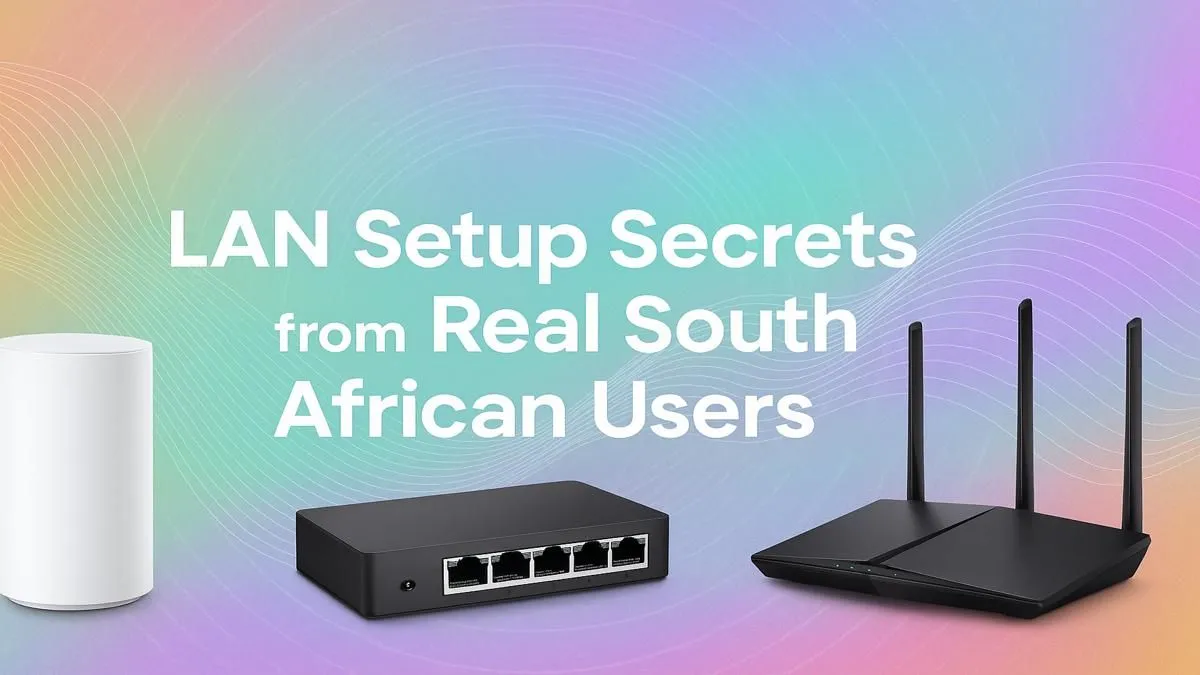
Ah, the classic LAN party. The smell of pizza, the hum of high-performance PCs, and the sound of your mates screaming after a last-second clutch. But in South Africa, our gaming sessions face unique challenges… from flaky fibre to the dreaded load shedding. A flawless experience isn't guaranteed. Don't stress, though. With a few crucial LAN setup tips, you can build a rock-solid, lag-free network that keeps the fragging going all weekend long. 🚀
Your Core LAN Setup Foundation
Before you even think about IP addresses or game servers, you need to get the hardware right. A chain is only as strong as its weakest link, and a LAN party is a high-speed, data-heavy environment. Relying on old, questionable gear is a recipe for disaster, leading to packet loss, high pings, and endless troubleshooting instead of gaming.
Investing in a solid foundation of quality wired networking gear is the single most important step. It’s the bedrock upon which every epic headshot and perfectly timed ultimate is built. Don't let your network be the reason you lose the match.

HP DHC-CT201 USB-C to VGA 1080P Adapter - Stable picture Quality Without Flickering - notebook Connection Tv, Projector And More Display Device - Aluminum Finish / DHC-CT201
R499.00In Stock

RCT ADP-MDPHDMI Mini-DisplayPort to HDMI Adapter / RCT-ADP-MDPHDMI
R249.00In Stock

WINX LINK Simple Type-C & USB Adapter Combo / WX-AD105
R179.00In Stock
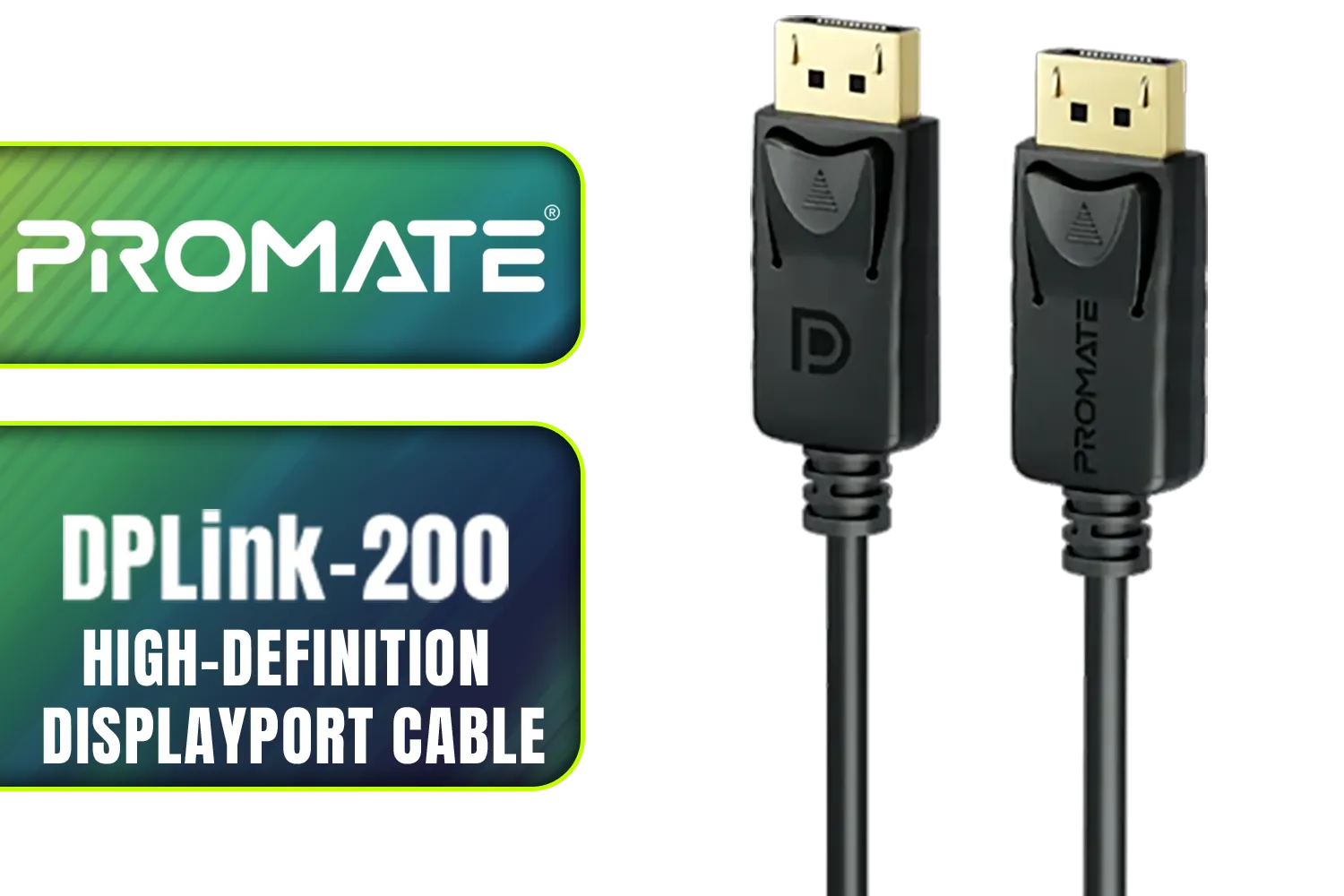
Promate DPLink-200 8K@60Hz High-Definition DisplayPort Cable / Display Port 1.4 / 2M Cable / Supports up to 8K UHD / DPLink-200
R299.00In Stock

HP DHC-CT202 USB-C 3.1 to HDMI Adapter - Stable Picture Quality No Splash Screen - Notebook Connection Tv, Projector And More Display Device - Support 4K Resolution - Clear And Realistic Picture / DHC-CT202HP
R399.00In Stock
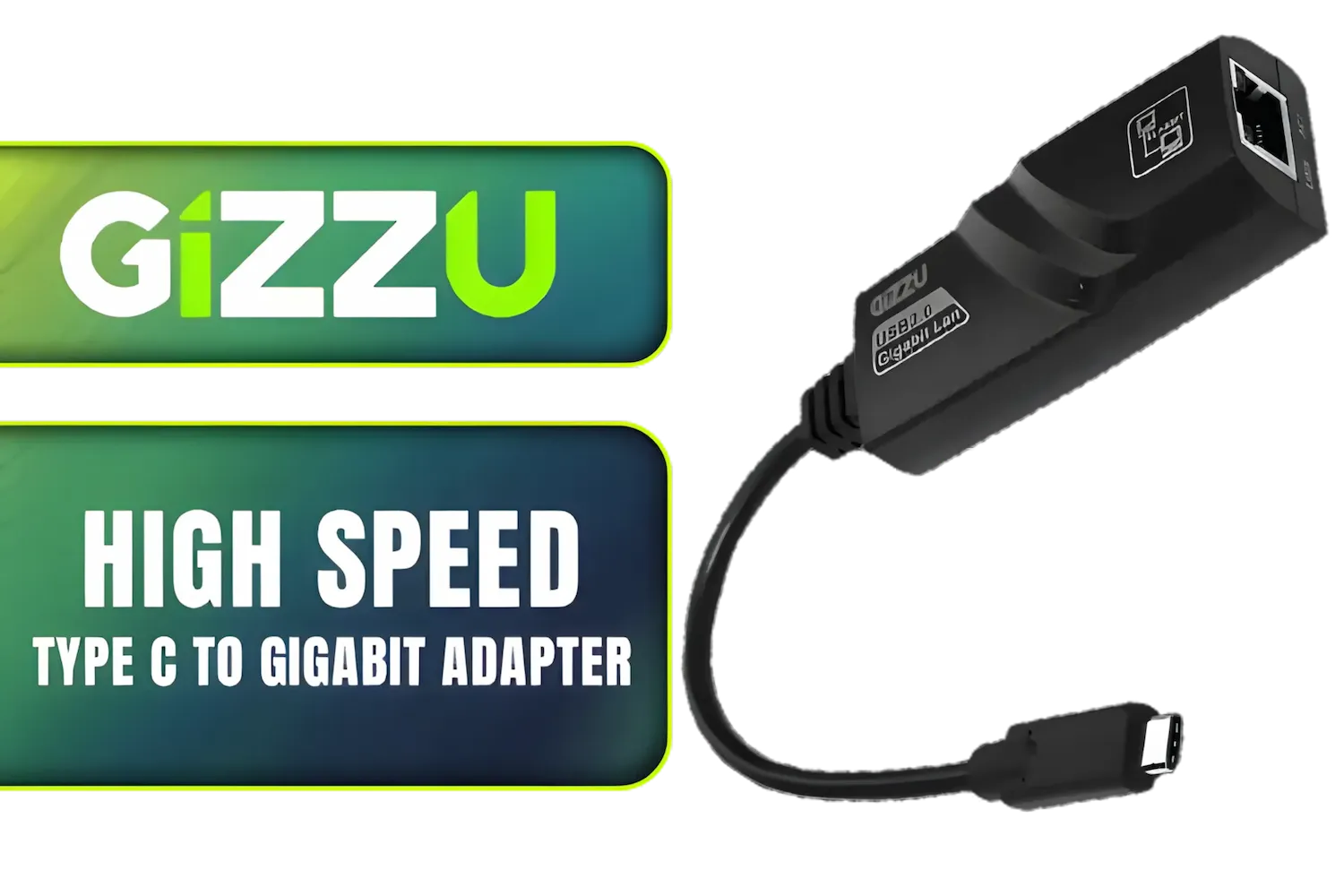
Gizzu High Speed Type C To Gigabit Adapter / High-speed Gigabit RJ45 connection / Windows 8/10 driver free, MacBook compatible / GAPCGB
R349.00In Stock
Choosing the Right Gear for a Flawless LAN
Getting your hardware sorted is simpler than you think. Focus on these three key areas, and you'll have a LAN setup that’s ready for anything our local infrastructure can throw at it.
Cables: The Unseen Heroes ⚡
Think that old blue cable from your 10-year-old router is good enough? Think again. For a modern gaming LAN, you need cables that can handle the speed. Cat5e is the absolute minimum, but for future-proofing and guaranteeing the best performance, Cat6 is the way to go. They offer better shielding against interference (crosstalk) from other cables and power cords, which is vital when you have multiple PCs crammed together. Upgrading to a set of new, high-quality network cables is a small investment for a massive stability boost.
The Switch: Your LAN's Traffic Controller
A network switch is the heart of your LAN party. It’s the central hub that connects everyone, directing traffic intelligently between PCs. For gaming, you'll want a Gigabit (10/100/1000 Mbps) switch. This ensures there's more than enough bandwidth to go around, even with 8+ players transferring files and gaming simultaneously. Don't skimp here; a reliable switch prevents bottlenecks and keeps everyone's connection running at full speed. Evetech has a range of powerful network switches perfect for any size LAN.

Mad Catz F.R.E.Q. DAC-L Digital-to-Analog Audio Converter - USB Type-C to 3.5 mm - AF00W3INBL001-0
R299.00In Stock

HP DHC-CT200 Type-C to HDMI VGA DisplayPort Adapter Supports Up to 1080P 60Hz for VGA Up to 4K 30Hz for HDMI Up to 4K 60Hz DisplayPort / DHC-CT200
R799.00In Stock
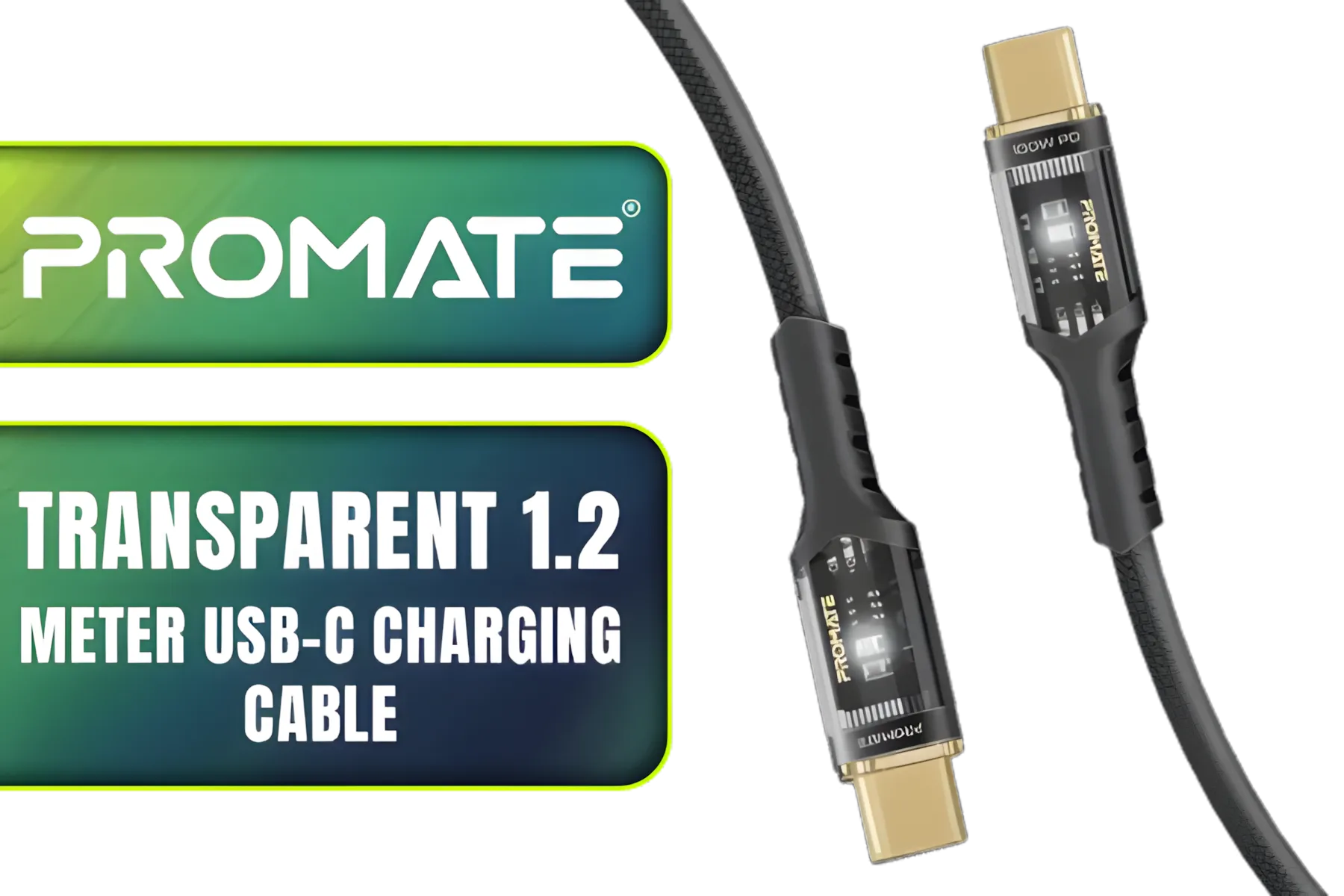
Promate Transparent 1.2 Meter Charging Cable with LED Light - Black / Rapid 100W Laptop & Phone Charging / Transparent LED Connectors / 480Mbps Data Transfer & Charging / Reinforced Nylon-Braided Durable Design / LUCIDLINE-CC120.BLACK
R129.00In Stock
Promate DPLink-200 8K@60Hz High-Definition DisplayPort Cable / Display Port 1.4 / 2M Cable / Supports up to 8K UHD / DPLink-200
R299.00In Stock
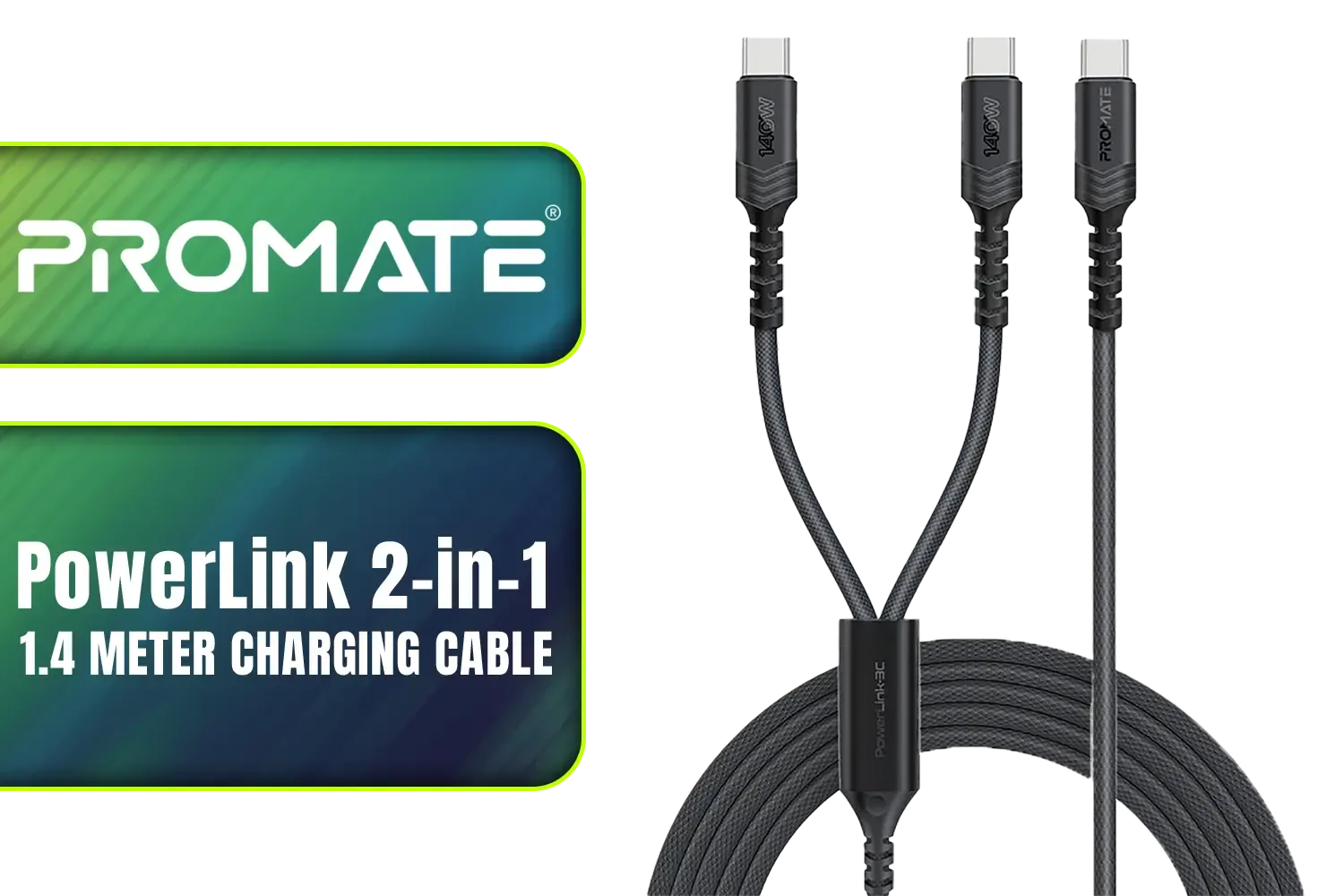
Promate PowerLink 2-in-1 High-Speed Charging Cable - 1.4 Meter / 140W Power Delivery / High Tensile Strength Cable / PD2.0 / PD3.0 / PD3.1 Support / 480Mbps Data Transfer / 1.4m Cable Length / Durable Fabric-Braided Cable / PowerLink-3C.Black
R399.00In Stock
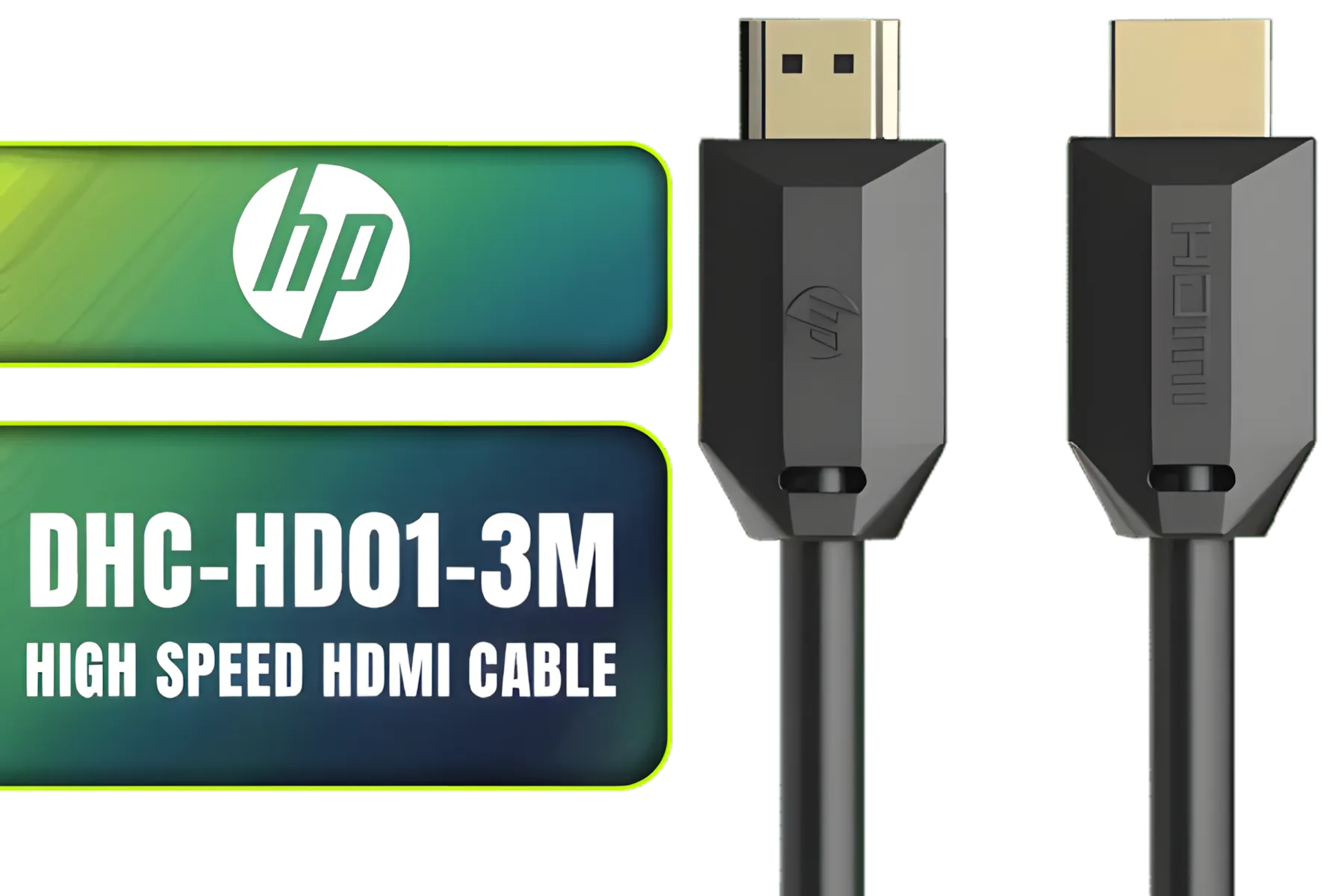
HP DHC-HD01-3M High Speed HDMI Cable / Supports 4K/60Hz High Resolution / Clear and Delicate Picture Quality / Transmission Rate up to 18Gbps / Corrosion Resistant & Rust Free / High Fidelity Transmission Signal / DHC-HD01-3M
R149.00In Stock
TIP FOR YOU
Static IP Pro-Tip
For a truly bulletproof LAN, consider assigning static IP addresses to each PC in your router's settings. This prevents IP conflicts if a machine disconnects and rejoins during a power flicker, keeping file sharing and game hosting completely stable.
Your PC's Connection Point: The Network Adapter
Most modern motherboards come with a built-in LAN port, which is usually fine. However, for competitive players or those hosting the game server, a dedicated network card can make a difference. These cards often have better processors and software designed to prioritise gaming traffic, potentially lowering your ping and ensuring a smoother experience. If your onboard port is giving you issues, or you just want the best possible connection, looking into dedicated network adapters is a smart move. 🔧
With these LAN setup tips, your next gaming get-together is destined for legendary status. No more blaming lag… just pure, uninterrupted skill.
Build Your Ultimate LAN Today Ready to leave network issues in the past? Gear up with everything you need for a flawless, high-speed gaming experience. Shop now at Evetech for performance that leaves lag in the dust.
Related Products

HP DHC HD02 3M Male to Male HDMI Cable, 8K 60Hz / 4K 120Hz Support Resolution, 48Gbps Data Transfer Rate, 24AWG Cable Cores, 3m Cable Length, Black / DHC-HD02-3M
R199.00In Stock
WINX LINK Simple Type-C & USB Adapter Combo / WX-AD105
R179.00In Stock

Gizzu 4K DisplayPort to HDMI 1.5m Cable / Gold-Plated Connectors / Supports 4K@60Hz Resolution / GCPDPH15
R199.00In Stock
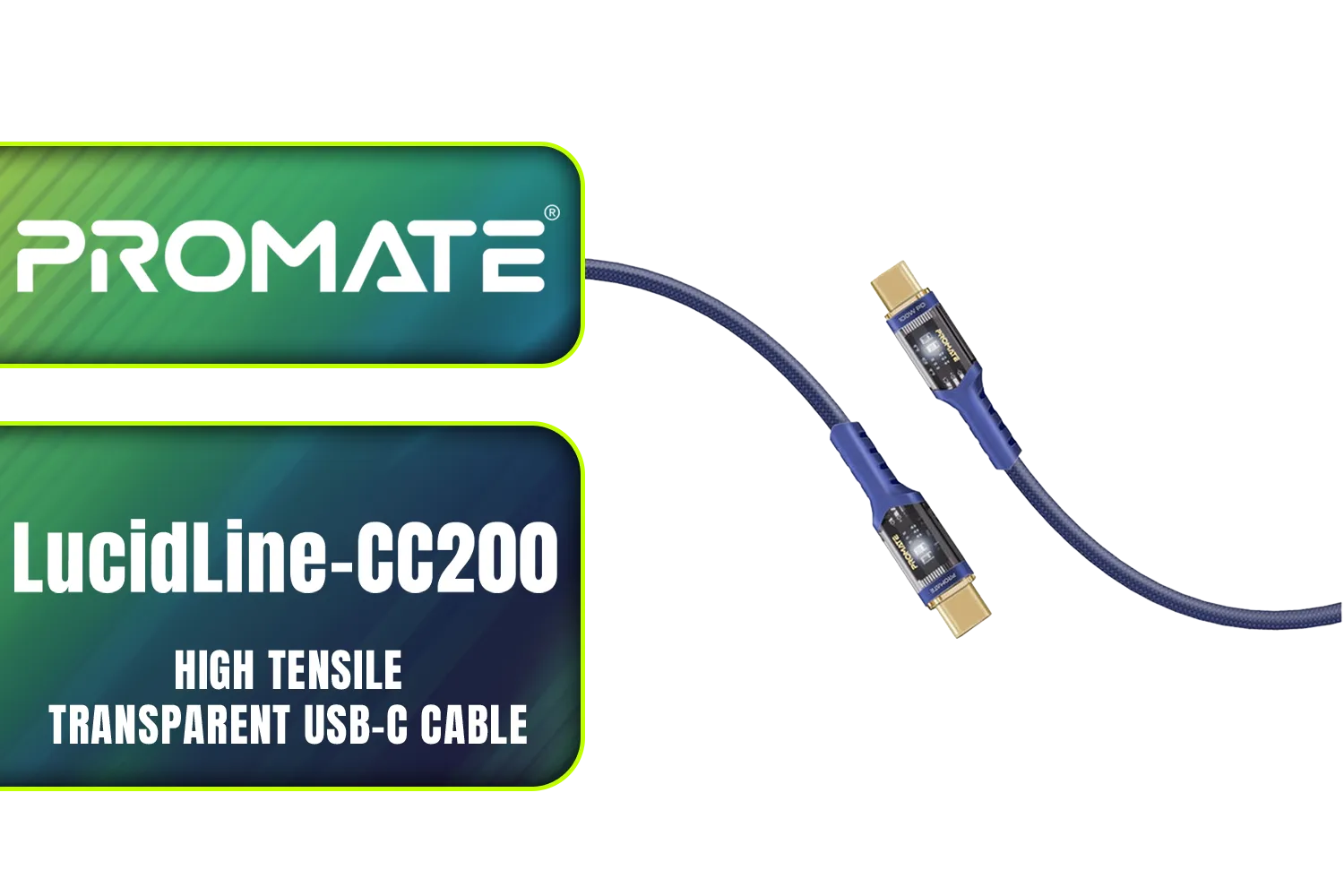
Promate LucidLine-CC200 High Tensile Transparent USB-C Cable with LED Light - Navy / Lightning-fast 100W Charging / Nylon Braided Exterior / LED lights / Speedy Data Transfers at 480Mbps / LucidLine-CC200.Navy
R199.00In Stock
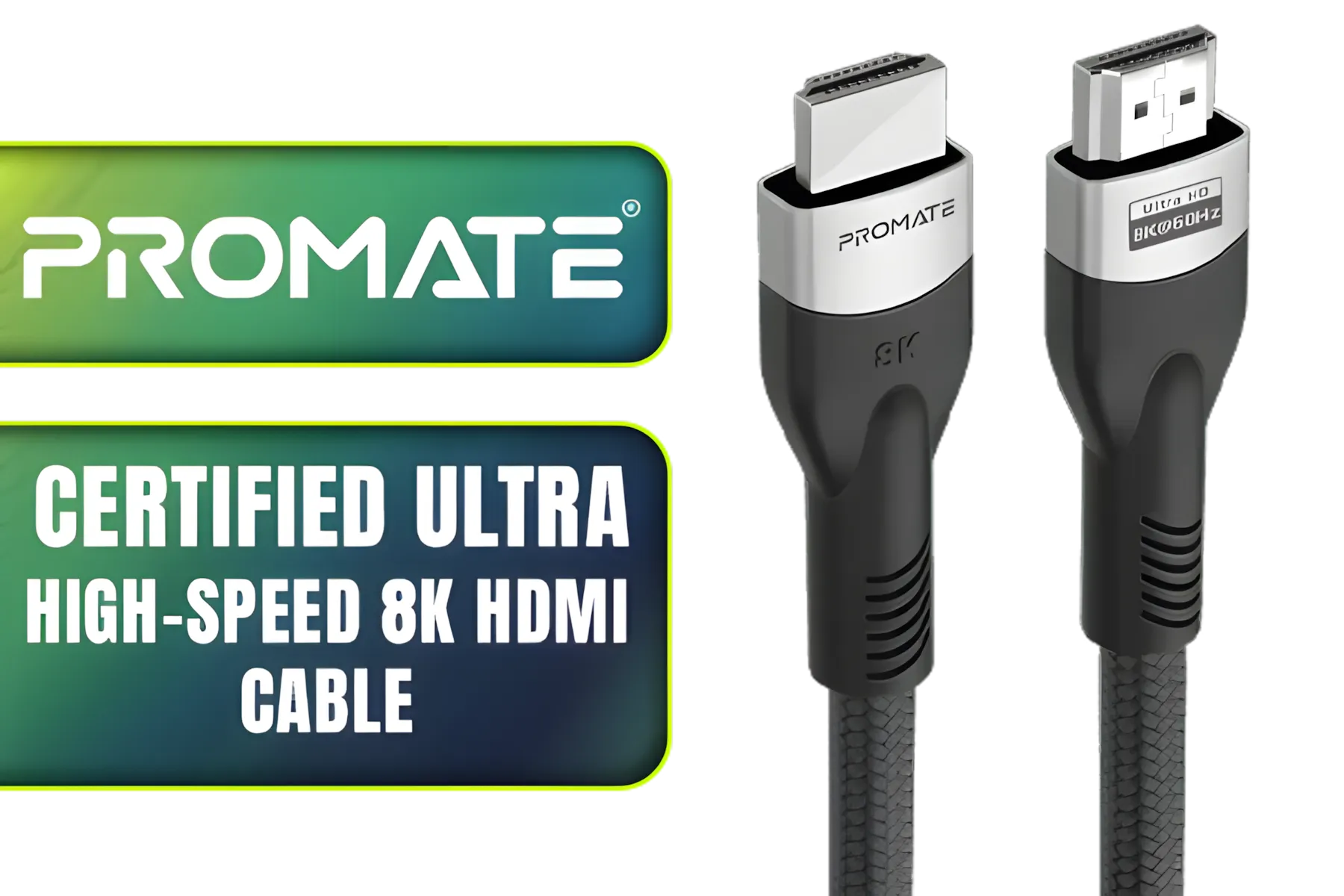
Promate Certified Ultra-High-Speed 8K HDMI® Cable / 8k @ 60Hz HDMI / 5M Cable / 48Gbps Transfer Rate / PRIMELINK8K-500
R349.00In Stock

Romoss USB A to Lightning & Micro USB 1.5m cable Space Grey Nylon Braided Cable / CB209-71-233
R189.00In Stock
Use quality Ethernet cables and a reliable router. Optimize placement for minimal interference.
Upgrade to Cat6 cables and position your router centrally. Check for firmware updates regularly.
Choose a dual-band router and place it centrally. Use wired connections for high-traffic devices.
Yes! Check cable quality, update firmware, and avoid overcrowding on one Wi-Fi band.
Unstable speeds, interference, and poor router placement. These can be resolved with setup improvements.
Change to less congested channels and enable Quality of Service (QoS) settings for smoother traffic.
Look for routers with dual-band support and Ethernet ports. Check Evetech’s networking collection.











