



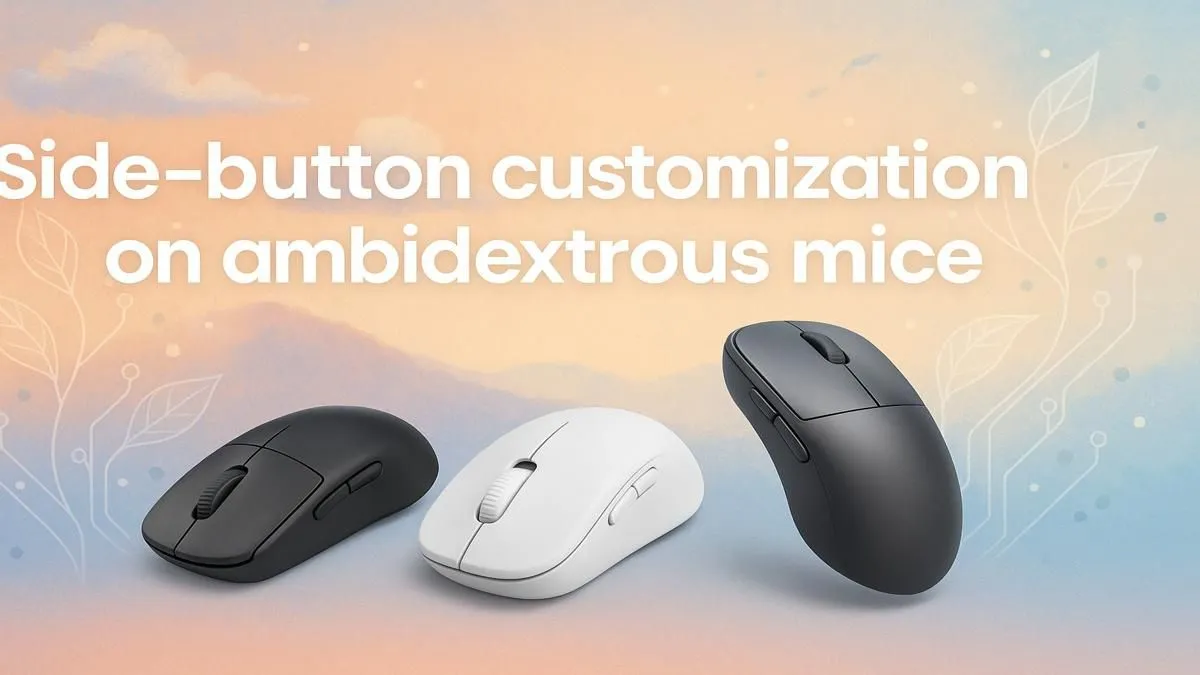
Master Side Button Customization on Ambidextrous Mice
Enhance productivity and gaming precision! 🎮 Customizing side buttons on ambidextrous mice lets you access shortcuts instantly. Take control today!
|
Loading tags...

Corsair M65 RGB Ultra Wireless Tunable FPS Gaming Mouse - Black / Sub-1ms Slipstream Wireless Technology / 26,000 DPI Optical Sensor / Up to 120 Hours of Battery Life / 8 Programmable Buttons / CH-9319411-AP2
R2499.00In Stock

SteelSeries Rival 3 Wireless Gaming Mouse / 18000 CPI / 1ms Polling Rate / Battery Life Up To 400+ Hours / 40G Acceleration / SteelSeries TrueMove Air Sensor / Quantum 2.0 Wireless / Durable Smart Construction / 62521
R1299.00In Stock

MARVO M413 WIRED MOUSE / Up to 7200 DPI / 7 Buttons / RGB Backlight / polling rate up to 125Hz / MARVO M413
R249.00In Stock
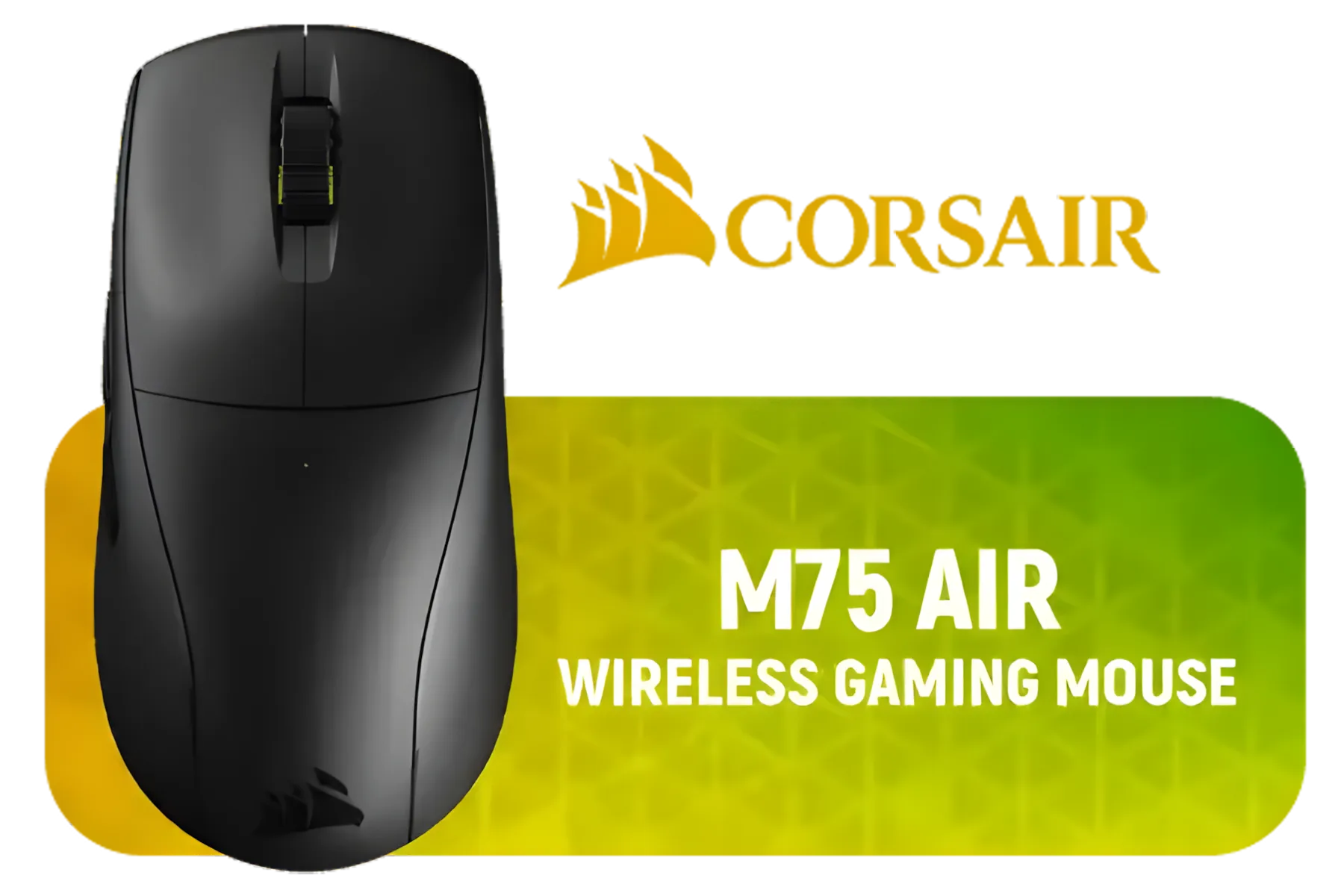
Corsair M75 AIR Wireless Ultra Lightweight Gaming Mouse – 2.4GHz & Bluetooth – 26,000 DPI – Up to 100hrs Battery – iCUE Compatible – Black
R1299.00In Stock
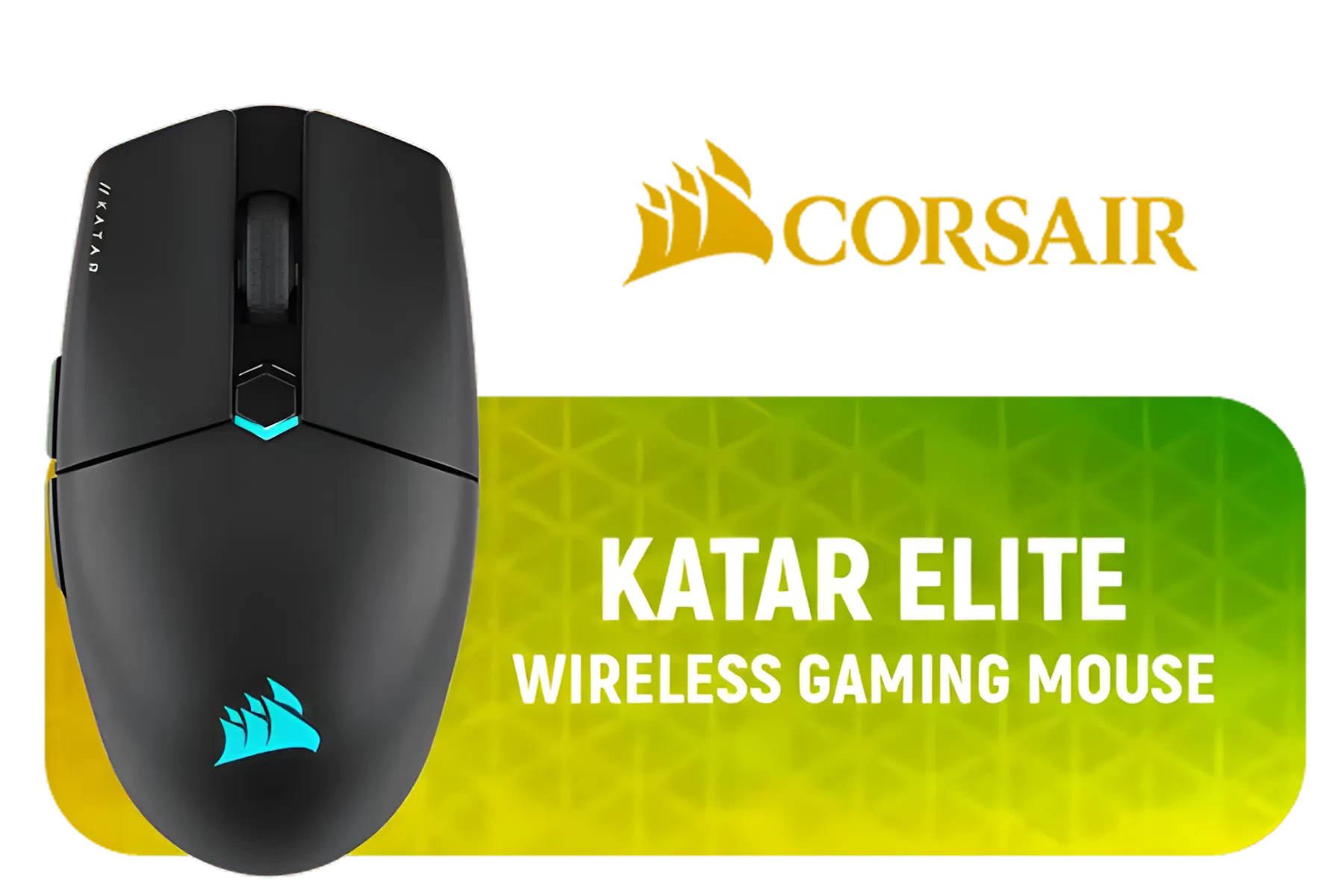
Corsair KATAR Elite Wireless Gaming Mouse - Ultra Lightweight, Marksman 26,000 DPI Optical Sensor, Sub-1ms Slipstream Wireless Connection, Up to 110 Hours of Rechargeable Battery Life - Black / CH-931C111-AP
R1799.00In Stock
Razer Basilisk V3 Pro Customizable Wireless Gaming Mouse: Fast Optical Switches Gen-3 - HyperScroll Tilt Wheel - Chroma RGB - 11 Programmable Buttons - Focus Pro 30K Optical Sensor - Classic Black / RZ01-04620100-R3G1
R2499.00In Stock
Hey, Saffa gamer! Ever unboxed a shiny new ambidextrous mouse and felt a bit puzzled by the buttons on both sides? You're not alone. Whether you're a lefty tired of awkward grips or a righty wanting to double your inputs, those extra buttons are your unfair advantage waiting to be claimed. Learning to master side button customization on ambidextrous mice is the key to unlocking faster reactions and a smoother workflow. Let's get it sorted.
Why Ambidextrous Mice Are More Than Just for Lefties
Ambidextrous mice aren't just a solution for the 10% of left-handed gamers out there; they're a power-up for everyone. Their symmetrical design offers incredible flexibility. You can share a PC without your partner complaining, or you can train your non-dominant hand… if you're feeling adventurous. But the real magic lies in having a fully customisable toolkit. With the right setup, you gain more binds without ever moving your hand from the WASD keys. It’s about efficiency and finding what gives you the edge. Explore the huge variety of ambidextrous and ergonomic gaming mice to see the options available.
Your Guide to Mastering Side Button Customization
Ready to turn those dormant buttons into instant-win macros? It's simpler than you think. Following a clear process for side button customization on your ambidextrous mouse will make a world of difference. 🔧
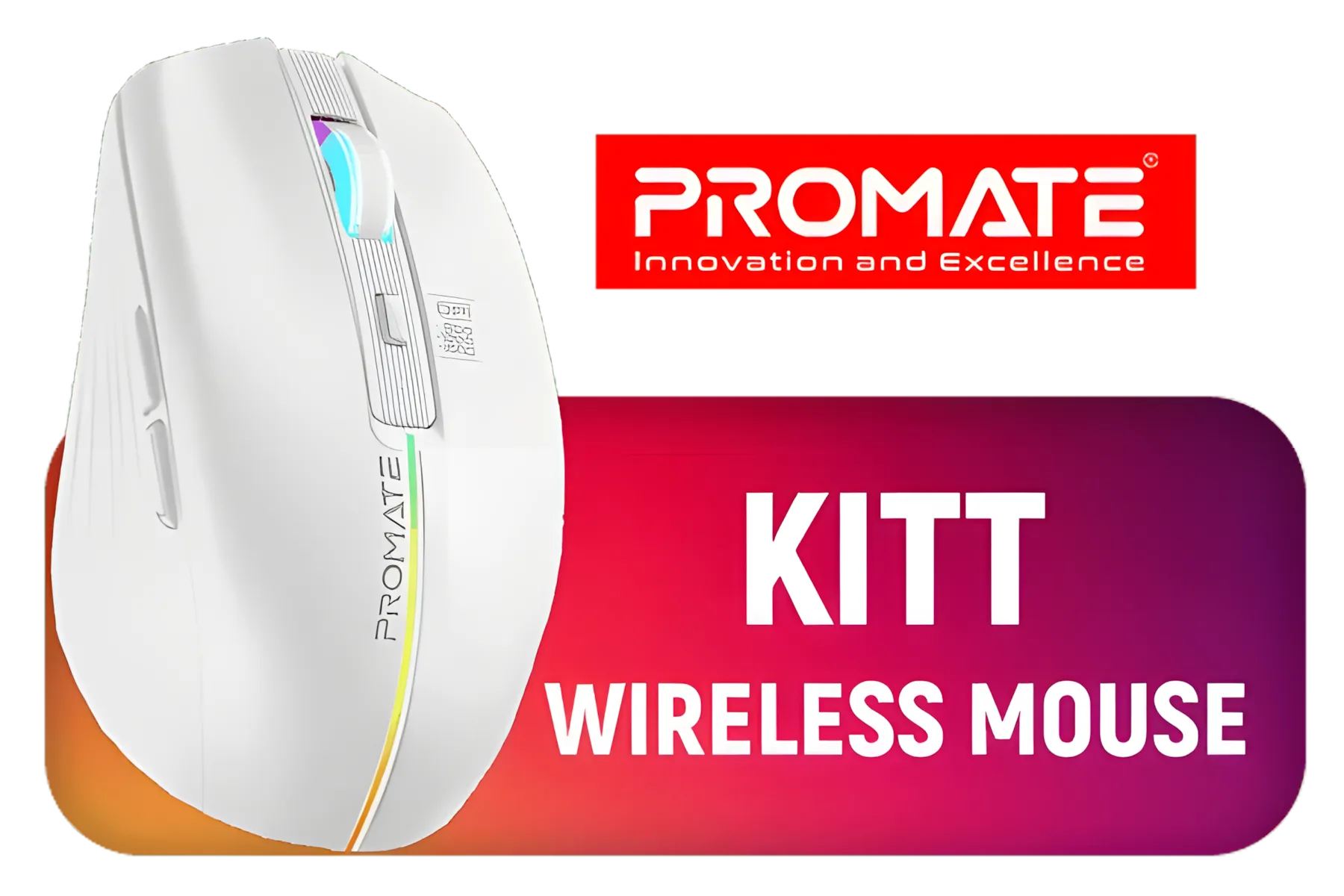
Promate Wireless Mouse,Ergonomic 500mAh Rechargeable LED Backlit Mice with Adjustable 1600DPI,6 Functional Buttons,RGB Modes and 2.4Ghz Wireless Transmission for MacBook Air,Dell XPS13,Asus / KITT.WHITE
R199.00In Stock
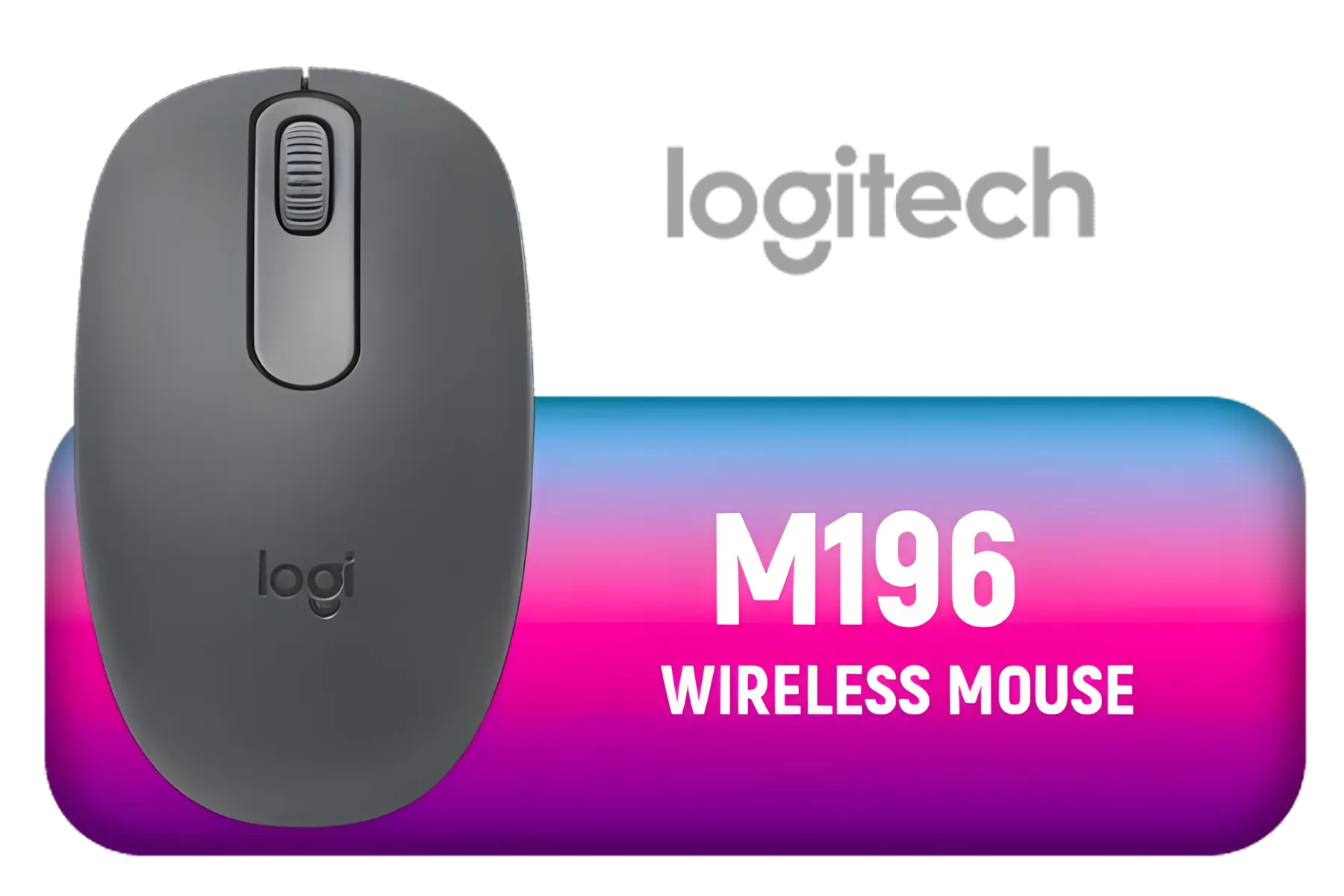
Logitech M196 Wireless Bluetooth Mouse, Compact and Portable Mouse for Laptops, Tablets and more, 12 Months Battery Life, Smooth Reading, Compatible with PC and Mac, Windows and macOS / 910-007459
R199.00In Stock

Marvo M292 WH CAPO 20 Wired Gaming Mouse - White / 8000 DPI / 6-Step DPI / Anti-Slip Texture / Durable Braided Cable / M292-WH
R249.00In Stock

Marvo G997W Monka Prime Wireless Gaming Mouse - White / 26000 DPI / 6-Step DPI / Polling rate: 1000HZ(wired ) 4000HZ(2.4G) / Type-C Cable 1.8M / G997W
R849.00In Stock
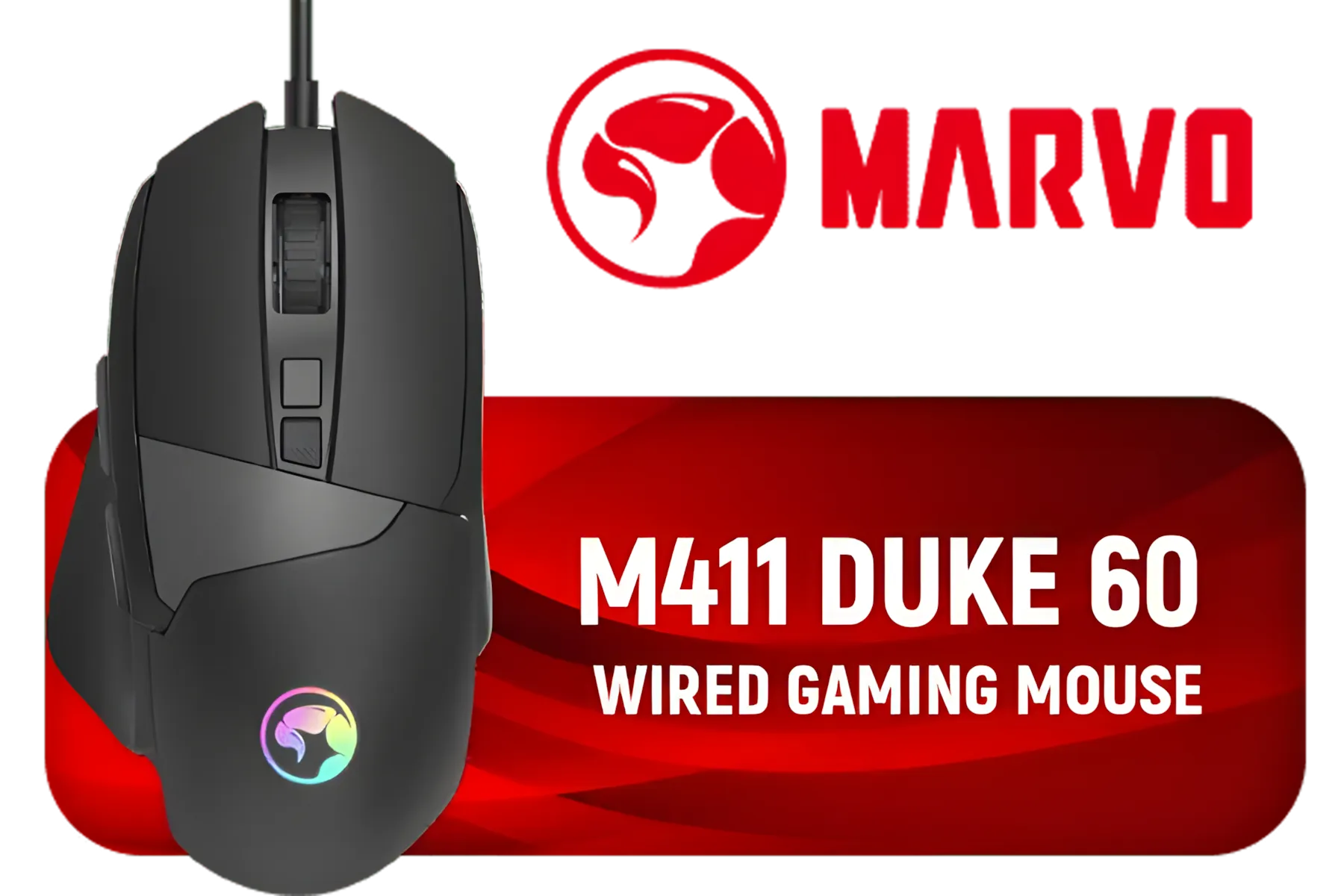
Marvo M411 Duke 60 Wired Gaming Mouse - Black / 8 Programmable Buttons / 12800 DPI / 6-Step DPI / Polling Rate: 1000HZ / RGB backlight / M411-DUKE
R299.00In Stock
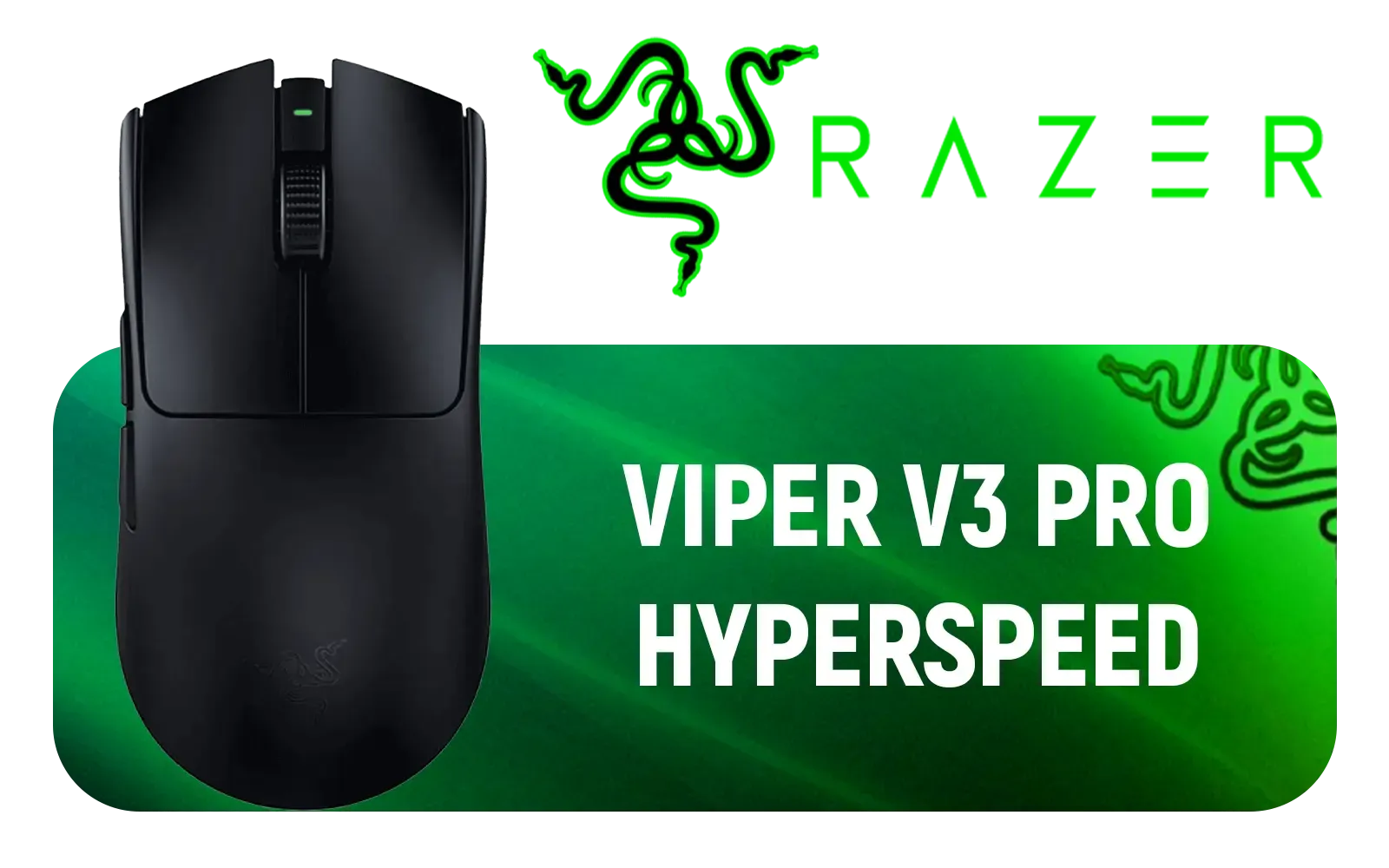
Razer Viper V3 Pro HyperSpeed Wireless Esports Gaming Mouse - Black / 54g Ultra-Lightweight Design / 35K DPI Optical Sensor / Up to 95 Hr Battery Life / Mechanical Switches Gen-2 / RZ01-05120100-R3G1
R3499.00In Stock
Step 1: Get the Right Software
Your mouse's power is unlocked through its dedicated software. Brands like Logitech (G Hub), Razer (Synapse), Corsair (iCUE), and SteelSeries (GG) all have powerful, free apps. Download the correct one for your model. This is your command centre for everything from DPI settings to, you guessed it, button mapping.
Step 2: Think About Your Playstyle
Before you start assigning commands, ask yourself: what do I actually need?
- FPS (CS:GO, Valorant, Apex): Think quick actions. Melee, grenade, push-to-talk, or a healing item are perfect candidates.
- MMO/MOBA (WoW, LoL): Complex macros or specific abilities that need to be fired off instantly.
- Productivity: Yep, even for work! Map copy/paste, undo, or even a shortcut to open your favourite app.
TIP FOR YOU
Double Your Inputs with a 'Shift' Key
Most mouse software has a 'G-Shift' (Logitech) or 'Hypershift' (Razer) feature. Assign this to one side button. Now, when you hold it down, every other button on your mouse can have a secondary function. This essentially gives you a second layer of commands, a massive advantage in complex games!
Step 3: Map, Test, and Tweak
Start simple. Drag and drop a command onto a button in the software. Hop into a practice range or a private lobby and test it out. Does it feel natural? Is it easy to press without accidentally hitting another button? Don't be afraid to experiment. My personal "aha!" moment was mapping crouch-slide to a thumb button in Warzone. The movement felt ten times more fluid.
Pro-Level Customization Ideas 🚀
Once you've nailed the basics of your ambidextrous mouse setup, it's time to get creative.
- One-Button Looting: In battle royales, create a macro that spams your "interact" key. Point at a pile of loot, press one button, and hoover it all up instantly.
- Instant Build/Edit Resets: For Fortnite players, mapping an edit and a reset command to different side buttons can seriously speed up your defensive building.
- Work-from-Home Warrior: Set up profiles that auto-switch when you open certain programs. Have your side buttons control your timeline in Adobe Premiere, then switch to brush-size controls in Photoshop.
You don't need to spend a fortune to get these features. Check out the best gaming mouse deals in South Africa to find a high-performance mouse that fits your budget.
A Solid Foundation is Key
Remember, even the best button customisation can be let down by a poor surface. A mouse that skips or drags because of a worn-out desk is a recipe for frustration. Pairing your newly optimised mouse with a quality surface ensures your aim is as precise as your new macros. Investing in a good gaming mouse pad provides the consistent tracking you need for every flick and swipe. ✨
Ready to Find Your Perfect Fit? Stop letting default settings hold you back. An ambidextrous mouse is your canvas—now it's time to create your masterpiece. Shop our full range of ambidextrous gaming mice and take control of your game.
Related Products
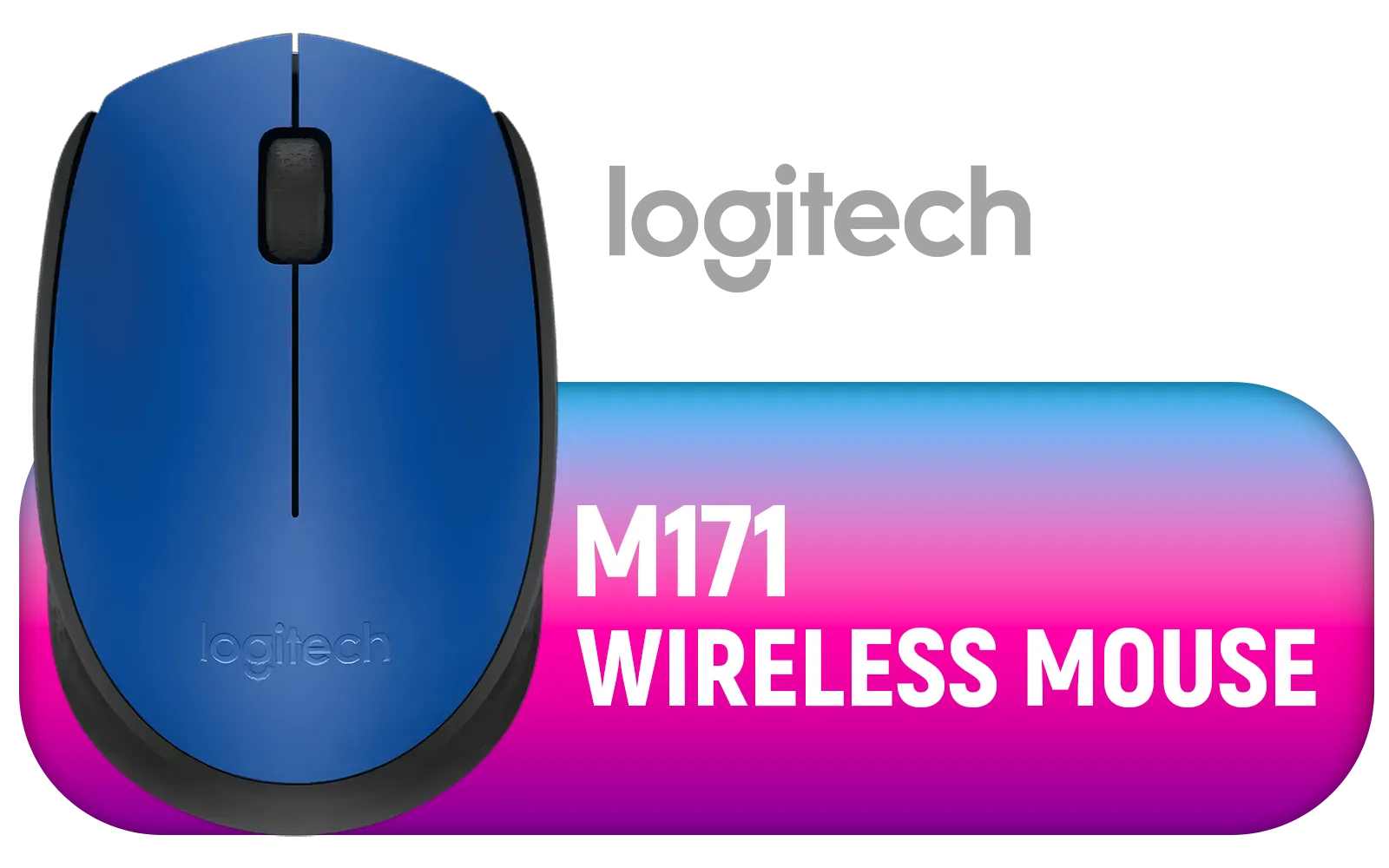
Logitech M171 Wireless Mouse - Blue / 2.4 GHz with USB Nano Receiver / Optical Tracking / Ambidextrous / PC/Mac/Laptop / 910-004640
R169.00In Stock

Steelseries Rival 3 Gen 2 Gaming Mouse - White / True 1-to-1 Tracking / 3-Zone RGB / Super Mesh Paracord / 77g Lightweight / 62516
R699.00In Stock

Glorious G-Floats Mouse Feet / Fits the Glorious Model O Gaming Mouse / Fast And Consistent Glide / Polished Ceramic Compound / GLO-FT-O-GF
R249.00In Stock

Glorious G-Skates Mouse Feet / Fits the Glorious Model O Gaming Mouse / 0.81mm Thickness / GO-GSKATE
R149.00In Stock
Marvo M292 WH CAPO 20 Wired Gaming Mouse - White / 8000 DPI / 6-Step DPI / Anti-Slip Texture / Durable Braided Cable / M292-WH
R249.00In Stock
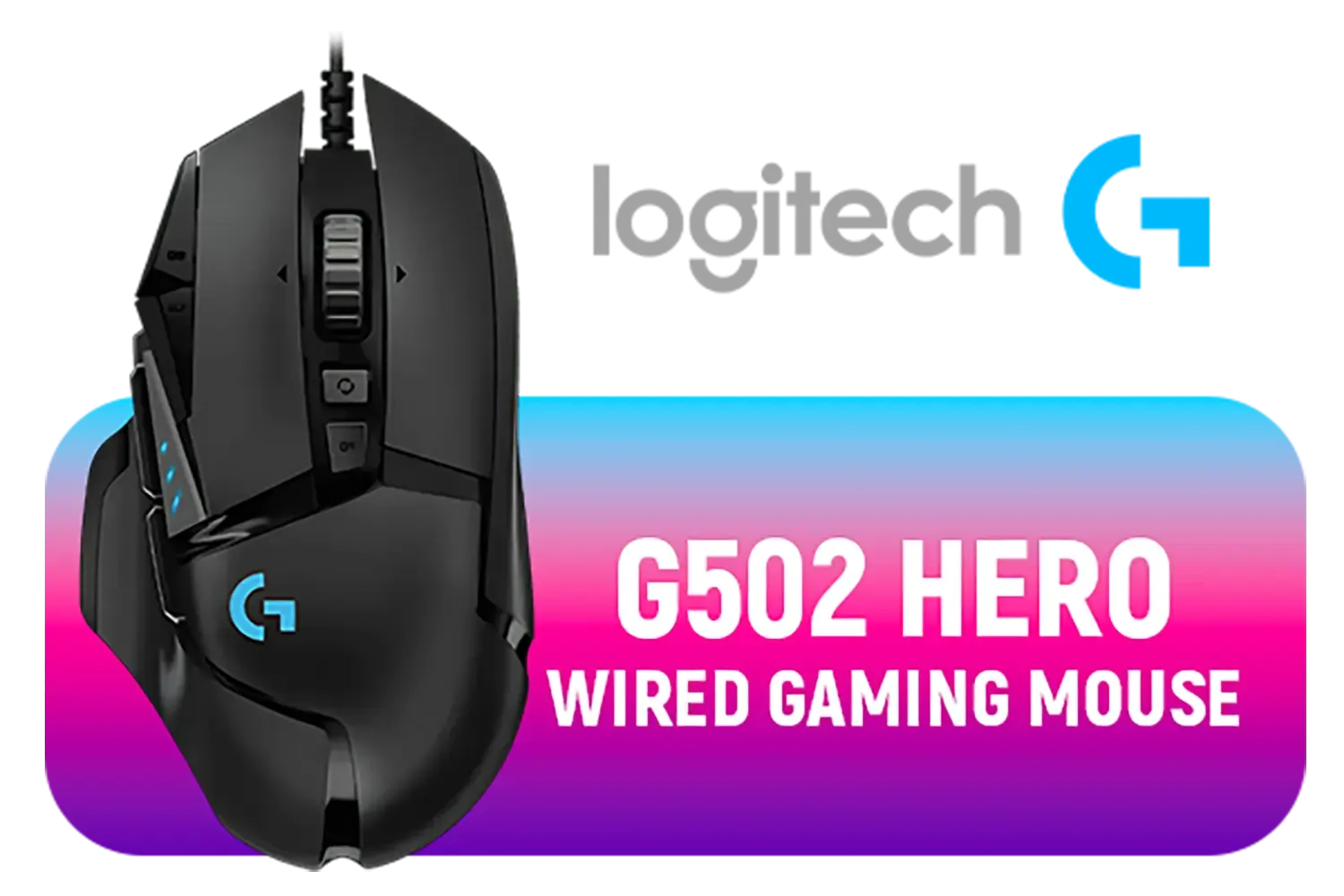
Logitech G502 Hero RGB High Performance Gaming Mouse / Up to 25,600 DPI / 11 Fully Programmable Buttons / 16.8 Million Colors Synchronize / Rated To 50 Million Clicks / 910-005471
R599.00In Stock
Most modern ambidextrous mice support side button customization through software.
Use the manufacturer's application or third-party tools like X-Mouse for customization.
Enhance productivity, streamline workflows, and improve gaming performance with custom shortcuts.
Absolutely! Ambidextrous mice adapt to both hands; customize according to your grip and style.
Some budget models may have limited programmable buttons or basic software.
No! Most tools have easy interfaces; customize functions within minutes.
Shortcuts, back/forward navigation, in-game macros, and application launchers are popular options.











