

Finding the Sweet Spot for Your Inventory Management
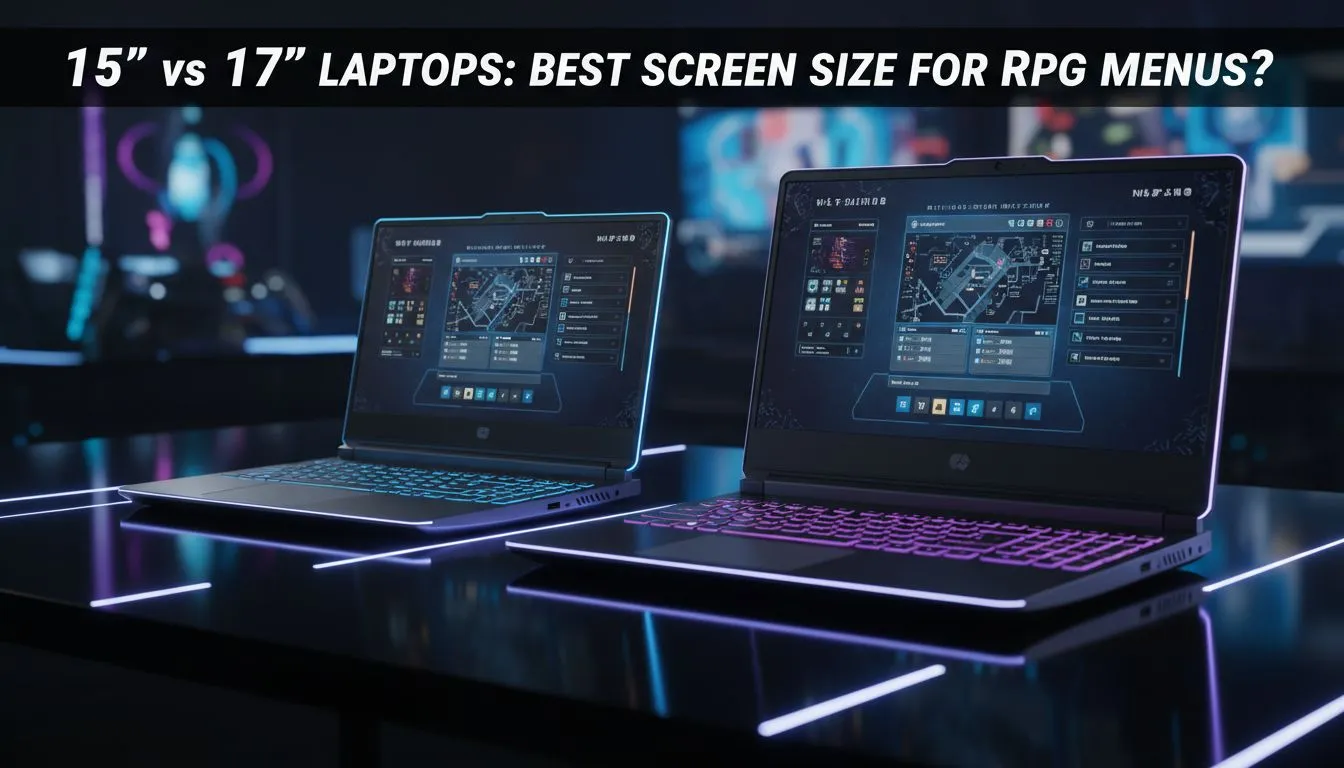
Staring at a massive inventory screen in a complex RPG can feel like doing taxes if your display is too cramped. In the debate of 15 vs 17 inch laptops, the choice usually comes down to whether you value portability or the ability to read tiny stat blocks without leaning in. For South African gamers, finding the best screen size for RPG menus is about balancing immersion and desk space. ✨
The UI Real Estate: Why Size Matters for RPGs
Role-playing games are notorious for cluttered interfaces. Between talent trees, crafting windows, and quest logs, your screen real estate is constantly under siege. If you are browsing Intel laptops on special, you will notice that 15-inch models are the standard. They offer a sharp pixel density, making the art look incredibly crisp. However... the text in games like Path of Exile or Baldur’s Gate 3 can become microscopic.
A 17-inch display provides roughly 25% more screen area. This extra space allows developers to scale the UI better, meaning you can keep your map open while still seeing your character’s equipment. When looking at Ryzen laptop deals, consider if you plan on using an external monitor. If the laptop is your primary screen, that extra width helps prevent eye strain during those six-hour sessions in the Lands Between.
Portability vs. Desktop Replacement
The 15-inch laptop is the king of the backpack. It is lighter, fits on smaller coffee shop tables, and generally costs less. You can often buy gaming laptops under R20k that feature high-quality 15-inch panels with great colour accuracy. For a student or a gamer on the move, it is the logical choice.
On the flip side, 17-inch laptops are "desktop replacements" for a reason. They are heavier and require more power... but they often have better cooling systems because the chassis is larger. If you check the best gaming laptop deals, the 17-inch units usually house the most powerful components. They stay cooler under load, which is vital for maintaining high frame rates when the screen is filled with magic effects and complex menu overlays. 🔧
RPG UI Pro Tip ⚡
If you find your RPG menus too small on a 15-inch screen, look for the 'UI Scaling' or 'HUD Scale' option in the game's display settings. Increasing this to 110% or 120% can make text much more readable without needing to upgrade your hardware, though it does reduce your field of view slightly.
Visual Fidelity and Immersion
Ultimately, the best screen size for RPG menus depends on your vision and your environment. High-end GeForce RTX gaming laptops on special often come with QHD resolutions. On a 15-inch screen, QHD looks incredibly sharp, but on a 17-inch screen, it feels more immersive... like you are looking through a window rather than at a tablet. 🚀
If your budget allows and you do not mind the extra weight in your bag, the 17-inch form factor is the superior way to experience sprawling RPG worlds. It gives the game's art room to breathe and ensures you never miss a tiny tooltip that could save your character's life.
Ready to Find Your Perfect Match? The 15 vs 17 inch laptops debate is complex, but for maximum power, choice, and value in South Africa, Evetech is hard to beat. Explore our massive range of laptop specials and find the perfect machine to conquer your world.











