

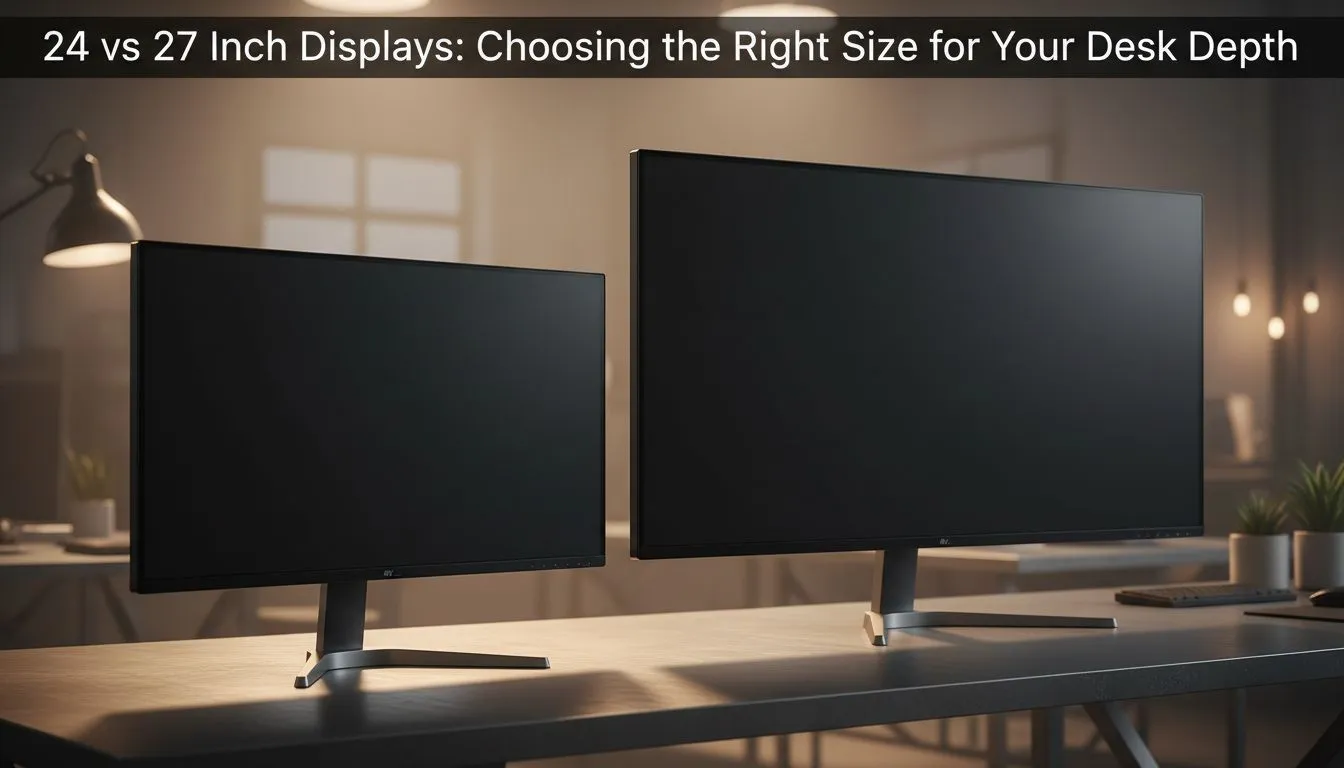
Ever sat down to play Warzone only to find your screen feels like it is touching your nose? Choosing between a 24 vs 27 inch monitor isn’t just about the screen size. It is about how much space you have on your desk. In South Africa... many of us work with limited desk depth... making this choice vital for eye health and performance. 🔧
Finding the Sweet Spot: 24 vs 27 inch monitor
The debate between a 24 vs 27 inch monitor often comes down to pixel density. A 24-inch screen is the gold standard for 1080p resolution. Everything looks sharp because the pixels are packed tightly together. If you are hunting for the best monitor deals in South Africa, you will notice that 24-inch panels are incredibly budget-friendly. They fit perfectly on smaller desks without overwhelming your field of view.
Measuring Your Desk Depth for the Best Experience
Desk depth is the most overlooked factor in a gaming setup. If your desk is shallow... say... less than 60cm deep... a 27-inch screen might cause eye strain. You want to be able to see the whole screen without turning your head. For those using standard PC monitors for office work, a 24-inch size is usually sufficient. However... if you have a deep desk of 75cm or more... a 27-inch display becomes the superior choice for immersion. 🚀
Competitive Gaming vs Immersive Visuals
Pro gamers often prefer a 24-inch 24 vs 27 inch monitor setup. Why? Because it allows them to see the mini-map and HUD elements without moving their eyes too far. You can find high-refresh-rate gaming monitors in this size that offer a massive competitive edge. If you prefer RPGs or cinematic adventures... the extra screen real estate of a 27-inch panel is hard to beat. To make a larger screen feel more natural on a medium desk... many South Africans opt for curved displays that wrap around their vision. ⚡
Ergonomic Pro Tip ⚡
If you find yourself leaning back to see your whole screen, your monitor is too big for your desk depth. Conversely, if you are squinting, you might need a higher resolution or a closer mounting position. Use a monitor arm to reclaim desk space and adjust depth on the fly.
Resolution Matters: 1080p vs 1440p
If you choose a 27-inch 24 vs 27 inch monitor, we highly recommend stepping up to 1440p. At this size... 1080p can look a bit "pixelated" if you sit close. For those doing creative work or high-end gaming... our range of 4K monitors provides the ultimate clarity. If you are a digital nomad or have a very cramped "Game Desk" setup... you might even consider a portable monitor as a secondary screen to save space. ✨
Finalising Your Setup
Before you buy... measure your desk. If space is tight... remember that monitor arms and accessories can help you push a larger screen further back. Balancing the 24 vs 27 inch monitor choice with your available physical space ensures you can play for hours without fatigue.
Ready to Find Your Perfect Match? The 24 vs 27 inch monitor debate is all about your personal space and playstyle. For the best value and widest selection in South Africa, Evetech has you covered. Explore our massive range of monitor deals and find the perfect screen to complete your battle station.











