

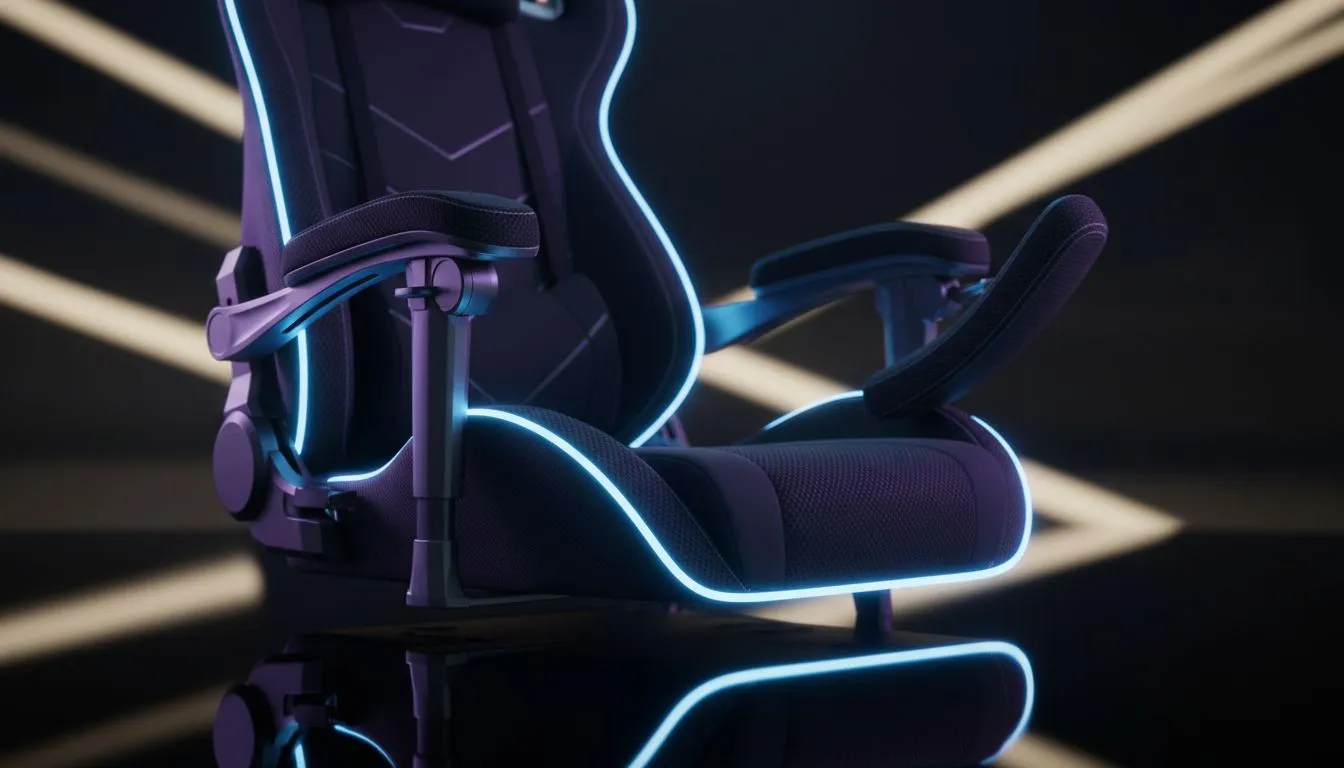
Why adjustable armrests matter for wrist and shoulder health
South African gamers know long sessions can leave your wrists and shoulders aching. An adjustable armrests gaming chair can make that pain avoidable when set up properly — it’s not just comfort, it’s prevention. If you play for hours, small adjustments to armrest height and angle cut strain, improve aim, and keep you in the match longer. 🔧
Where to start: shop smart, test features
Begin with the basics: a chair with height and depth adjustments for the armrests. Browse Evetech’s full gaming chair range to compare styles and specs before you buy — it’s a good way to shortlist models that list adjustable armrests and build details. https://www.evetech.co.za/components/gaming-chairs-south-africa-213
Price anchors and sensible budgets
You don’t need to break the bank to get meaningful adjustability. Evetech offers models from R5,449 and up, so you can filter for features without losing sight of cost. For realistic budgeting and quick comparisons, check options starting at that price. https://www.evetech.co.za/components/gaming-chairs-south-africa-213?min-price=5449
Which adjustability features actually help
Look for 3D or 4D armrests: these let you tweak height, depth, width, and angle. Not every brand labels the same way, so check each spec sheet. For example, the Vertagear collection focuses on performance and adjustability for climactic comfort. https://www.evetech.co.za/components/gaming-chairs-south-africa-213?category=Vertagear+Gaming+Chairs
Noblechairs models are known for premium materials and firm support — useful if you prefer a denser pad under your forearm. See the collection for build details and leather or fabric options. https://www.evetech.co.za/components/gaming-chairs-south-africa-213?category=Noblechairs+Gaming+Chairs
Gamdias also offers gamer-focused designs with accessible prices and practical adjustability. If you want sport-styled arm pads, take a look. https://www.evetech.co.za/components/gaming-chairs-south-africa-213?category=Gamdias+Gaming+Chairs
Productivity Pro Tip ⚡
For wrist comfort, set your armrests so your forearms are level with the desk. That keeps wrists neutral and shoulders relaxed. Use a small pad under the wrist if your desk is higher than the armrests.
Quick setup routine to prevent strain
- Adjust chair height so your feet are flat and knees at roughly hip level.
- Set armrest height so your forearms run parallel to the desk surface.
- Angle the armrest so your wrist sits straight when on mouse or keyboard.
- Take a 2–3 minute shoulder and wrist break every 30–45 minutes.
A short micro-story: Thabo from Cape Town swapped to a chair with 4D armrests, fine‑tuned them to his desk and saw less shoulder tightness after two weeks. Small moves make a big difference.
Final checklist before you buy
- Confirm the armrest type (2D/3D/4D) and padding.
- Check the warranty and material specs on the product page.
- Try to test in-store or order from a retailer with a fair returns policy.
Ready to Find Your Perfect Match? The Mac vs Windows debate is complex, but for maximum power, choice, and value in South Africa, Windows is hard to beat. Explore our massive range of laptop specials and find the perfect machine to conquer your world.











