

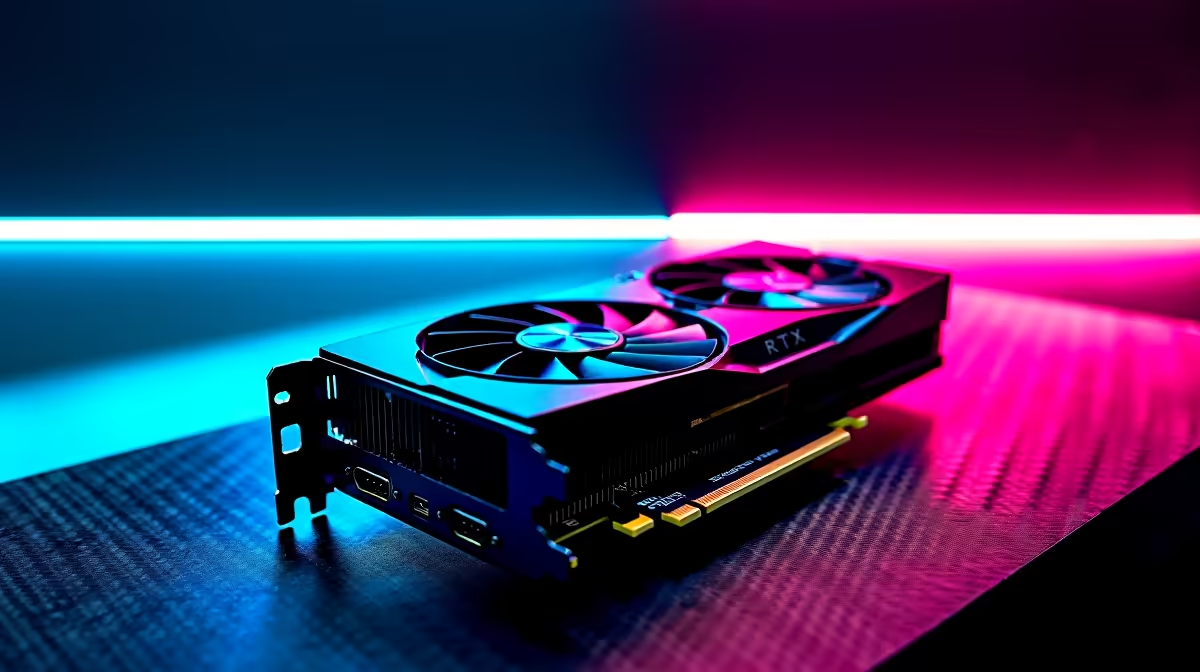
Dropping frames during a chaotic Baron pit fight is a fast track to the grey screen. If you are wielding NVIDIA's latest mid-range powerhouse, you want zero compromises. Finding the best League of Legends settings for RTX 4060 Ti rigs ensures competitive dominance. Let us optimise your setup to push those frame rates into the stratosphere... ensuring every skill shot lands perfectly.
Why Optimise League of Legends for the RTX 4060 Ti?
League of Legends is famously accessible. You do not need a supercomputer to run it. However... playing at a locked 60 FPS is very different from experiencing the buttery smoothness of 240Hz. The RTX 4060 Ti is an absolute powerhouse for 1080p and 1440p gaming.
If you are looking to upgrade your graphics card, this GPU hits the sweet spot for South African gamers. It typically retails around R8,500 to R10,000 ZAR depending on the model... making it a brilliant investment for high-refresh-rate esports.
Best League of Legends Settings for Maximum FPS 🚀
To get the absolute highest frame rates, you need to balance visual clarity with performance. Boot up a custom game and adjust your video settings to these optimal values:
- Resolution: Match your monitor's native resolution.
- Window Mode: Full Screen (crucial for reducing input lag).
- Character Quality: High. You want to see champion animations clearly.
- Environment Quality: Medium. Lowering this removes distracting background clutter.
- Effects Quality: High. You need to see spell effects... but going to maximum adds unnecessary strain.
- Shadows: Off. Shadows consume massive GPU resources and offer zero competitive advantage.
If you are building a new setup from scratch to achieve these results... exploring the best gaming PC deals can save you thousands of Rands.
Refresh Rate Pro Tip ⚡
Always uncap your frame rate in the League of Legends video settings. Additionally, turn off V-Sync. V-Sync introduces input lag... which is the last thing you want when trying to flash a Malphite ultimate.
Beyond the Game: Windows and NVIDIA Tweaks 🔧
In-game settings are only half the battle. Your operating system needs to be primed for performance. Open your NVIDIA Control Panel and set your Power Management Mode to "Prefer Maximum Performance". This stops the GPU from downclocking during less intensive moments in the laning phase.
For those who prefer a machine that works perfectly right out of the box... checking out our pre-built PC deals guarantees you get a rig with balanced components. Alternatively, if you are a student or professional who travels... modern gaming laptops equipped with RTX 40-series GPUs offer incredible desktop-level performance on the go.
Keeping Your Rig Cool and Consistent ✨
High FPS generates heat. Make sure your system has adequate airflow. Thermal throttling will ruin your FPS optimisation efforts... causing sudden spikes and stuttering right when the team fight breaks out. Keep your drivers updated and monitor your temperatures. Upgrading your cooling solutions is easy when you keep an eye on our component specials for the latest deals on case fans and liquid coolers.
Ready to Dominate the Rift? Getting the best League of Legends settings for RTX 4060 Ti setups is just the start. If you want to experience true high-refresh-rate gaming in South Africa, you need the right hardware. Explore our massive range of gaming PC specials and find the perfect machine to conquer your ranked games.











