

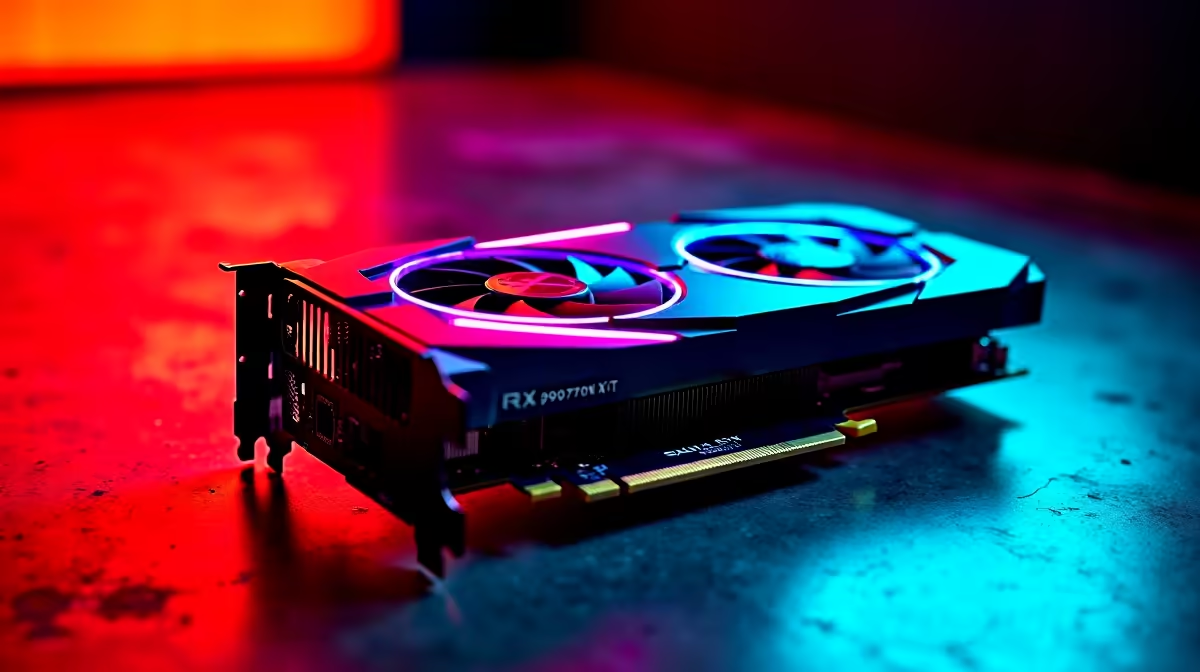
Marvel Rivals is the hero shooter we have all been waiting for. If you recently upgraded your rig, you are probably hunting for the best Marvel Rivals settings for RX 9070 XT cards. South African lobbies are fiercely competitive. Dropping frames during a massive ultimate combo is simply not an option. Let us optimise your setup to guarantee buttery-smooth gameplay and maximum visual clarity. ⚡
Unleashing RDNA 4 Power in Hero Shooters
The RX 9070 XT is an absolute powerhouse for modern competitive titles. It delivers incredible rasterisation performance without breaking your ZAR budget. If you are looking to buy graphics cards that handle 1440p effortlessly, this GPU is a top contender.
Marvel Rivals relies heavily on quick reactions and chaotic particle effects. Having the right hardware ensures your frame rate stays locked... even when buildings are collapsing around you.
Core Video Configuration for Maximum FPS
Optimising Marvel Rivals for the 9070 XT starts with your display tab. Set your display mode to Fullscreen to reduce input lag. For resolution, 1440p is the absolute sweet spot for this specific card. Turn VSync off to uncap your frame rate... unless you experience severe screen tearing.
High frames mean nothing if your system is bottlenecked elsewhere. Are you building a brand new rig from scratch? Exploring the best gaming PC deals can save you thousands of Rands. Alternatively, if you prefer a plug-and-play solution, our pre-built PC deals offer incredible value for South African gamers who just want to boot up and play.
Advanced Graphics Tweaks for Competitive Play 🔧
Now we dive into the heavy hitters. You want high frames but you still want the game to look spectacular.
- Textures: Set to Epic. The RX 9070 XT has plenty of high-speed VRAM to handle it.
- Shadows: Drop this to Medium. Shadows drain your performance and offer zero competitive advantage.
- Post-Processing: Low or Medium. This significantly reduces visual clutter during intense team fights.
- Anti-Aliasing: High. It keeps hero models looking incredibly sharp against complex backgrounds.
If you are a gamer on the move, you might be looking for portable power instead. Check out our high-performance notebooks for sale in South Africa to take the fight anywhere.
AMD Adrenalin Pro Tip 🚀
Open your AMD software and enable Radeon Anti-Lag. This feature reduces the delay between your mouse click and the action on screen. It is absolutely vital for landing those precise skill shots in Marvel Rivals.
Upscaling and Final Touches ✨
Marvel Rivals fully supports AMD FSR technology. If you want to push your gaming monitor to 240Hz, set FSR to Quality mode. The ideal Marvel Rivals configuration for AMD cards will always balance raw speed with visual fidelity. You will easily stay well above 144fps during the most chaotic moments.
Always keep an eye out for the latest tech specials to upgrade your gaming monitor. A high refresh rate display is the perfect companion for your newly optimised graphics card.
Ready to Dominate the Multiverse? Having the right settings is only half the battle. You need the raw hardware power to back it up. Explore our massive range of gaming PC specials and find the perfect machine to conquer your world.











