

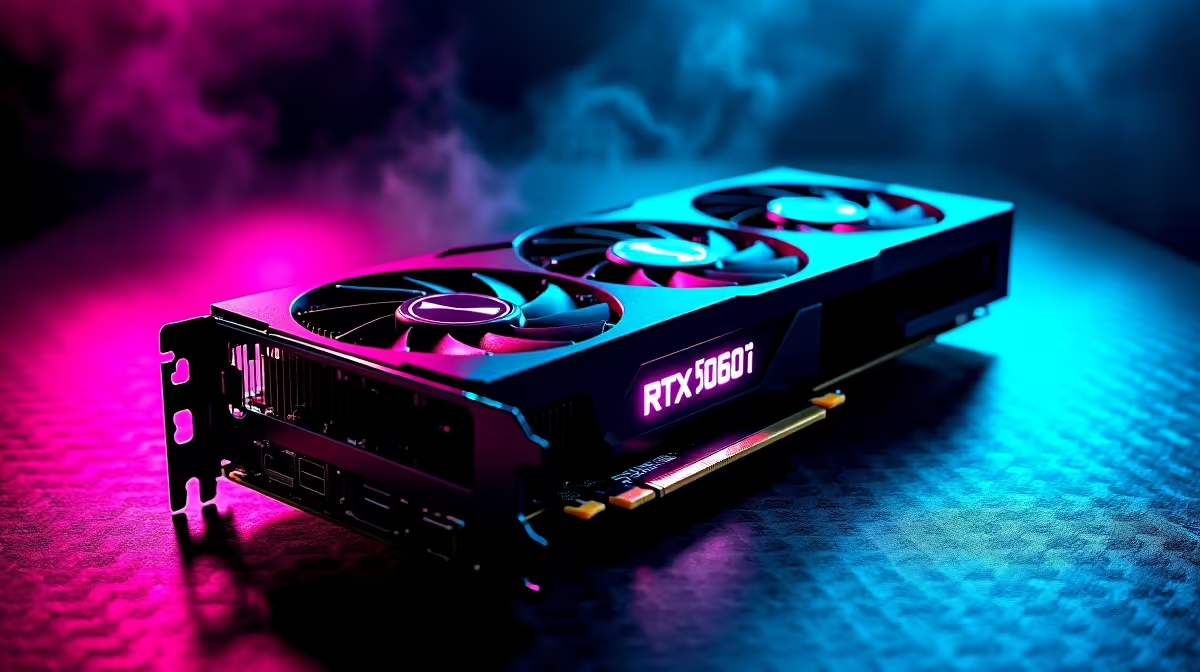
Dropping into Erangel with stuttering frames is a quick way back to the lobby. South African gamers know the pain of high ping... but your hardware should never hold you back. If you recently upgraded, finding the best PUBG settings for RTX 5060 Ti GPUs is crucial. Let us optimise your setup for maximum frames and zero lag. Time to secure that chicken dinner 🎯.
Why the RTX 5060 Ti Dominates 1080p and 1440p
The new 50-series architecture brings serious muscle. You want to consistently push those frames well over 144 Hz. A solid GPU upgrade is vital for competitive shooters. If you are still running older hardware, checking out the latest graphics cards is a very smart move. The RTX 5060 Ti handles PUBG beautifully... provided you tweak the settings right.
Best PUBG Settings for RTX 5060 Ti: Display and Graphics 🔧
Let us get into the exact tweaks. PUBG is notoriously CPU-heavy... but your GPU needs room to breathe.
- Render Scale: 100. Do not push this higher unless you want unnecessary GPU load.
- Anti-Aliasing: Ultra. It removes jagged edges so you can spot enemies hiding in the grass.
- Post-Processing: Low. High settings add blur and eat up your FPS.
- Shadows: Very Low. Dynamic shadows are distracting and tank performance.
- Textures: Ultra. The RTX 5060 Ti has enough VRAM to keep things sharp.
- Effects & Foliage: Very Low. Less foliage means spotting prone players much faster.
If you want a rig that handles these settings out of the box, browse our best gaming PC deals. You will save thousands of ZAR while securing top-tier performance.
NVIDIA Control Panel Trick ⚡
Force "Prefer Maximum Performance" in your NVIDIA Control Panel 3D settings. This stops the RTX 5060 Ti from downclocking during quiet moments in PUBG... ensuring you have full power the second a firefight breaks out.
Balancing Visuals and FPS Optimisation
Competitive gaming is all about high frame rates. You do not want screen tearing when peeking a corner. For players who prefer portability, modern gaming laptops pack desktop-level power. Exploring notebooks for sale in South Africa reveals machines that easily run PUBG at competitive frame rates.
For desktop users... pairing your GPU with a strong CPU is non-negotiable. Bottlenecks will ruin your experience. If building from scratch sounds stressful, our pre-built PC deals offer perfectly balanced systems tested for demanding esports titles.
Maximising Your Frame Rates with the Right Gear 🚀
Your graphics card is only one piece of the puzzle. High-speed RAM is essential for PUBG. Slower memory will cause micro-stutters when driving through major cities like Yasnaya Polyana.
Additionally, a high refresh rate monitor is mandatory. Pushing 200 FPS means nothing on a standard 60Hz screen. You need a 144Hz or 240Hz display to actually see those extra frames. It makes tracking moving targets significantly easier... especially when trying to hit a moving vehicle with a Kar98k.
Do not forget to disable V-Sync. It adds input lag... which is fatal in sniper battles. Enable NVIDIA Reflex Low Latency and set it to "On + Boost". This forces your GPU to keep rendering frames as fast as your CPU can feed them.
Keeping your drivers updated is another free FPS boost. It costs absolutely zero ZAR. If you are hunting for more hardware upgrades on a budget, keep an eye on our weekly specials for massive discounts on RAM and fast NVMe drives. Faster storage means faster load times when dropping into hot zones.
Ready to Dominate the Battlegrounds? Tweaking settings is only half the battle. For maximum power, high frame rates, and unbeatable value in South Africa, upgrading your hardware is the ultimate solution. Explore our massive range of gaming PC specials and find the perfect machine to conquer your world.











