

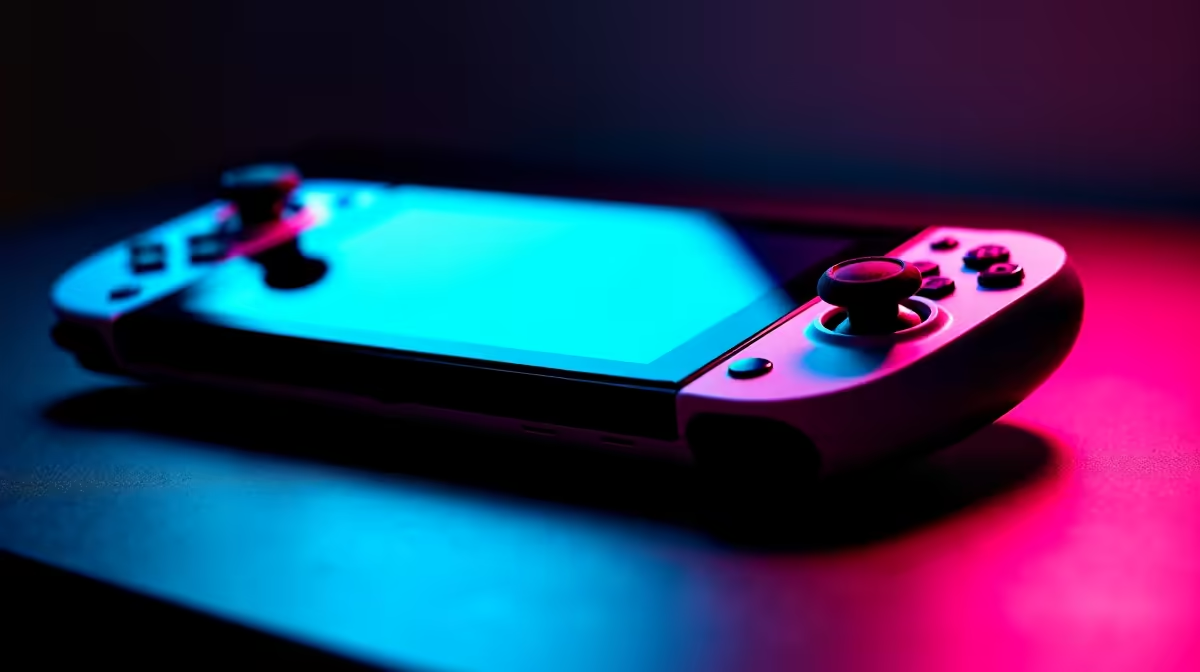
Stage 4 loadshedding just kicked in. You are deep into a boss fight, and your screen dies. Heartbreaking, right? The Lenovo Legion Go 2 is an absolute powerhouse. But to survive Mzansi's power cuts, you need serious optimisation. Welcome to our best settings for Legion Go 2: battery life vs performance guide to help you outlast the darkness.
Finding the Sweet Spot for Power ⚡
Finding the perfect balance starts with your Thermal Design Power or TDP. This simply means how much wattage the processor is allowed to use. If you max it out to 30W, you get incredible frame rates. The downside? Your battery will drain faster than a cold drink on a Durban summer day.
For most AAA titles, setting a custom 18W TDP offers the perfect middle ground. You retain smooth gameplay without killing your battery instantly. If you prefer unlimited power without worrying about charging cables, browsing the best gaming PC deals might be your next logical move.
Display Tweaks for Extended Playtime ✨
That stunning QHD+ display is beautiful to look at. It is also a massive power hog. Pushing all those pixels takes serious graphical muscle. To extend your playtime, drop your in-game resolution to 1200p or even 800p with integer scaling turned on.
Next, cap your refresh rate at 60Hz for single-player adventures. You will hardly notice the difference on an 8.8-inch screen. Need a larger display for work and play on the move? You can always explore high-performance laptops for sale as an alternative portable solution.
Quick Power Pro Tip 🔧
Always turn off OS-level background apps. Windows 11 loves to run updates and sync files while you play. Disabling these background tasks frees up CPU cycles and adds precious minutes to your battery life before the lights go out.
Performance Mode When Plugged In 🚀
When Eskom plays nice and you have wall power, it is time to unleash the beast. Plug in your original charger and switch over to Performance Mode. You can crank the TDP to maximum and enjoy desktop-level fidelity right in the palm of your hands.
It feels almost like running one of those beastly pre-built PC deals but from your couch. Of course, if you want true 4K gaming at 144Hz, you will eventually need to buy graphics cards for a dedicated rig. But for handhelds, the Go 2 is unmatched when plugged in.
Smart Storage and Background Tasks
Your storage drive also draws power. Keep your SSD clean and avoid running multiple game launchers at once. Having Steam, Epic, and the Xbox app running simultaneously will drain your battery fast. Close what you are not actively using. If you are looking to upgrade your setup without breaking the bank, keep an eye on our weekly specials to score massive savings in ZAR.
Tweaking your Legion Go 2 takes a few minutes, but the extra playtime is worth every second.
Ready to Upgrade Your Gaming Arsenal? Mastering your handheld is just the beginning. Whether you need a portable powerhouse or a desktop beast to dominate the lobbies, Evetech has you covered with the best tech in South Africa. Explore our massive range of gaming specials and find the perfect machine to conquer your world.











