

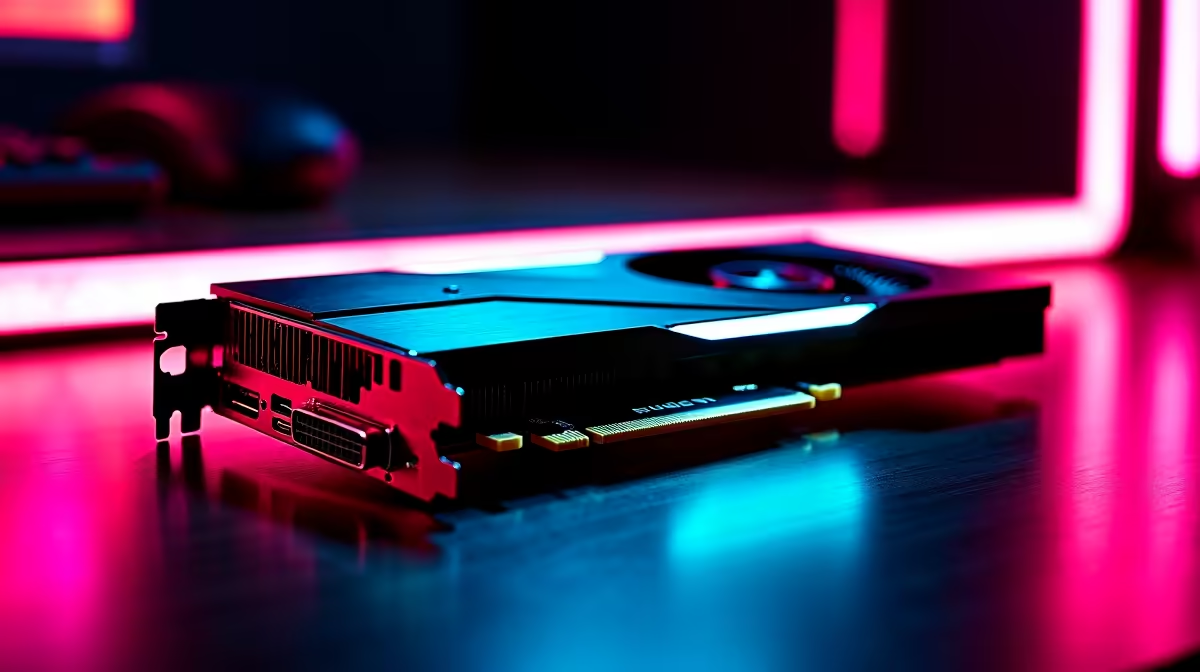
So, you have dropped your hard-earned ZAR on the mighty Radeon RX 7800 XT. Excellent choice. This card is an absolute beast for 1440p gaming in South Africa. But simply plugging it in is only half the battle. If you want silky-smooth frame rates without sacrificing visual quality, you need to tweak a few things. Let us explore the best settings for RX 7800 XT at 1440p.
Before diving into software tweaks, let us appreciate the hardware. The RX 7800 XT packs an impressive 16GB of VRAM. That is plenty of memory for the highest quality modern textures. If you are still hunting for the perfect GPU upgrade, browsing our dedicated graphics cards section is a fantastic place to start. This graphics card thrives at 1440p. It offers a brilliant sweet spot between 1080p speed and 4K sharpness. You will want a high refresh rate monitor to truly appreciate the visual fidelity.
AMD Adrenalin Software Tweaks 🔧
Your very first stop is the official AMD Adrenalin drivers. To truly optimise your best settings for RX 7800 XT at 1440p, select the default 'Gaming' profile. Next, turn on Radeon Anti-Lag to reduce input delay. This is absolutely crucial for fast-paced competitive shooters like CS2 or Valorant. Keep Radeon Chill disabled unless you specifically want to cap frame rates to save power. Speaking of saving power and hard-earned cash... keep a close eye on our weekly specials to stretch your upgrade budget even further.
Performance Pro Tip ⚡
Always enable Smart Access Memory (SAM) in your motherboard BIOS. It allows your CPU to access the full 16GB VRAM of your RX 7800 XT simultaneously. This simple tweak can boost your 1440p FPS by up to 15% in supported titles.
In-Game Graphics Settings for Maximum FPS ✨
Not all in-game graphics settings are created equal. Volumetric clouds and ultra-level shadows will eat your FPS for breakfast. Drop your shadow settings to 'High' or even 'Medium'. You will barely notice the difference in actual visual quality during gameplay. Textures, however, can comfortably stay on 'Ultra' thanks to that massive VRAM buffer. Ray Tracing looks incredible but heavily impacts performance... keep it disabled for maximum frames. If you are building a new rig from scratch, our gaming PC deals offer perfectly balanced systems designed to handle these exact 1440p settings effortlessly.
Upscaling and Hardware Synergy 🚀
Whenever possible, enable FidelityFX Super Resolution (FSR) in your game menus. FSR 3 paired with frame generation pushes your frame rates into the stratosphere. It is vital for demanding single-player campaigns like Cyberpunk 2077. However, your GPU needs a strong processor to avoid frustrating bottlenecks. If your current rig is struggling to keep up, it might be time to look at our pre-built PC deals for a complete system refresh. Prefer gaming on the go instead? We also stock a massive range of high-performance gaming laptops that rival desktop power.
Ready to Dominate at 1440p? Tweaking your settings is just the beginning. If you want the ultimate gaming experience in South Africa without breaking the bank, Evetech has your back. Explore our massive range of PC specials and find the perfect hardware to conquer your favourite worlds.











